Wallhaven
Wallhaven is an HD wallpaper site compatible with a wide range of monitors
 Bongo Cat
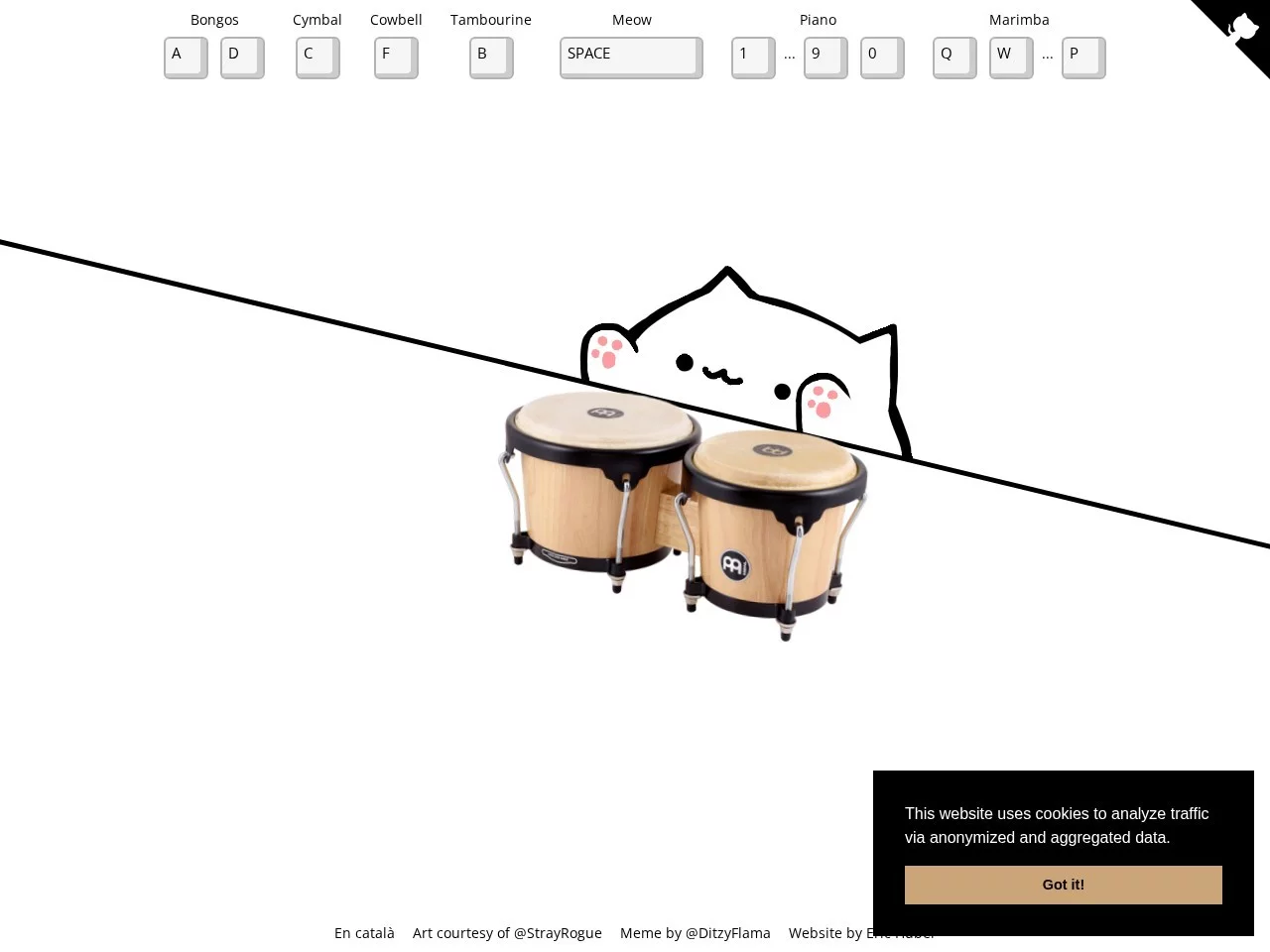
 is a desktop cat pet that moves with your keyboard and mouse
Official website: https://bongo.cat/
After tapping away at a long document on the computer all afternoon, my fingers were stiff and my eyes were nearly blurred by walls of text, so I wanted a little desktop gadget to take a break. I looked through quite a few platforms, but they were either memory-hogging static figures or keyboard-sync gimmicks that were mere decoration — I couldn’t find anything that suited me. It was only when I came across this cat desktop pet that I realised a desktop toy could fit so well into everyday operations.
When I first got started, I nearly fell into a few traps that catch many beginners:
Its most practical quality isn’t that it’s cute, but that it really moves with your keyboard and mouse — every time I hit a key, the cat’s little pads tap down in response; even shortcuts like copy and paste make it raise a paw in sync. It’s not one of those gimmicks that only react to typing: right-clicks and scrolling the mouse wheel all trigger their own little moves. It’s like a quiet little companion keeping you company while you slack off, never flitting about and disturbing your work.
Among its finer features, the skin section may not offer many options, but each one is thoughtfully designed rather than just a colour swap: some are chubby marshmallow cats, brimming with fluffy cuteness; some are cool cats wearing headphones, perfect for tech enthusiasts; even the paws can be changed — some are pink soft pads, others sharp ones with tiny claws — so you can adjust them to your liking, with nothing feeling half-hearted. I once added this desktop pet to a friend’s screen recording, and the bullet comments kept asking what this little thing was; it even boosted the video’s engagement. Whether you’re streaming or editing vlogs, adding it makes everything more appealing.
Compared with similar desktop pets on other platforms, its advantages are especially obvious: I’ve tried other keyboard-sync desktop pets before — some required installing a client of several gigabytes that took up half the memory and made the computer as slow as a snail, taking ages just to open a document; some had severe sync lag, with the cat leisurely moving only after a dozen or so keystrokes, which killed all the fun; and some free versions were stuffed with ads, suddenly popping up game download windows while you typed, which was maddening. This one is different: the web version requires no installation, takes up almost negligible memory, and syncs in real time without any lag. What’s more, I haven’t encountered a single ad since the day I started using it — it’s completely clean and a real pleasure to look at.
Having used it for so long, I’ve accumulated quite a few pitfalls along the way. Here are some practical tips to help you avoid them:
The people it suits are actually quite clear: copywriters and designers who type all day — when tired of revising drafts, a glance at the moving cat eases the irritation a bit; streamers and video creators — whether game streaming or knowledge sharing, adding this little desktop pet makes the stream much livelier, and viewers find it fun; it’s less suitable for those who demand a fully efficient desktop, such as people running a dozen windows on multiple projects at once, who might find it takes up a bit of screen space — but if you can accept it sitting in a corner, it’s still really handy.