
Coodesker Desktop
Lightweight, ad-free, portable desktop organisation tool
 Pixabay
 is a high-quality resource platform for free commercial use
Official website: https://pixabay.com/
I’ve had a lot of headaches finding images when working on self-media content and PPTs recently. The stock libraries I used before either had watermarks, required mandatory attribution, or simply stated “free for personal use but chargeable for commercial use”. The worst time was when I used a landscape image from another platform for a WeChat Official Account header; right after posting, I received an infringement notice from the platform and lost originality points, which was so frustrating. It wasn’t until I stumbled upon this platform that I avoided most of the pitfalls. Today I’ll share my real experience using it, not the dry official introduction.
Newbie pitfalls I fell for (and you will too if you’re new):
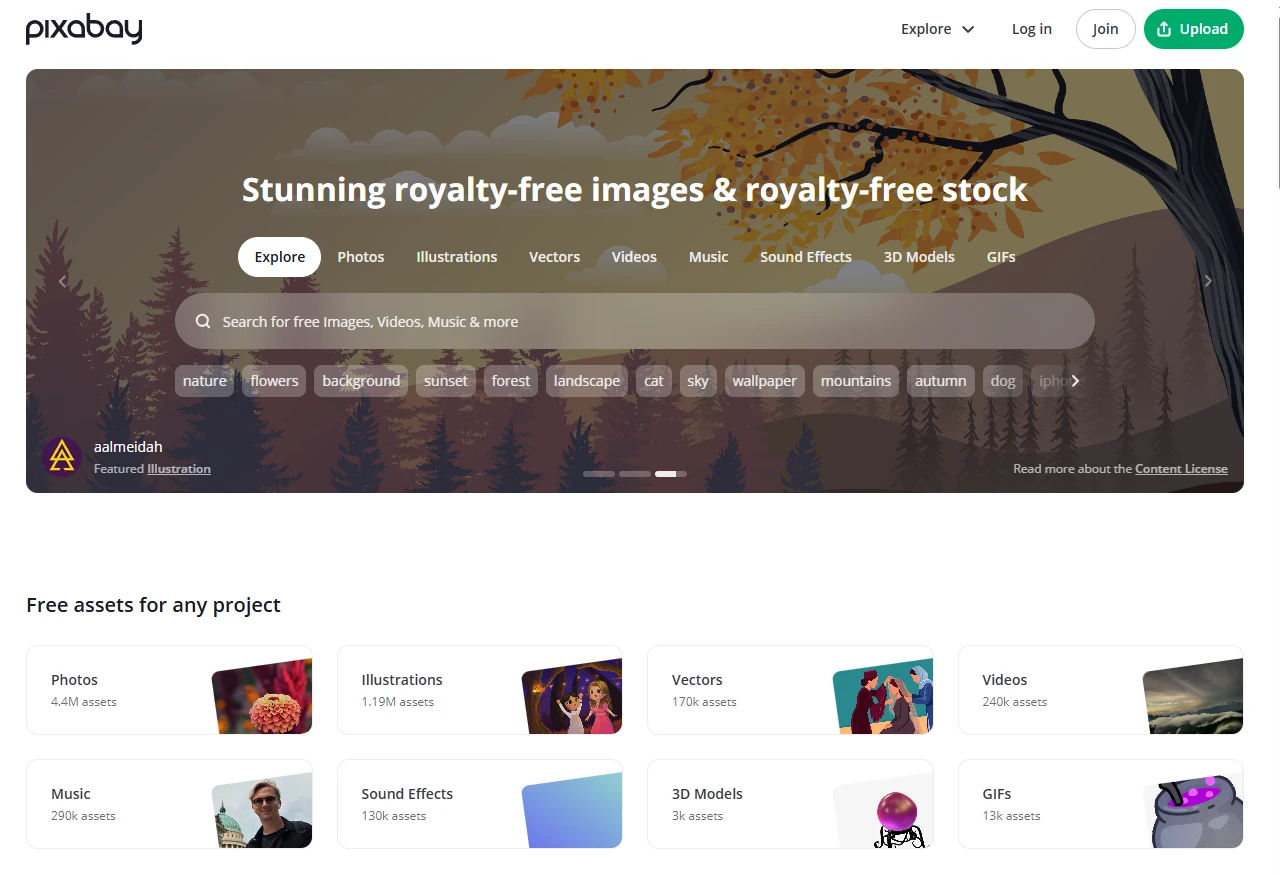
The most practical part of this platform is actually its content categorization and quality—it’s not a messy pile of random images, but divided into several categories: Photos, Illustrations, Vector Graphics, and Video Assets. The one I use most often is vector graphics; when making WeChat Official Account covers, I just change the color to fit the theme, no need to look for assets elsewhere. There are also wide-screen landscape images that I can set directly as desktop wallpapers without cropping, with high enough resolution and excellent display effect.
Compared to other similar platforms, its advantages are obvious:
I’ve also summed up a few time-saving tips from my own use:
Many people can benefit from this platform: for example, self-media editors don’t have to worry about infringement when looking for cover images; students or professionals making PPTs can use background images or illustrations directly, saving a lot of time on creating graphics; and regular users can find high-resolution landscape images for wallpapers. However, there are also cases where it’s not suitable: for example, if you need custom commercial images, like a specific scene for a brand, they might not be here, so you’ll have to look for paid professional stock libraries.
Overall, this platform is the kind of place where you don’t have to think hard to find images—no need to worry about copyright or charges. For someone like me who doesn’t have much time to fuss over assets, it’s a real lifesaver. Later, when I was making videos, I also found short asset clips here, no need to worry about disputes either. It covers most of the scenarios where I need to find assets.