TranslucentTB
TranslucentTB is a lightweight, open-source Windows taskbar transparency tool
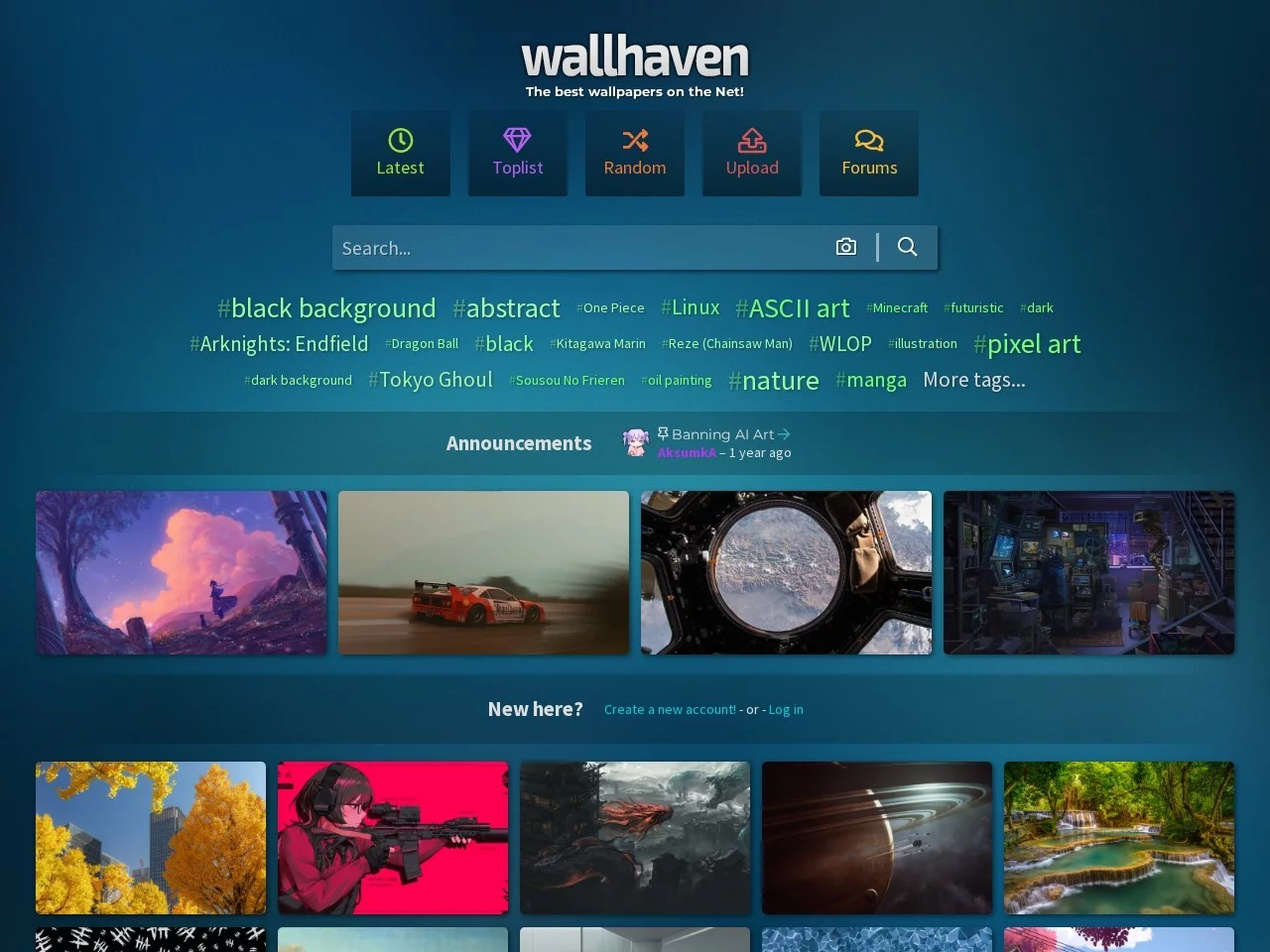
 Wallhaven
 is an HD wallpaper site compatible with a wide range of monitors
Official Website: https://wallhaven.cc/
I always struggled when changing my desktop wallpaper: the images I found were either compressed into a blur or had the wrong aspect ratio, stretching out of shape on my ultrawide screen, and pop-up ads kept appearing along the way — one wrong click and I had downloaded a pile of useless software. For a while I just stared at my empty desktop, until someone recommended this place. Only after using it did I realise how many unnecessary pitfalls I had stumbled into before.
When I first started, I fell into quite a few traps. The first was not noticing the little gear icon in the top right corner — that’s the language setting. I searched for days amid a wall of English before learning that clicking it lets you switch to Simplified Chinese. The second was assuming I could save favourites without logging in — when I switched browsers, all my saved images were gone. Only later did I find out that registering a free account syncs your favourites. The third was not knowing there was a colour filter: I only searched terms like “Morandi wallpaper” or “cyberpunk style” and got a messy jumble of results, when in fact there is a dedicated colour bar where entering a colour code or adjusting the sliders gives you precise matches. Another trap was constantly clicking the “Quick Download” button on the page — I later discovered it was an ad. For HD downloads you need the dedicated button for each image, so don’t click other links carelessly.
What I find most reassuring is its precise filtering and the quality of the images. I use a 21:9 ultrawide screen; on other sites I would either get 16:9 images with big black bars or forcibly stretched ones, whereas here you can select the aspect ratio directly, and every image that comes up fits perfectly — no awkward edges. The categories are comprehensive too: I love retro cyberpunk anime images, and niche characters that Chinese sites can’t find are always available here as quality user uploads, complete with artist credits, so I can look up other works by the same artist as well. The colour filter is genuinely useful: for instance, when I want low-saturation sky images, I enter a pale blue colour code and everything that comes up matches exactly — no more flipping through images one by one.
Compared with several foreign sites of the same kind I tried before, its advantages stand out clearly. Some sites load slowly, taking ages to browse a single page; this one is reasonably fast. Some sites are riddled with ads with unavoidable pop-ups; here, apart from the occasional unobtrusive sidebar ad, there are hardly any pop-ups. Most importantly, the content quality: on similar sites many images are compressed and turn blurry when enlarged, while the images here are basically original quality — you can even make out the artist’s fine details. Some Chinese wallpaper sites either push vulgar, borderline images or offer wildly uneven quality; this site has fairly strict review and doesn’t push random content, which makes browsing far more comfortable.
Another feature I use often is tagging in favourites: I organise my favourite images with tags like “Desktop Spares”, “Streaming Background” and “Inspiration Reference”. When I need one, I just search the tag instead of scrolling through the entire favourites list — a real time-saver. When using my computer at night, I switch on Dark Mode; the search results aren’t glaring on the eyes. It’s a thoughtful touch, unlike some sites that only care about features and ignore user experience.
A few more tips to help you avoid pitfalls. If you can’t find the image you want, try English keywords — many quality images are uploaded by overseas users, and Chinese searches turn up little. For batch downloads, don’t click the paid button; single-image downloads are completely free and batch downloads aren’t restricted either, so don’t fall for that trick. Don’t click links in the comments carelessly — some malicious links redirect to other websites and may carry risks. If you want to upload your own wallpapers, they must comply with the content rules: no infringing or vulgar content. Review takes some time, so be patient and don’t chase it.
This site suits people who need HD wallpapers in specific sizes — designers looking for reference images, people like me who use ultrawide or narrow-bezel monitors, and those who enjoy niche themes and respect creators. If you just want a few blurry images to change your desktop, or low-quality content featuring celebrities, it may not suit you — the review here is strict, and there are no filler images. All in all, after using it for so long, it has solved most of the troubles I used to have finding wallpapers — one of the few tool-type sites I haven’t been burned by.