Screenshots
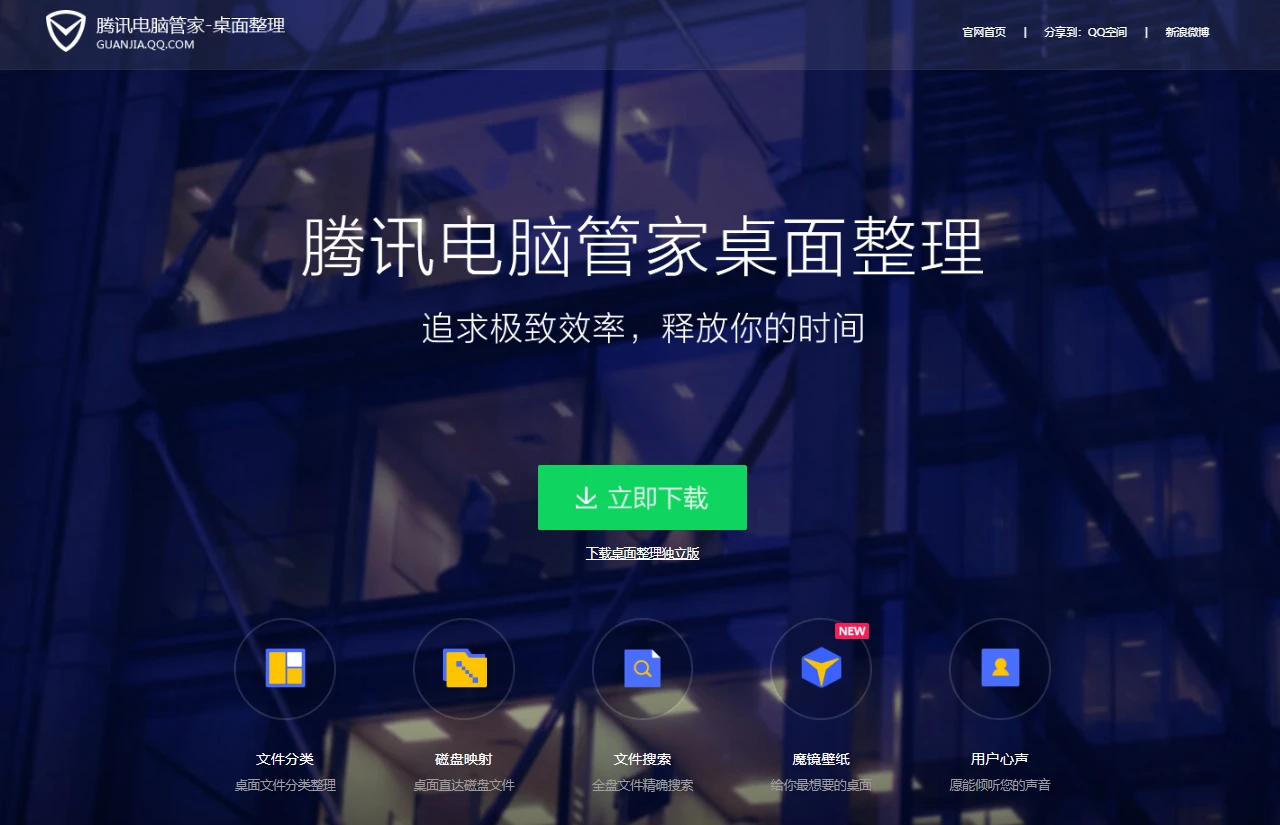
Official Website: https://guanjia.qq.com/product/zmzl/index.html
I used to have a messy desktop with hundreds of randomly saved screenshots, downloaded installers, temporary contracts, and scattered images. Every time I needed to find an old file, I had to rummage for ages. The desktop was filled with tiny icons, like an unorganised drawer, and sometimes I couldn’t even find traces of accidentally deleted files. It wasn’t until I found this tool that I finally solved the problem of a messy desktop.
- Don’t think you need to install the full Tencent PC Manager to use it — it has a standalone installer, no need to bundle all PC Manager functions. You can use it separately, saving a lot of memory taken up by unused PC Manager features.
- No need to worry about losing files after organising — it just categorises scattered files into blank grids on the desktop, not moving them to other system directories. Each grid corresponds to a different file type, so you can easily find what you need by clicking into the right grid.
- Don’t touch the extra function entrances in the organising tool, such as its built-in system cleaning and file recovery. Don’t use them directly in the organising interface — go to the main interface of Tencent PC Manager to operate. I once clicked on cleaning in the organising interface and almost accidentally deleted test files on the desktop, but I cancelled it in time.
For me, its biggest practical advantage isn’t those fancy skins, but that it really reduces the “cost of finding files”. Before, manually organising the desktop would take dozens of minutes, and it was easy to misclassify files. Now, just click the organise button, and hundreds of files are neatly arranged in a dozen seconds. Finally, I can see the wallpaper on my desktop. Every time I turn on the computer, I don’t have to face a messy desktop anymore, and my mood is much better.
- The accuracy of automatic categorization is quite high — most documents, images, and videos can be sorted into the corresponding grids. Occasionally, a small temporary test document is misclassified; just drag it to another grid, no need to change complex settings, the operation is very simple.
- Custom skins don’t cost extra. There are several minimalist semi-transparent styles that won’t block the desktop wallpaper. I once changed to a starry-sky themed wallpaper, and the skin of this tool matched it perfectly. Unlike some third-party tools whose skins have fixed sizes that don’t match the wallpaper and look very stiff.
- The right-click trigger for organising is particularly practical. You don’t need to open the tool specially — just right-click on a blank area of the desktop to see the “Organise Desktop” option. If it gets temporarily messy, click it once, saving a lot of steps compared to opening the tool every time to operate.
- The accidentally discovered disk mapping function is very thoughtful. For my commonly used external hard drive, I can directly create a mapping icon in the desktop grid. No need to go to “This PC” to search every time I plug in the hard drive — just click the desktop icon to open the hard drive, saving a lot of time looking for the drive letter.
- I’ve used other third-party desktop organising tools before. Some require payment to unlock advanced functions, some keep popping up ads and notifications. This standalone version is completely free, with no ads at all, and no extra processes running in the background, so it won’t take up computer memory.
- The integration with Tencent PC Manager is very practical. For example, if you accidentally delete important files on the desktop, you can find them in the file recovery function of Tencent PC Manager. Most similar tools don’t have this integration, so you have to install an extra recovery software, which takes up more memory and is more troublesome.
- Privacy is guaranteed. After all, it’s an official tool under Tencent, so it won’t secretly collect information about files on the desktop. Some third-party tools scan desktop files in the background, which is worrying.
- It uses very little resources when running in the background. When I have this tool open normally, the computer’s running speed basically doesn’t change. Some third-party tools can take up dozens of megabytes of memory in the background, which makes old computers lag. This tool has no such problem at all.
- Don’t enable auto-start on boot unless you need to organise your desktop every day. Otherwise, it will slow down the boot speed. I once turned on this setting, and later found that I had to wait a few more seconds for the computer to start, so I turned it off. Just open it manually when you need it — convenient and won’t slow down the boot.
- Don’t set too many custom grids. Four or five is enough; setting more will make it look messy and harder to find files. I once set six grids, then deleted two, which is just enough, and finding files is faster.
- Don’t put system files in the organising grids, such as the Recycle Bin and system shortcuts. Some system files will be classified as “Other”, and moving them randomly will affect the normal operation of the system. Please note this.
- Office workers have to store a large number of documents, screenshots, and reports on the desktop every day. Using this tool to organise makes finding files faster, no need to spend time rummaging through a messy desktop.
- Students have downloaded courseware, assignments, and test screenshots piled up on the desktop. No need to organise manually, saving more time for study or other things.
- Users with limited computer memory: this tool uses little resources, so it won’t make an already slow old computer even slower. It’s suitable for low-spec devices.
- Not suitable for users who like freely customising desktop layouts. It has a neat grid layout, and you can’t drag files freely to any position. It’s suitable for people who want a tidy desktop, not those who want a personalised desktop.
 Tencent Desktop Organizer