
Qtab New Tab
A practical and lightweight Qtab New Tab tool
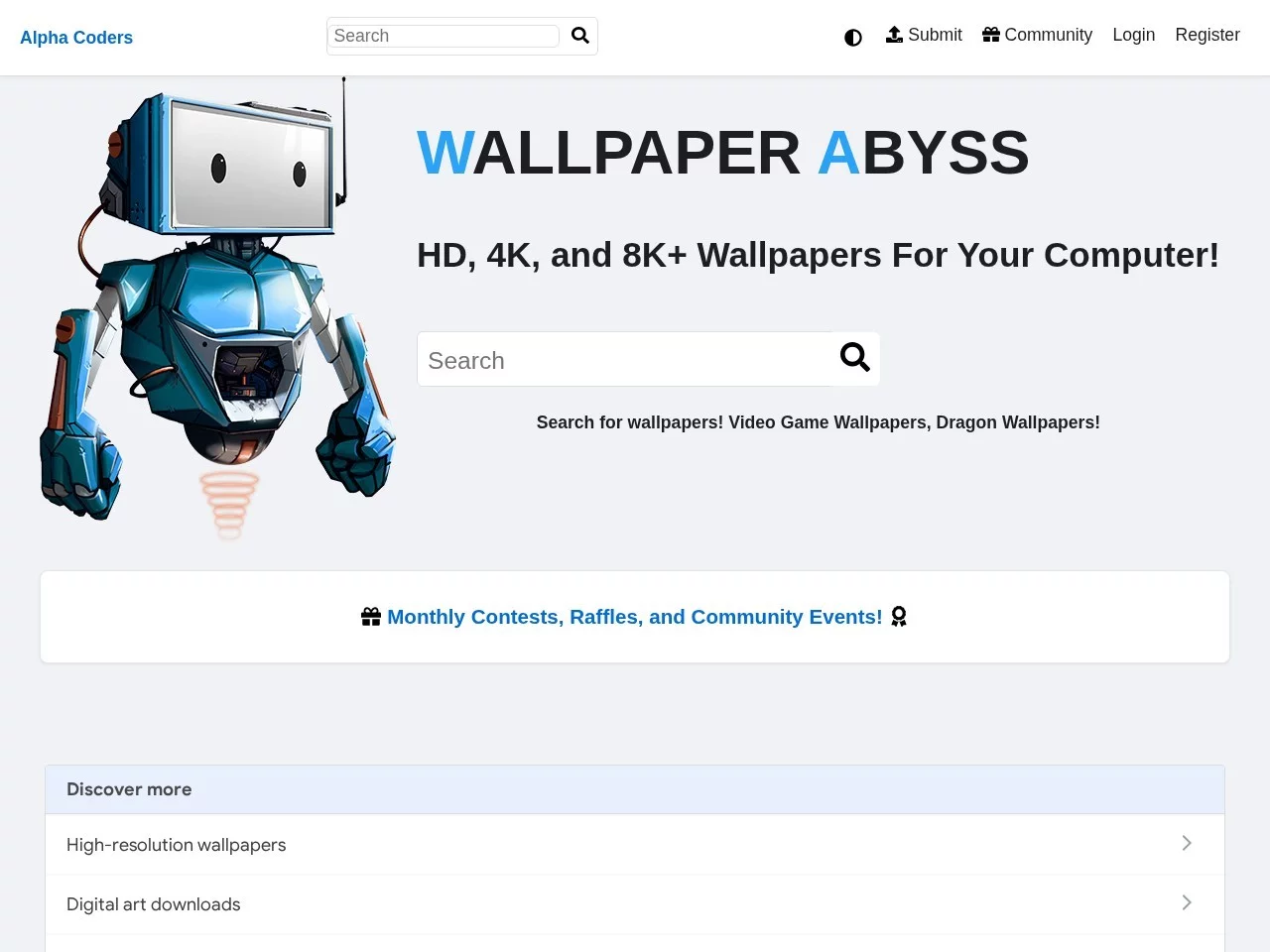
 Wallpaper Abyss
Long-standing HD wallpaper community, solving wallpaper-finding pain points worry-free
Official Website: https://wall.alphacoders.com/
I always struggled when changing my computer desktop wallpaper—either the images I found were blurry like pixelated, clicking download led to a bunch of forced ads, or after finally finding something I liked, there was a semi-transparent watermark in the corner. Before using this community, I switched several platforms, none of which solved these annoying issues. It wasn’t until I tried this site by chance that I completely changed to a worry-free way of finding wallpapers.
There are quite a few pitfalls when first starting out. The first was foolishly clicking the regular download button, only to get palm-sized preview images that turned blurry when scaled up to a 4K desktop. I stared at the image for a long time before noticing a small, inconspicuous Original button hidden below each image—only accessible after logging in, which is the gateway to the high-definition original image. Many new users easily overlook this detail.
There’s also a pitfall in search skills. At first, I always searched with Chinese keywords, but couldn’t find images of niche old anime or classic movies. Later, I tried switching to the corresponding English tags—for example, searching for “Attack on Titan” instead of “进击的巨人” brought up a ton of results instantly. Whether it’s screenshots from old TV series or limited-edition wallpapers from movies, they’re all available here, which is extremely practical for those who like to find old content.
The core advantage of this community is truly “reliable”, which is very obvious compared to other wallpaper sites. Other sites either compress images heavily, marking them as 4K but actually being only 1080P, or are full of pop-up ads, leading to five or six pages opening when clicking an image. The image quality on this site is incredibly consistent—there’s almost no false resolution labelling, and there’s no watermark that affects the image. The found images can be used directly as desktop wallpapers without post-editing. The classification and filtering logic is also great: no need to search blindly, just select the resolution corresponding to your screen. If you can’t find it, you can manually enter custom values. For example, a friend of mine uses a 5K screen, and after entering the parameters, they quickly found a suitable image, saving a lot of trouble compared to trying one by one on other sites.
The most practical feature is the association between favourites and tags. After logging in, you can add your favourite images to a private favourites folder and manually categorise them—for example, separating game wallpapers and anime wallpapers, so you don’t have to search again every time you look for images. The tag recommendations are also very knowledgeable: searching for “Genshin Impact” will automatically bring up English sub-tags like “zhongli”, and clicking in will find more targeted content, so you won’t wander around in a bunch of irrelevant images.
Also, remember these small details to avoid pitfalls: First, when downloading, be sure to click the Original button, not the regular download next to it, otherwise you’ll still get small images. Second, when registering, use your commonly used email instead of linking social media accounts—after all, this is a foreign site, and linking social accounts could be unsafe if there’s a problem. Third, if you don’t get results searching with Chinese keywords, be sure to try English tags; domestic users often fall into this trap when searching for niche content. Fourth, if you’re looking for old images, click on the relevant categories in the filter, and you can dig up many classic contents that can’t be found on other sites.
The suitable crowd is quite clear: those who have requirements for desktop wallpaper clarity, like changing wallpapers regularly, especially people who love games, anime, and film & TV content, as well as photographers looking for landscape images for their desktops. There are also many people who aren’t suitable—for example, those who are used to finding wallpapers via apps, since this site is mainly optimised for the computer web version, and the app experience is average. Or if you insist on finding extremely niche content with no relevant English tags at all, you might have to go elsewhere.
The most comfortable point after using it is that this site doesn’t have the kind of tricks to force you to upgrade to a membership. All necessary functions are available for free users. It’s just that the foreign server loads a bit slowly occasionally, which isn’t a big problem for domestic users—they just have to wait three to five seconds at most, and the sense of achievement after changing the wallpaper makes up for it completely.