
Baichuan Large Model Open Platform
Baichuan Intelligence offers open commercial AI large model APIs to developers
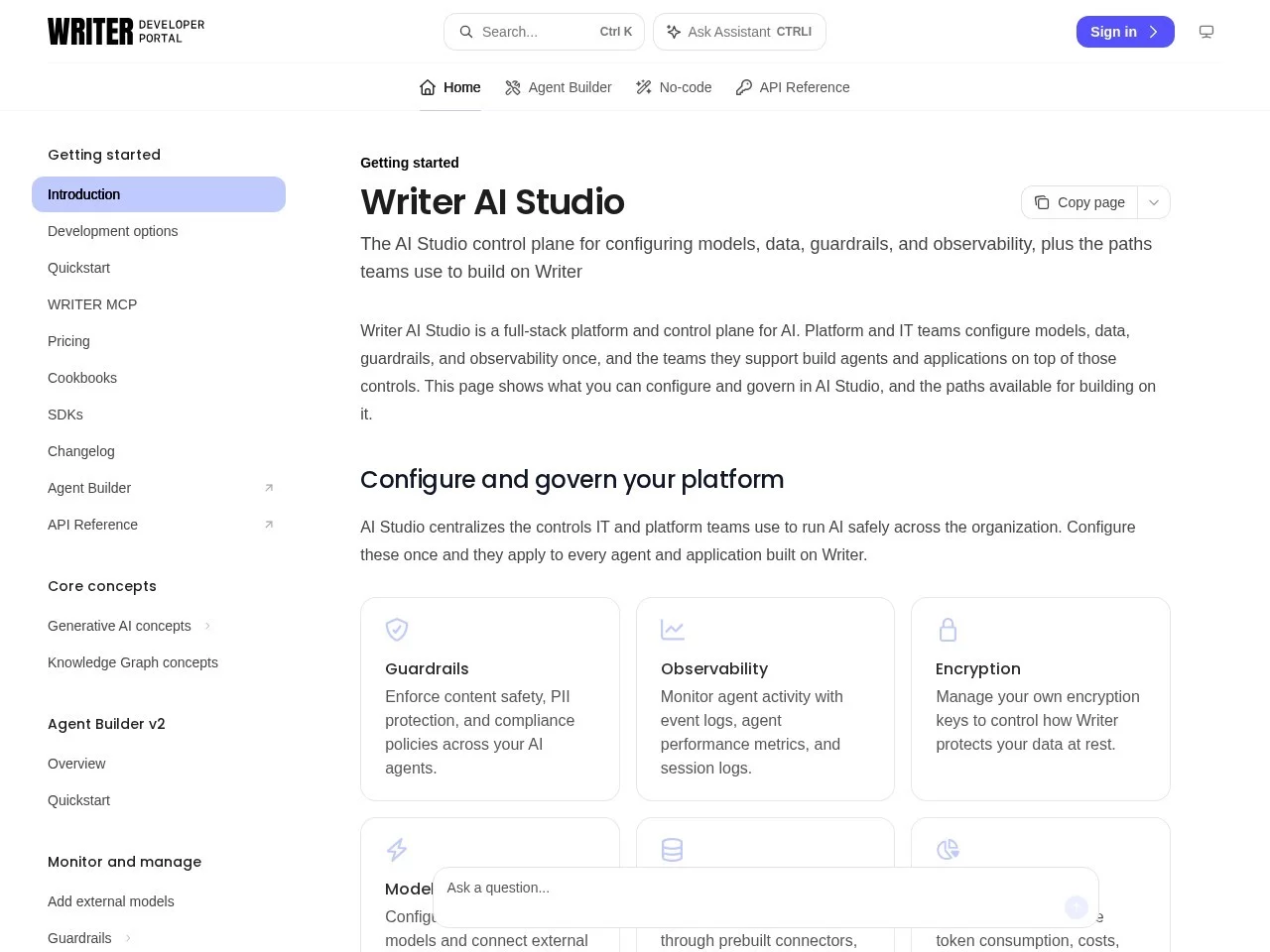
 Writer API
 is an enterprise-level AI service platform
Official Website: https://dev.writer.com/
When I was helping my team with content customization and system integration, I tried many AI tools. Some could only generate content via online chat and couldn’t be embedded into our backend; others had overly complex interfaces where I couldn’t find core parameters, and I also worried that business data would be used to train public models. It wasn’t until I came across this platform that these pain points were solved.
New users often fall into several cognitive traps when they first access it. For example, they search everywhere for a chat dialog box, only to find interface documents, model lists, and call instructions after a long time, thinking it’s a closed tool for very large enterprises. In fact, it has no interactive page for individual users at all—all functions are designed for developers and enterprise integration. If an individual just wants to play around with AI generation, they will most likely “can’t find the entry”. Some people also mistakenly think its pricing is the same as that of general LLMs, calculated strictly by tokens. But in fact, its Palmyra series self-developed models are custom-trained, and the pricing includes exclusive services such as data isolation and technical support, not the general pricing logic. It’s also important to note that new users often ignore the data isolation settings and casually input prompts with sensitive business information. Although the platform has clear isolation rules, it’s still necessary to follow industry data standards to avoid unnecessary risks.
The core value of this platform is actually oriented towards enterprise-level scenarios, which is incomparable to general AI tools. Its self-developed models are not clones of other LLMs, but trained for enterprise content and compliance requirements. When I used interfaces from other platforms before, the product documents generated often strayed into irrelevant topics or used too general expressions, while the content returned by Palmyra models is more in line with industry terminology and more logically rigorous. In addition, its full-stack development framework not only provides an API link, but also comes with multilingual call examples, debugging tools, and permission management instructions, saving a huge amount of development time for small teams—they don’t have to start from scratch to figure out how to embed AI capabilities into their systems. Moreover, its enterprise-level data isolation mechanism is something many platforms can’t achieve. I know many Fortune 500 companies are using it, and the core reason is that it will not use users’ call data to optimize public models, even if it’s anonymized. This is a huge attraction for teams that require business confidentiality.
In actual use, the function I use most is not directly writing prompts, but adjusting several core parameters, such as “style calibration” and “professional level”. For example, if you want to generate a report for the compliance department, you can set the professional level to maximum and the style to formal, so the generated content will not be too casual and can automatically avoid compliance issues. The API call documentation is very practical—from applying for keys to making the first call, each step has code snippets in the corresponding language. When I used Python to batch-generate e-commerce product descriptions, I just copied the example and modified two parameters to make it work, without having to check the interface documents for a long time. Another practical point is that its API supports directly synchronizing the generated content to your own content management system, without manual copying and pasting, which is very convenient for teams that output batch content.
Compared with similar platforms, Writer’s advantages are obvious. Compared with a foreign LLM API I used before, its models understand enterprise-specific scenarios better—for example, for financial industry content, it won’t generate expressions that don’t meet regulatory requirements, while that LLM occasionally makes mistakes. In terms of data isolation, Writer’s call data is completely separated from other customers and won’t be used to train models, while that platform uses anonymized data to optimize public models. For teams that need to protect business confidentiality, Writer is more reliable. In terms of pricing, Writer has no hidden fees and won’t raise prices temporarily due to a surge in call volume, while that platform’s peak billing often causes my budget to exceed. Moreover, for technical support, Writer has dedicated contacts, not cold automated customer service, and problems can be solved quickly, which is very friendly for teams with non-technical backgrounds.
Finally, here are some practical tips to avoid pitfalls, summed up from my own mistakes: New users should not call with default parameters directly—they need to adjust the style and professionalism according to the scenario first, otherwise the generated content will be too general to be implemented. Don’t use the free quota for testing for too long; the free quota is only for verifying the interface. If you want to integrate it into your own product, you must go through the formal enterprise application process. When calling the API, pay attention to the rate limit—if it’s exceeded, you will be rate-limited, so it’s best to implement a simple retry mechanism. Also, don’t put customers’ sensitive information (such as contact details, financial data) directly into prompts. Although the platform says it will protect them, it’s still best to follow industry data standards to avoid unnecessary risks.
The target users of this platform are very clear: developers who need to integrate AI capabilities into their own products or systems, teams that do batch content generation (such as content marketing, product documents, compliance reports), and enterprises that require data security and compliance (such as finance, law, healthcare). It is not suitable for users who only need personal chat, because it has no personal chat interface or free personal accounts—all services are enterprise-level.