Tencent Hunyuan
A practical developer's guide to the Tencent Hunyuan API
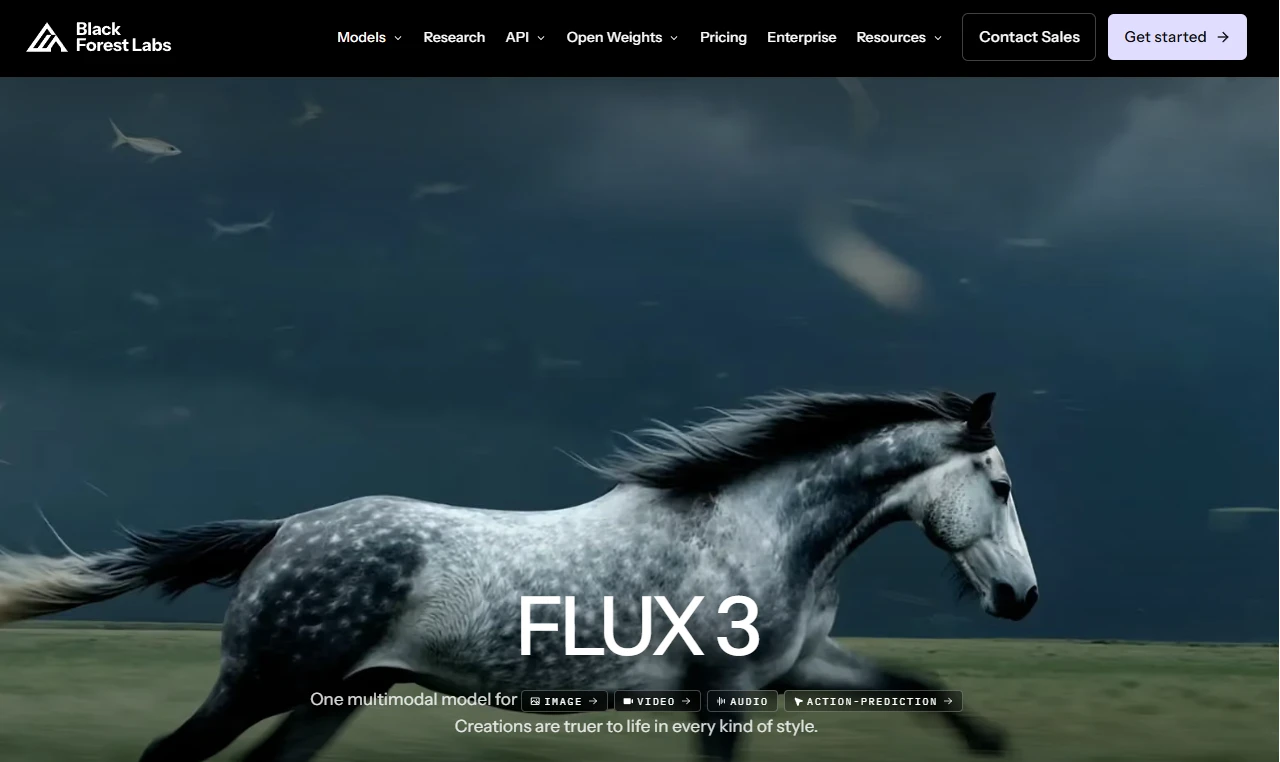
 Black Forest Labs
 is a professional image generation API tool
Official website: https://bfl.ai/
Before this, when I was doing design-related work, I always needed to generate images in batches for different scenarios. The tools I’d found before were either chat-based, where you had to manually download after entering a prompt and then reformat everything to fit your needs — really cumbersome for batch processing — or the output was so blurry it was unusable. I stumbled upon this one by chance, and at first I didn’t even work out what it was for; I was puzzled for quite a while.
Most newcomers who first click in have fallen into the same trap — this site is not the kind of ordinary generator with a big generate button where you type into a chat box; the whole screen is filled with API documentation and model lists, with no “one-click generation” guide at all. Many people think they’ve come to the wrong place, clicking around without finding any usable feature, wasting a good ten minutes or more. That’s exactly what happened to me the first time; I thought it was an empty site with just documentation and nearly closed it.
Only later did I get to its core: it was built by the original Stable Diffusion core team. Their **FLUX image model** is well known in the industry for solid detail and accurate colour reproduction. I’ve compared it with models from several other providers — with the same prompt, the texture and depth of this one’s output are noticeably much more solid. What’s more, it’s the official **API** of its own, not the kind resold through third parties, so you won’t run into interfaces failing midway or models being swapped behind your back — the stability is guaranteed.
For everyday use, its feature details suit people who actually get work done. The model list is laid out clearly, and each model’s applicable scenarios and parameter requirements are explained plainly, so you’re not left guessing at a parameter table. The API documentation gets straight to the point too — from how to send requests and fill in parameters to the format of returned results, there are concrete examples, so you don’t have to dig around for ages to understand the rules. Pricing is displayed openly as well, nothing hidden, so you don’t need to worry about extra charges popping up halfway through.
Compared with the third-party platforms on the market that integrate FLUX, the advantages of this official site are really obvious. I’ve tried other providers before: either their interfaces often lag and you wait ages after sending a request, or after calling it they quietly swap the model for an older version, and the output quality is a notch worse. This official one is different — you get results quickly after sending a request, the model is the latest, and they don’t do that kind of corner-cutting. Also, it doesn’t require you to jump to a separate generation page; you integrate directly in the backend, so for batch processing you don’t have to keep bouncing back and forth, saving many steps.
There are a few tips to keep in mind, or you’ll easily trip up: don’t casually use prompts copied from the internet — you need to adjust the format according to the API requirements, or you may get garbled output or images that don’t match expectations. I fell into this trap at the start: I pasted a copied prompt and the resulting image was far off from what I needed, before I learned to adjust it to the format in the documentation. Don’t fire off too many requests at once either — beginners often miss the rate limits, get throttled and have no idea why, so you have to watch and control it yourself. And make sure you stick to this exact URL; don’t click those counterfeit FLUX API sites — they’re either ridiculously expensive or run old models, wasting your time.
This tool suits people who need to generate images in batches and integrate with their own systems — for example, designers who need to consistently generate images in a particular style, or developers who want to build image generation into their own products. If you don’t want chat-style generation and prefer direct backend integration for batch processing, it’s a great fit. If you just want to play around and generate a few images to kill time, this site’s operation might be a bit complicated for ordinary users; but for serious work, it really saves a lot of trouble.