Luma API
Sharing hands-on usage tips and advantages of the Luma API
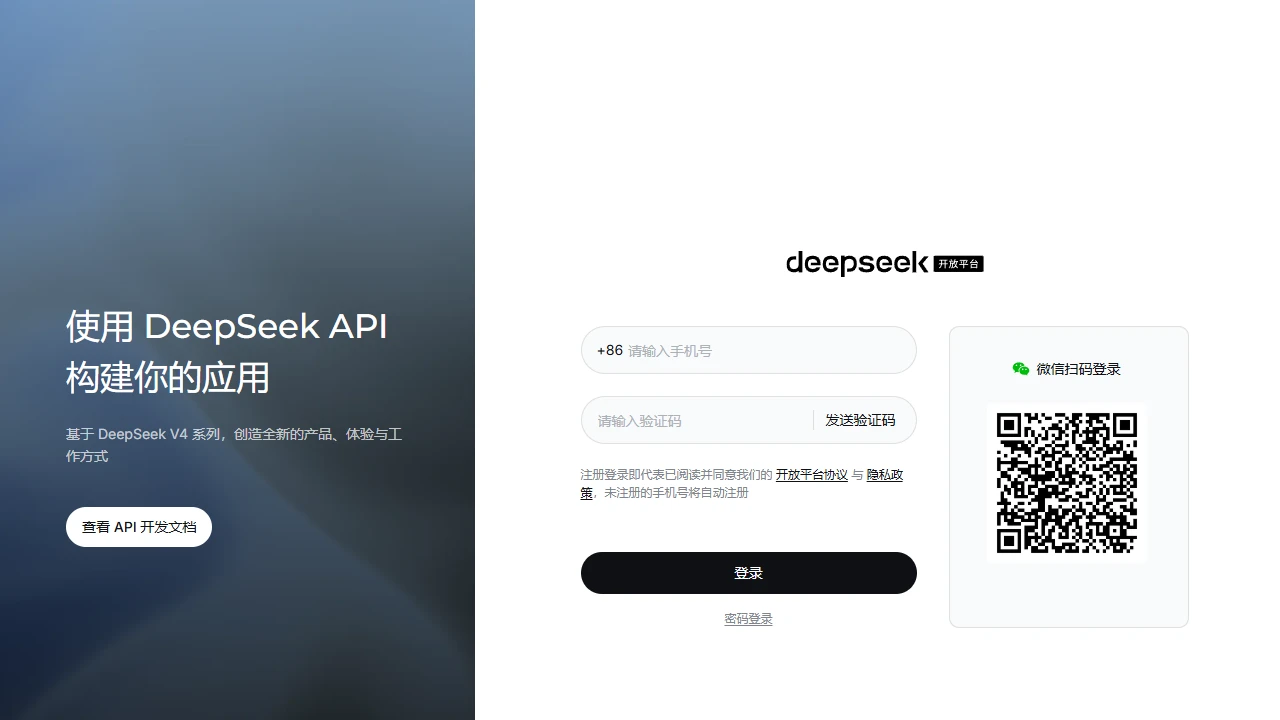
 DeepSeek Open Platform
Sharing experiences and pitfalls of using the DeepSeek Open Platform
Official website: https://platform.deepseek.com/
I usually create lightweight AI-assisted tools, such as writing summaries for WeChat Official Accounts and building basic conversation logic for chatbots. I encountered many pitfalls when looking for API platforms before—either the data on third-party platforms was insecure, or the entry was hidden too deep to find the real API functions. It became much smoother until I used this open platform.
When I first started using it, I hit a big pitfall. The chat page on the main site was very prominent, and I once thought that was the API entry. I tried for a long time but couldn’t get it to work. Later, I spent half a day looking for the dedicated entry tab of the open platform and almost gave up. Also, after registering, I didn’t read the instructions carefully and tried to make a call directly, only to find that I needed to create a project and apply for a dedicated API key first, and even the request format had to match. At first, I used OpenAI’s parameters, but received a format error prompt. It took me almost an hour to fix it.
The core attraction of this platform is that it’s officially developed, so you don’t have to worry about data leakage or misappropriation. Previously, when I used a small third-party platform for a project, I later found that the training data I provided was used for model fine-tuning, so I quickly switched to the official channel. The V3 and R1 series models it offers exactly cover the text generation and logical reasoning scenarios I commonly use. The reasoning ability of R1 is much more stable than models at the same price point; it won’t fabricate content when handling slightly complex topic logic, unlike some models that ramble to reach the word count.
The interface documentation is very practical, not a jargon-heavy book. Each API comes with ready-made sample code. When I wrote tools in Python, I could directly copy the sample, change the API key and parameters, and run it without fumbling around for a long time. The model list also marks the applicable scenarios for each model. For example, V3 is suitable for fast-paced batch text generation, and R1 is suitable for content creation that requires rigorous logic. You don’t have to guess which model matches your needs. There is also a dedicated API test page where you can directly make calls after filling in the parameters, so you can test the effect without writing code, which is very friendly for beginners.
After comparing several similar API platforms in China, this one is indeed cheaper and compatible with OpenAI’s request format. Previously, when I switched to a model from another platform, I had to modify most of the code to make it work. When switching APIs on this platform, as long as you change the request address and key, the code can run with almost no changes, saving a lot of adjustment time. Also, the customer service, although not particularly fast in replying, can answer technical questions. Unlike some third-party platforms that only send generic customer service manuals, when I asked about rate limiting before, I quickly received official adjustment suggestions, not perfunctory answers.
I need to mention the pitfalls I encountered. First, the API key must be stored in environment variables, not written in public code. A friend of mine put the key in a public code repository, which resulted in it being stolen and used to send many requests, incurring extra fees. Second, don’t test frequently at will. I sent hundreds of test requests continuously at first, which led to the platform rate limiting me. It took almost an hour to recover. You need to pay attention to the platform’s rate limiting rules and control the call frequency according to your actual needs. Third, don’t use third-party tools to scrape the API of this platform. The official interface is publicly callable, but violating the terms will result in the key being banned, which is not worth the loss. Also, when testing, try to use the dedicated test environment instead of running directly in the production environment, otherwise there will be deviations in data statistics, affecting subsequent cost accounting.
Of course, there are minor shortcomings. For example, the response speed of occasional calls is a bit slower than expected, especially when the network is unstable. Also, the parameter adjustment space of the model is not particularly large, which may not be flexible enough for extremely personalised needs.
The scenarios suitable for using this platform are actually quite clear. They are mainly individual developers creating lightweight tools, students doing course design, and small and medium-sized enterprises developing basic AI applications, such as customer service assistance and content summary tools. If you need a customised model or a project with extremely large-scale high-frequency calls, you may need to switch to more targeted cooperation channels. This platform mainly focuses on general lightweight API services.