
ModelScope Moda Community
ModelScope Moda is a domestic model API hosting platform
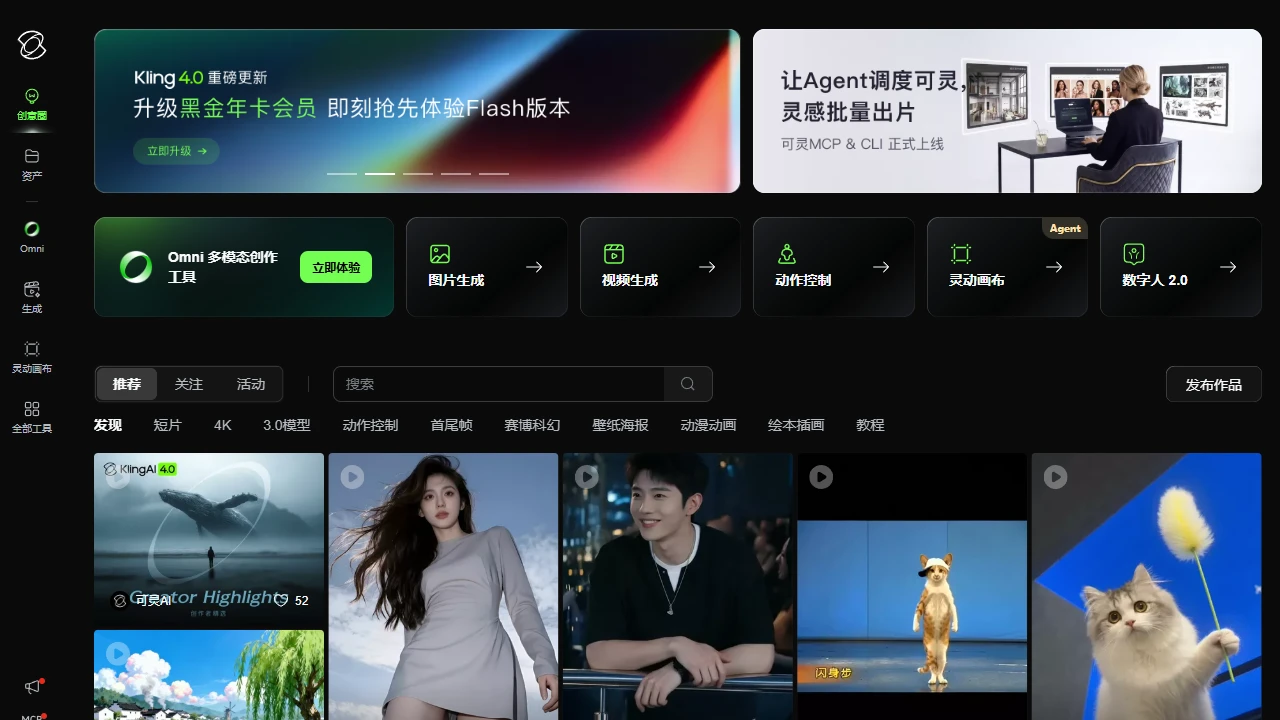
 Kling Open Platform
Practical experience sharing on using Kling Open Platform API
Official website: https://app.klingai.com/cn/dev
When I was helping clients create batch short videos for e-commerce ads, I encountered too many pitfalls with the API. At first, I couldn’t even find the right entry point—mistaking the regular Kling video generation web page for the developer platform. Inside, there were only chat boxes for generating videos from text, and it took me a long time to find the correct backend entry, which is the URL above.
My first impression after entering was that there’s no need to study the manual for parameters—each interface comes with ready-made sample code. Even if you only know how to modify a few lines of basic code, you can use it directly without guessing. Compared to other API platforms I’ve tried before, some documents look unfinished, without even parameter comments. The generated videos either have blurry edges, completely smudged product textures, or disjointed movements—even a shot of a rotating cup can be skewed diagonally. What’s more annoying is that permission applications take several days, but this platform can be called normally on the same day after application.
Here are some pitfalls that beginners are most likely to encounter when using this platform:
The core advantage of this platform is that it is optimized for commercial scenarios, whether it’s editing shots for film and television post-production or creating batch product showcase videos for e-commerce, it can meet the requirements. I talked to a friend who does advertising outsourcing before, and many of their batch video orders are processed via this platform’s API, which is much more efficient than manual work.
Another easily overlooked point is that the platform’s models are updated very quickly. Every time a new generation model is released, you don’t need to find a new interface yourself—you can select it directly in the backend, saving a lot of adaptation effort. When problems arise, you don’t need to guess blindly: there are call logs in the backend, which can directly check whether it’s a parameter error or a model issue, allowing precise adjustments without repeatedly testing prompts.
As for the suitable crowd: individuals making one or two videos don’t need to use it at all—the regular web version is enough. If you are a studio making batch videos, an e-commerce operator, or an advertising agency needing a stable commercial-level video generation API, this platform will be very practical; if you are doing secondary creation, such as adjusting shots of existing videos, it can also be used.