Moonshot Open Platform
Moonshot Open Platform: an AI tool platform tailored for individual developers
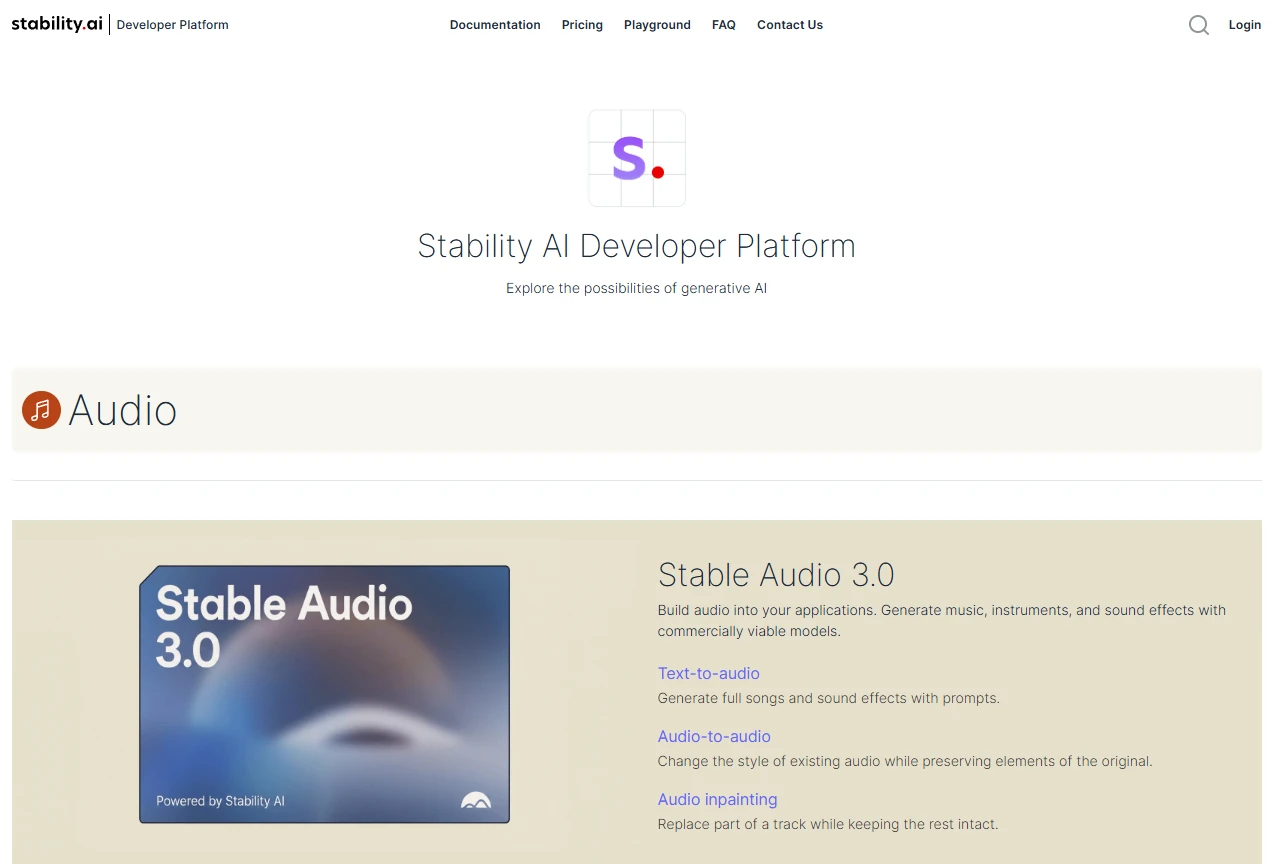
 Stability AI API
 powers batch AI image generation
Official website: https://platform.stability.ai/
A while ago, I helped a friend in e-commerce rush a batch of product main images, needing to replace the original white background images with outdoor scenes and adjust material details. I struggled with running Stable Diffusion locally for several days—models were messy to install, and large images often crashed when generated. Later, someone recommended this platform, and I found the most hassle-free solution.
Many first-time visitors fall into the same trap—they mistake this platform for an AI image tool with a chat box. They get confused by the numerous interface documents and model lists, can’t find the “click to generate image” entry, assume they need to write code, and close it directly. In fact, it’s not designed for beginners who only draw one image occasionally; its core is an API backend for those needing batch, customized image generation.
As a long-term user, what I value most is its native official API attribute—no third-party wrapper parameter truncation, and no mid-process rate limiting or price hikes. Previously, when using Stable wrapper APIs on other platforms, I always had issues adjusting ControlNet. This platform’s APIs directly connect to the official model library; whether it’s the basic version or the latest iteration model, you can call them directly without searching for model files or patches yourself. Moreover, its ecosystem isn’t limited to images—later I found it also has APIs supporting video motion effects and audio generation, so it’s not just a single image tool.
Let me give a specific scenario: I needed to replace the backgrounds of 100 product images. I found the corresponding parameters in the platform’s interface documents, wrote a simple batch call script, no need to adjust manually each time, and all images were generated in half an hour. The generated details are more refined than running locally because the platform uses high-spec computing power. Also, its model list is very clearly categorized—some are dedicated to character generation, others to product materials, so you don’t need to distinguish different model versions yourself; just select the corresponding tag.
Compared with other platforms offering Stable-related services on the market, its biggest advantage is no extra middleman markup, and no hidden parameters that can’t be adjusted. Previously, when using a wrapper platform, adjusting precise size parameters required extra payment, and there were limits on the batch generation quantity. On this platform, all public parameters can be adjusted freely as long as you don’t exceed the quota. Also, similar AI API platforms either have mediocre image generation effects or too few supported models; this one, at least in image generation, has true native capabilities without any discount.
Here are a few actual pitfalls I’ve encountered, either myself or friends:
This platform is suitable for designers needing batch image generation, developers integrating AI tools, and content creation teams—they require stable, flexible parameter adjustments and native model support. It’s not very suitable for beginners who only want to draw an anime image occasionally, because the entry is too obscure, there’s no beginner guidance, and you need to spend time figuring out how to use the APIs, which is less convenient than web-based chat-style AIs. After all, its positioning is for professional users with batch generation needs, not a tool for casual use—this is quite different from ordinary AI image tools.