Screenshots
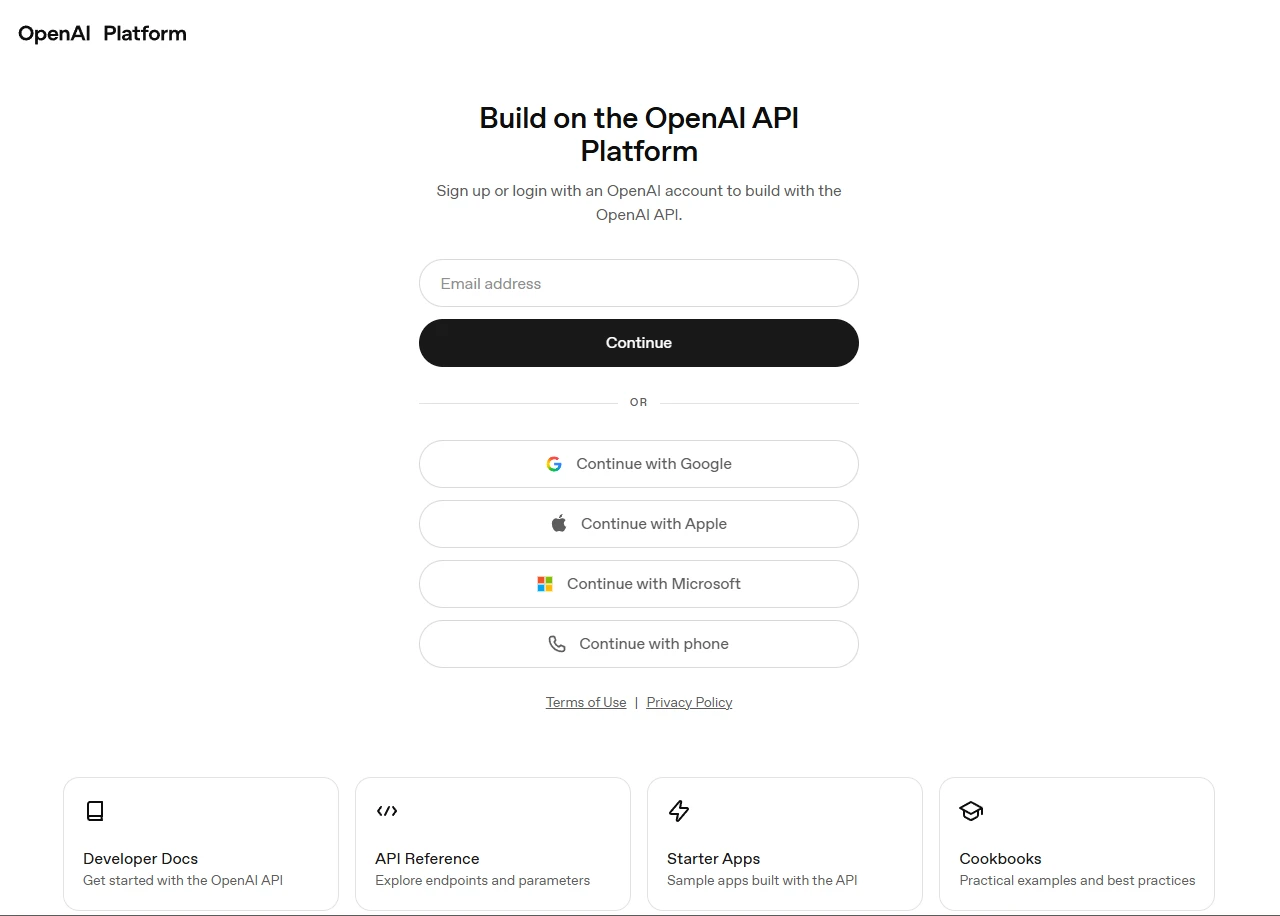
My Real Experience with AI Developer APIs and Practical Insights on the Official Platform
Official website: https://platform.openai.com/
I usually build small content-assistant tools and often need to generate copy in batches or process structured text with AI. I tried quite a few third-party AI API platforms — either the APIs kept throwing errors or the model versions were too outdated to keep up. It wasn’t until I switched to this official developer platform that I realised how many unnecessary pitfalls I had stumbled into before.
Here are the pitfalls beginners most easily fall into when starting out — I hit every one of them myself:
- The first big pitfall I hit when starting out was **confusing the official API with the chat page**. I thought I could copy conversations from the chat page and use them directly as API parameters, but they are completely different things — the chat page is for ordinary users to have single-turn or multi-turn chats, while the API is for developers to call and requires strictly passing parameters such as prompt and context as specified. Copying conversations simply won’t work;
- Picking the most expensive model for every need — for example, forcing the o-series model for simple copy polishing, only to find token consumption had multiplied several times over, blowing the budget without knowing why;
- Completely ignoring token consumption — when running batch tasks, I passed extremely long text in one go, which directly triggered the model’s context limit error, and I had to reorganise the data, wasting a lot of time.
The core value of this official platform is really the stability and transparency of a direct official connection — no middleman mark-ups, and no sneaky changes to API parameters like third parties do. What I value most is the model update speed — new models the company has just released are available on this platform the same day, with no waiting for third-party platforms to adapt at their own sluggish pace. Then there is the documentation quality: it is all written by official developers, with none of the outdated sample code you find from third parties. Whether it’s curl commands or SDK examples in various languages, a small tweak makes them ready to use — no need to fumble around figuring out how to build requests yourself.
The hands-on experience with its detailed features is also quite solid:
- Every model in the model list is labelled with its suitable use cases — I pick the gpt series for content polishing and the o series for complex logical reasoning, with no need to search everywhere for which model fits;
- The call logs show the token count, time taken and response content of every request. When an API error occurred before, I just checked the logs and found I had passed the wrong parameter — no need to argue with customer support;
- Pricing is fully transparent — the unit price of every model is listed clearly, calculated by token, with no hidden charges. You won’t get the third-party situation of “looking cheap but actually draining money at an absurd speed”.
Compared with those third-party platforms, the advantages of this official API are really obvious:
- On data security, the official side clearly states that user request data will not be used to train models, while third parties sometimes secretly use your data to train new models. For anyone dealing with client content, this matters enormously;
- The API stability is second to none — as long as your network is fine, you basically never see basic errors like “request timeout” or “500 errors”, whereas third parties often crash because of rate limiting or their own servers falling over;
- When you run into problems, there’s no waiting ages for customer support — the official documentation has dedicated troubleshooting guides, and a quick search finds the corresponding solution, unlike third-party support that either gives irrelevant answers or can’t be reached at all.
Here are a few pitfall-avoidance tips I’ve summarised myself, all lessons learned the hard way:
- In the testing stage, always use short text and small requests — get tests passing first before running batches, otherwise a single crash means hundreds of tasks, wasting tokens and holding things up;
- Calculate token consumption in advance — Chinese text is roughly 1.3 characters per token. Work out the total tokens for batch tasks before topping up, so you don’t deposit a pile of money only to see it disappear;
- You have to manage the API context yourself — you can’t just copy conversations from the chat page as context. You need to pass the context list in array format as officially required, otherwise things get messy;
- Sort out your network access in advance — accessing this platform from some regions requires special handling, otherwise even the page won’t open. Don’t wait until you’re about to run a task to discover you can’t log in.
Finally, on who it suits: this platform is for developers, people who need to process AI tasks in batches, users who value data security, and anyone who wants to use the latest AI models. If you just want to chat with AI for fun, there’s no need for this API — the official chat page is enough, and there’s no point fiddling with the interface.

 OpenAI API