
Stability AI API
Stability AI API powers batch AI image generation
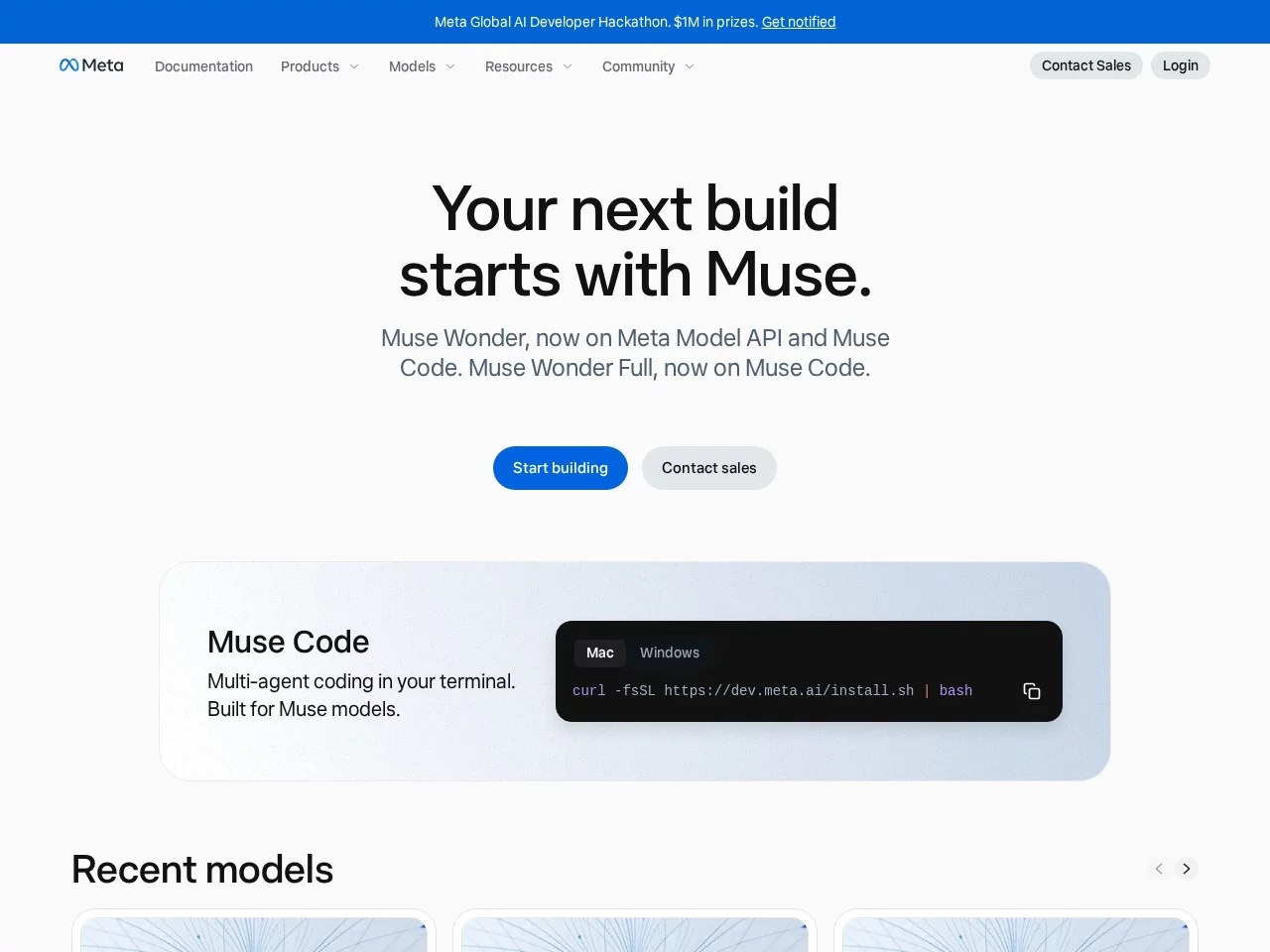
 Meta Llama API
Practical Experience and Pitfalls of Using Meta Llama API
Official Website: https://www.llama.com/products/llama-api/
When developing personal tools, I needed the text generation capability of large language models, so I tried deploying open-source models myself, but got stuck on environment adaptation for days. Later, I wanted to use a ready-made API integration to avoid the pitfalls of deployment. I tried several third-party platforms: either their API responses were inconsistent and timed out frequently, or there were warnings about data leakage risks. That was until I came across this official Meta API page.
When I first clicked in, I almost made a mistake too. There are many common pitfalls for beginners: First, I thought it was a chat page with a chat box, but I couldn’t find the chat entry after searching for a long time and almost closed it directly. Later, I realized it was a dedicated API interface site with no chat function at all; Second, I thought only large-parameter Llama models could be used, but in fact, there are also lightweight versions in the list, which are suitable for simple tasks and there is no need to waste quotas on large models at all; Third, I wanted to give up as soon as I saw the parameter list in the documentation, but in fact, the official provides quick call examples, just modify the parameters according to them, it’s not that complicated.
The core practical value of this site is the **API directly from Meta**, the **data security** is really reassuring, after all, it’s their own model, and the call data won’t be used for other purposes; the **API stability** is much stronger than third-party ones. I occasionally encountered timeouts when calling third-party ones before, but this one almost never has that; also, the model iterates quickly, every update is synchronised to the API, no need to update the model weights by yourself.
In terms of detailed function experience, I was making a small text generation tool at that time. I could test the API directly on the page without building a local environment: just select the model, fill in the parameters, copy the key and send the request. The return result is much faster than other APIs. The model list is divided into different levels according to parameter size. For the simple task I was doing, the lightweight version is enough, with low cost; the documentation also has call examples for different scenarios, such as content generation and structured output. Just modify the parameters according to them, no need to try blindly by yourself. You can also check your own call quotas and usage records, which is convenient for cost control, you won’t exceed the limit without knowing.
The advantages over similar platforms are also obvious: compared with third-party APIs, there are no additional service fees, pricing is transparent, no hidden charges; compared with other open-source model APIs, Meta’s own support is more in place, there won’t be sudden API discontinuation, the ecosystem toolchain is also extensive, can be directly integrated into many development frameworks; also, data compliance, no need to worry about milestone compliance issues. After all, it’s official, the probability of stepping into compliance pitfalls is extremely low.
Here are the real-world pitfalls to note:
As for the suitable crowd, this platform is more suitable for individual developers and small teams to integrate AI applications, who don’t want to bother with model deployment themselves and value data security and API stability. If you are an ordinary user who just wants to chat with large models, this site is not suitable, because it has no chat interface, it’s an API interface for development. It is also suitable for practitioners who need to make compliant AI products, so they don’t have to step into pitfalls in data security.