AD Recommendation
Join Now
Important: Please do not trust the content and ads of various websites easily! Recommended reading: Safety Tips
Baidu Short URL
Scan to visit on your phone
2wks agoupdate 209 00
0

Baidu Short URLBaidu Short URL

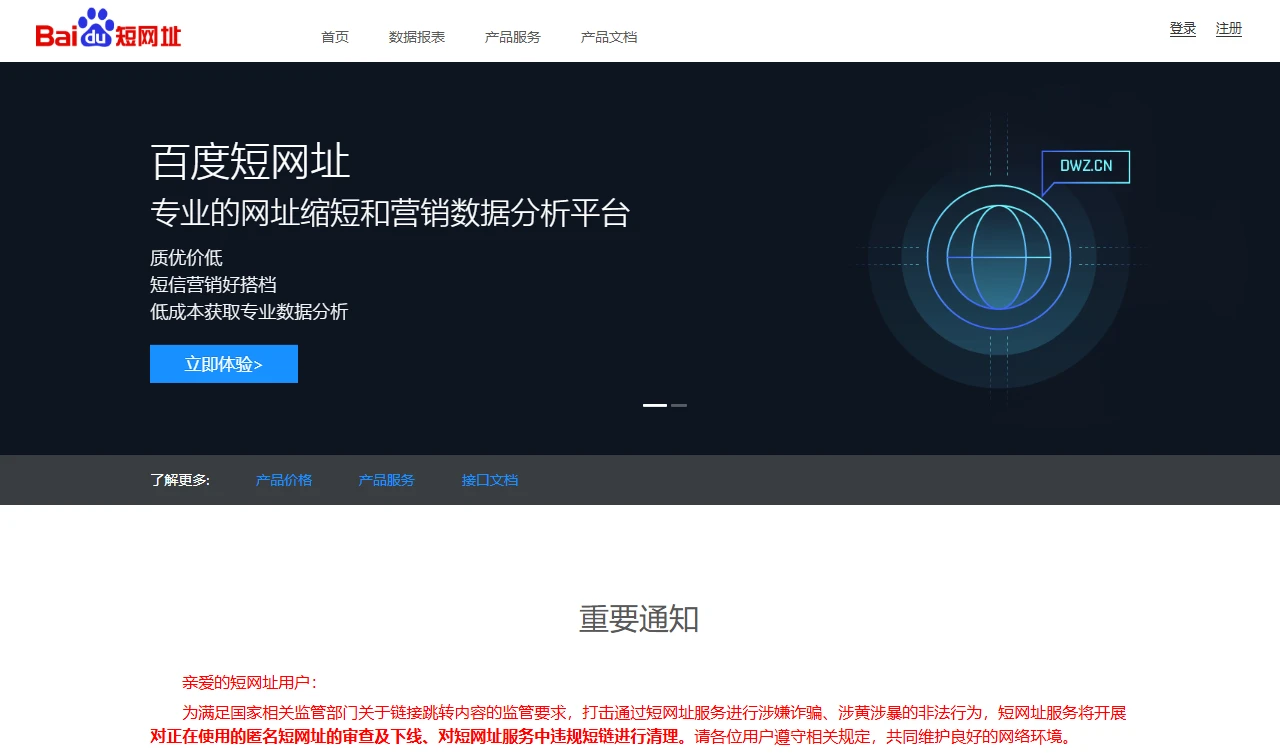
Practical and convenient Baidu short URL tool


Screenshots

Baidu Short URL

Baidu Short URL Service

Official Website: https://dwz.cn/

Whether sharing content with followers, forwarding work materials, or sending notifications across platforms, long URLs always cause problems — either they get split into several segments on social media platforms, look like garbled text, and require others to manually delete line breaks when copying; or the link in an email is too long, taking up half the screen in the body and pushing out key content. Last time I sent materials to a partner, the link was written in one full line, but the email displayed it split into three segments. They thought I had sent the wrong thing and contacted me specifically, which was really awkward.

When I first used such tools, I made many common beginner mistakes that were unnecessary:

  • I thought all short URLs could be used permanently, so I randomly picked an unknown small platform. As a result, the link expired after just a few days, and there was no response from customer service — a total waste of effort;
  • I didn’t know about the batch function. When I had to process over a dozen links, I entered them manually one by one. It was not only time-consuming, but I also made several mistakes, leading to half an hour of rework;
  • I ignored security checks, clicked an unfamiliar short link, and once encountered a malicious redirect, almost falling victim to it. Later I found that some platforms don’t even have basic security prompts.

After using this tool, the most reassuring aspects are its stability and security. After all, it’s from a major company — I’ve never encountered a link expiring for no reason, and browsers have never marked it as a malicious link. There’s no need to worry every time before clicking. Its core is solving the actual pain points of long URLs, without fancy gimmicks — it’s purely a practical tool.

When it comes to specific functions, the one I use most is batch shortening. Every time I need to process a bunch of promotional links, pasting one per line allows batch conversion, which saves a lot of effort compared to doing it manually one by one — perfect for someone like me who often handles over a dozen links. The unshortening function is also particularly thoughtful: when seeing an unfamiliar short link and wanting to check the original content first, you can unshorten it directly without clicking in. This function has saved me several times when I was worried about pitfalls. As for click data statistics, although the data isn’t very detailed, it’s enough to understand the general spread situation, so there’s no need to find another tool to check.

I’ve compared it with similar tools. Some platforms have fancy functions like dynamic codes and custom redirect statistics, which are completely useless. They’re also complex to operate — you need to register, fill in a lot of information, and some even require binding a phone number and recharging. It’s just too much hassle. This tool is extremely simple: just open it and enter the link, no extra steps required, and it won’t ask for a lot of personal information — full of a sense of security. I’ve tried short links from other platforms before, and they were often blocked when shared in groups. This one works fine as long as the content is compliant, which really hits the pain point.

Here are a few pit-avoidance tips I’ve summarized from personal experience: don’t use it to send illegal content — even improper expressions in ads will get the short link blocked directly, and you won’t be able to retrieve it; when doing batch shortening, make sure each link is on a separate line, don’t put multiple links on the same line, otherwise it will be misidentified and you’ll waste effort; the data isn’t updated in real time — sometimes it takes a few hours to show up, so don’t wait for the data right after sending the link, it’s easy to get anxious; also, don’t modify the same short link repeatedly, too many modifications may trigger restrictions leading to expiration; don’t use too weird characters for short links, keep them concise and compliant, otherwise they may be detected as abnormal links.

The target users of this tool are quite clear: those who only need basic short links, such as individuals sharing social content, self-media doing simple promotion, and small and micro enterprises forwarding materials. It’s enough for those who don’t need complex functions. There’s no need to spend time learning how to operate it, and no need to worry about the link suddenly expiring. For people who don’t want to fuss around, it’s really hassle-free. Even beginners who are new to short links can get started quickly, won’t struggle with complex functions — it’s completely designed for practical needs without adding redundant functions.

Relevant Navigation

No comments

You must be logged in to leave a comment!
Login immediately
none
No comments...