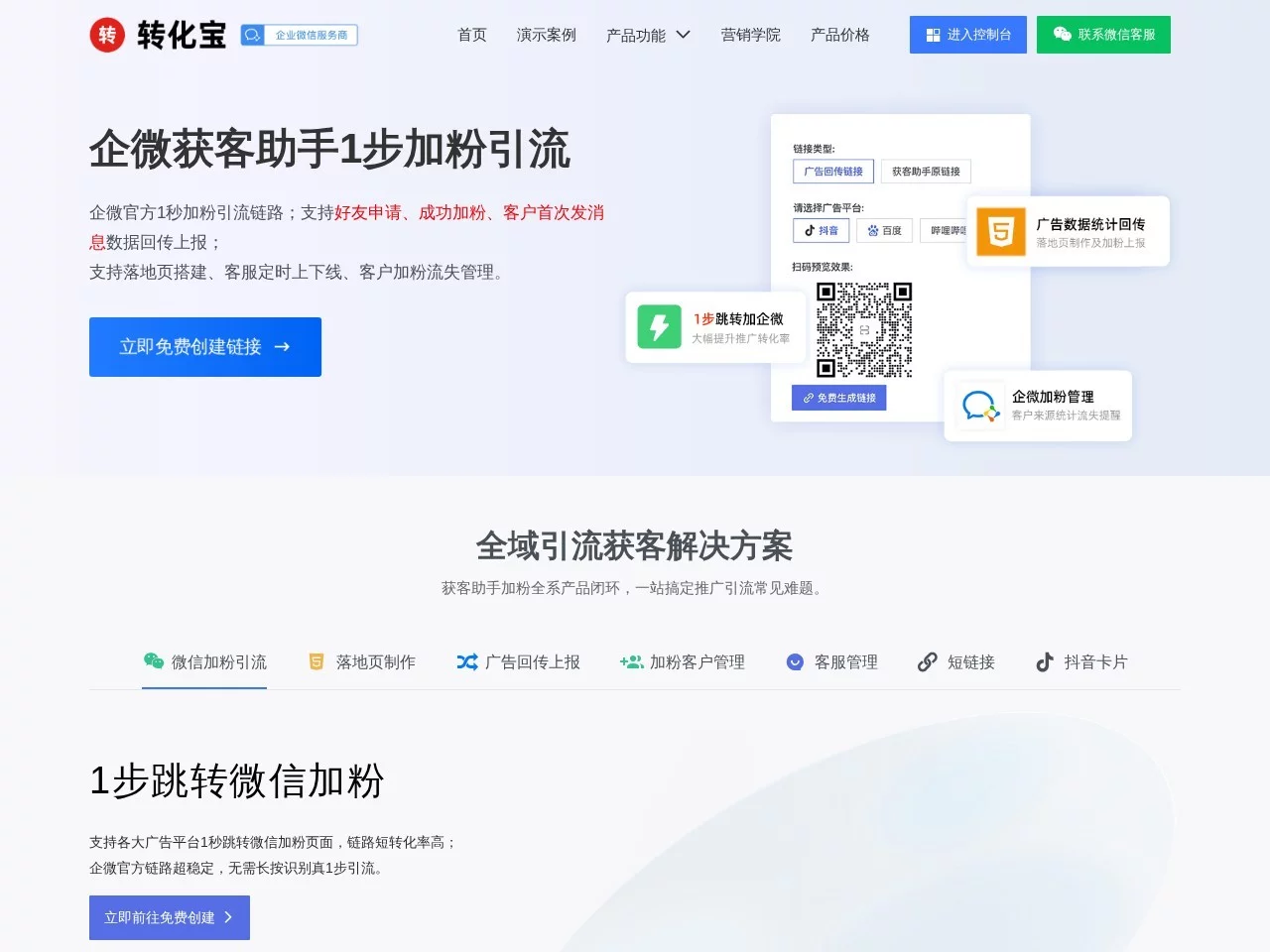
Customer Acquisition AssistantCustomer Acquisition Assistant helps small and medium-sized merchants attract followers via WeCom
Screenshots

A heads-up for anyone looking to attract followers via WeCom — the pitfalls I hit with Customer Acquisition Assistant and my honest take
Official Website: https://www.huokezhushou.cn/
When I first ran a local light-bites shop, I was worried about falling into traps with traffic generation. Back then I wanted to promote on Moments, Dianping and nearby community groups, getting people to add our WeCom to receive exclusive coupons. I ended up trying several follower-adding tools one after another, but either the redirect links got blocked outright by WeChat, or the followers added were all useless — a fair bit of promo money went down the drain. It was only later that I came across this tool.
When I first started, I fell into three big traps — learn from my mistakes, don’t copy me.
- I picked the landing page type carelessly: what I needed was a page that jumped straight to adding WeCom, but I slipped and clicked lead-capture form instead. Only half a month after launching did I notice — plenty of visitors came, but very few actually added our WeCom. I later realised the landing page has to match your own needs; you can’t just pick any pretty one.
- At first I didn’t enable ad data callback at all. I put a bit of money into Dianping ads but had no idea which channel brought higher-quality followers, so I adjusted things blindly on gut feeling. Only later did I discover that this tool’s callback feature is connected to all the major ad platforms — leaving it off means wasting half the functionality.
- I hadn’t set up tag categories in advance, so followers from all channels got mixed together. Later, when I wanted to send exclusive perks to community-group followers, I spent ages scrolling through WeCom and even added the same person twice. Only after several customer complaints did I remember this issue.
What puts me most at ease with this tool is that it’s officially connected to WeCom. The third-party tools I used before were often flagged by WeChat as risky links — clicking through either redirected to some other page or simply wouldn’t open. With this one there’s nothing to worry about; compliance-wise it’s flawless. What’s more, all follower data is synced with WeCom, so there’s no information disconnect. This matters hugely to small and medium-sized merchants — after all, nobody wants customer leads to vanish right after they’re added.
Once I got familiar with it, I found many features genuinely practical — not just flashy gimmicks.
- I set up link management by channel: one for Moments, one for Dianping, one for nearby community groups. Each link’s visits and follower counts can be pulled separately. Later I found the follow rate from community groups was much higher than Dianping’s, so I shifted my promotional focus to community groups and saved quite a bit of money.
- Auto-tagging after adding followers really saved me: followers from community groups automatically get tagged “community traffic”, those from Dianping get “Dianping traffic”, and even repeat additions get flagged. My customer service never added the same person twice again, saving loads of cross-checking time.
- I used the conversational landing page to make a simple mini survey, just asking “light meals or fat-loss meals?”. Those unwilling to answer were mostly casual clickers, while those willing to fill it in had real needs. The captured lead info syncs straight to WeCom, so I don’t have to enter it manually — it used to take me half an hour to sort out; now it’s done in a few minutes.
- On the statistics side, I can see each landing page’s visitor dwell time. On some pages visitors left in under 5 seconds; after tweaking the copy, they stayed. Few other tools can handle this detail — they usually only give a total follower count, leaving no way to optimise the details.
I’d also tried other similar tools before: some had unstable redirects with frequent 404s, and some had wildly inaccurate statistics — they claimed 100 followers were added, but the WeCom backend only showed a portion. Some tools even charged extra for detailed data; this one doesn’t, with all basic features free. The support channel is genuinely convenient too: with my previous tools, questions went unanswered for half a day, while this one’s official channel responds quickly and never plays pass-the-buck like third parties do. Once when I was running ads, another tool’s callback data lagged several days behind, while this tool synced the same day, letting me adjust campaigns on day one. It really is different.
A few pitfall-avoidance tips for those who come after me — all lessons I learned the hard way:
- Be sure to create a separate link for each channel. Don’t lump all your promotions into one link, or the data gets all mixed up and you can’t tell which channel works.
- Don’t make the landing page too complicated. Just highlight the benefit of adding, e.g. “add our WeCom to claim exclusive coupons”. Don’t pile on useless content, or nobody will bother adding.
- Always turn on data callback, whichever platform you advertise on. Once it’s on you can adjust your ad spend based on the data; otherwise you’re just wasting money.
- Set up tagging rules in advance instead of filling them in manually later — that takes far too much time. For example, with auto-tagging after adding, both the traffic channel and the time of adding can be tagged automatically, which saves a lot of hassle.
Honestly, this tool is best suited to small and medium-sized merchants or individuals building private-domain traffic, such as local dining, beauty, errand services and the like. Very large enterprises with their own tech teams may have more customised options, but for small and medium teams without tech resources or budget, this one is just right — no extra development needed, quick to get started, and no need to hire dedicated operations staff. Just tinker with it a bit and you’ll get the hang of it.
Relevant Navigation
Xiaomark
Pinxiaobao