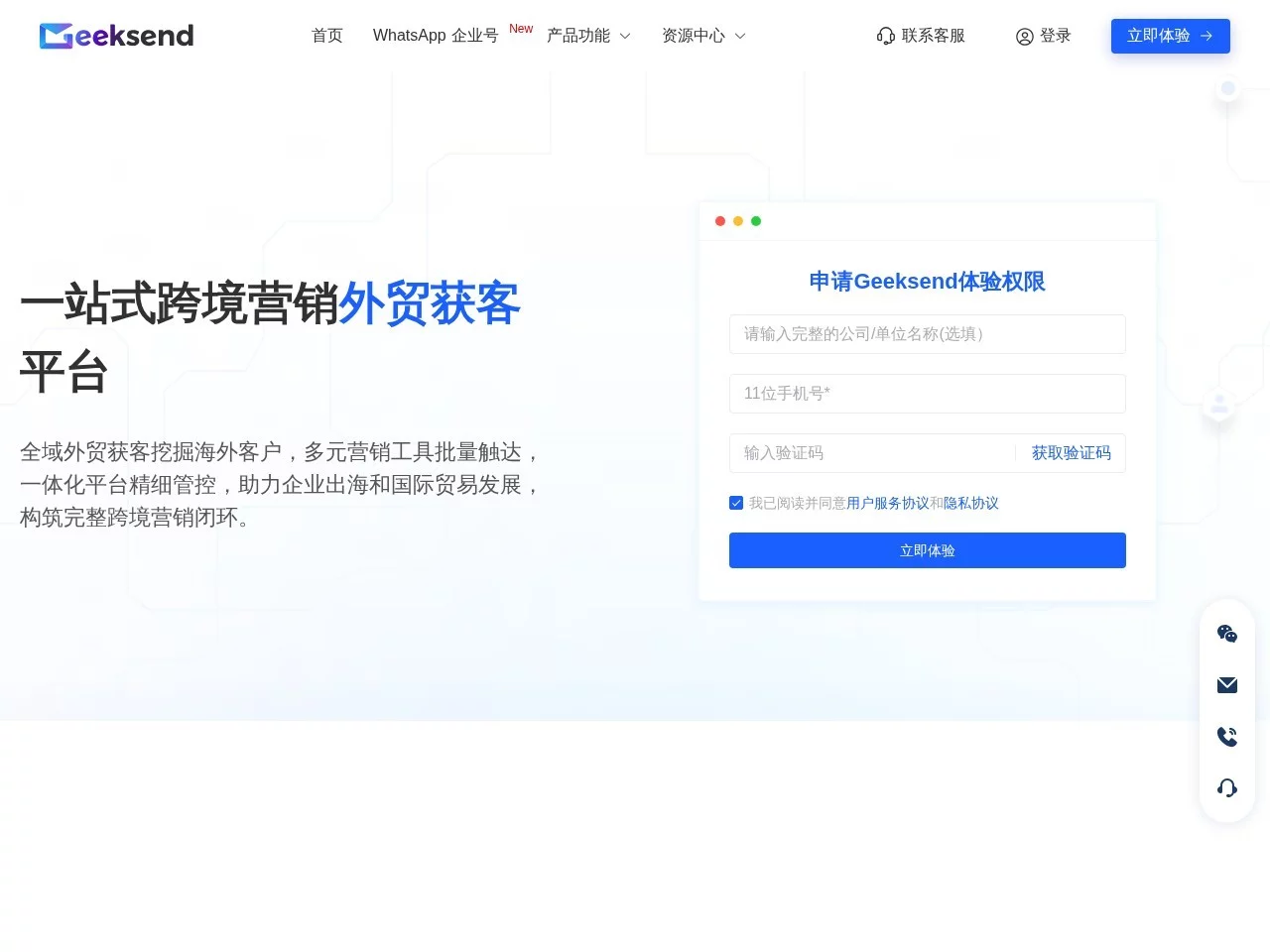
Geeksend Email MarketingGeeksend is an integrated overseas email marketing tool
Screenshots

Geeksend
Official Website: https://www.geeksend.com/
When I first started developing overseas customers, the biggest headache was finding accurate email addresses that would actually land in the recipient’s inbox. I had hit plenty of real pitfalls before: sometimes I ended up with administrative public mailboxes and could never reach the decision-makers; sometimes I imported over a thousand addresses and half of the sent emails bounced, while the rest all went into spam folders; once, my new account was even blocked and suspended outright after mass-sending two waves of emails. I tried quite a few tools until I came across this integrated platform, which finally sorted out these messy steps.
As a beginner, I also fell into common traps: first, I assumed more mailboxes meant better results and collected over two thousand, but the valid rate was under half, wasting marketing quota; second, I completely ignored **mailbox warm-up** and started mass-sending right after registering, which triggered the blocking mechanism; third, I made the automation workflow far too complex, adding seven or eight trigger conditions, and the emails simply would not send. Only after getting to know it properly did I realise these details are hidden within the core features — you can’t just click through casually.
The most practical thing about this platform is its **integrated nature** — no need to switch back and forth between several tools. Finding emails, verifying emails, warm-up, and sending all happen in one dashboard, saving at least half the operating time. With other tools before, finding emails meant exporting to a third-party page, verifying emails meant opening yet another link, and sending emails meant jumping to a mail server, with endless copying and pasting — not only time-consuming but also error-prone. This platform bundles the whole workflow together, which is extremely friendly for time-pressed foreign trade professionals.
Here’s my real experience with the specific features: when finding emails, you can filter precisely by industry, position, and company size — none of that randomly thrown-together junk data. For the European machinery industry purchasers I searched for before, all the addresses returned matched the corresponding positions, with no unattended public mailboxes like admin or info. Email verification doesn’t just check the format — it actually sends a test email to the recipient’s mailbox, and only addresses that receive a reply count as valid. This is far more reliable than format-only verification tools, filtering out roughly 20% of invalid addresses and saving the cost of later sending.
Mailbox warm-up is the feature I rely on most. With other tools, warm-up required manually calculating sending volumes — for example, 3 emails on day one, adding 2 on day two — plus adjusting the frequency on the fly. This platform does it automatically: it gradually increases the sending volume based on the new account’s activity, with no sudden spikes, matching exactly how email service providers build trust in new accounts and completely avoiding the risk of being flagged as a spam sender.
Compared with similar tools, the advantages are quite obvious: some platforms focused on email verification can only verify addresses, and finding emails costs extra; some email marketing platforms have no warm-up feature at all, so you have to find a separate tool to pair with; and some overseas platforms are entirely in English — beginners can spend a week fumbling without grasping the core operations. This platform also offers an English interface, but with simplified operation guides, so you can get the hang of it within half a day. Of course, there are clear shortcomings too: with so many features, some advanced settings are buried deep — the fine-tuning options for warm-up, for example, took me ages to find in a hidden menu; and the data reports are too basic, showing only open rates and click rates, with no custom breakdowns by country or industry, which isn’t flexible enough for users needing detailed segmentation analysis.
Practical tips to avoid pitfalls:
- Don’t import massive mailbox lists — run a small-scale verification first, pick out the valid addresses, then mass-send; otherwise you’re simply wasting marketing quota
- New accounts must go through mailbox warm-up — even if you’re in a hurry to send emails, follow the platform’s recommended sending frequency and don’t ramp up the volume on your own
- Don’t set automation workflows too complex — beginners should start with simple trigger rules, such as automatically sending a follow-up email three days after a customer opens the email without replying. Avoid too many branch conditions, as they can easily jam the workflow
- Don’t spend all the free trial quota on test emails — test the core features first: email verification, warm-up, and automation, then consider paying once you’ve confirmed they meet your needs
Who it suits: entry-level foreign trade salespeople on a limited budget who need to develop precise overseas customers themselves; those in B2B who need to reach overseas customers in bulk but worry about emails landing in spam; and those who already have overseas mailboxes and don’t want the hassle of finding a separate server. Who it doesn’t suit: large-scale campaigns sending hundreds of thousands of emails, since the platform’s traffic capacity is limited and will restrict sending volume; and those doing domestic business only, as the core features are all optimised for overseas mailboxes — domestic mailboxes can’t make use of warm-up and similar features.
Relevant Navigation
Granary
Baidu Marketing
小红点 Operations Assistant
Xiaoliebian
Xingyao Fission
聚观新闻推