Getui
Getui is a high-quality mobile push tool compatible with multiple platforms.
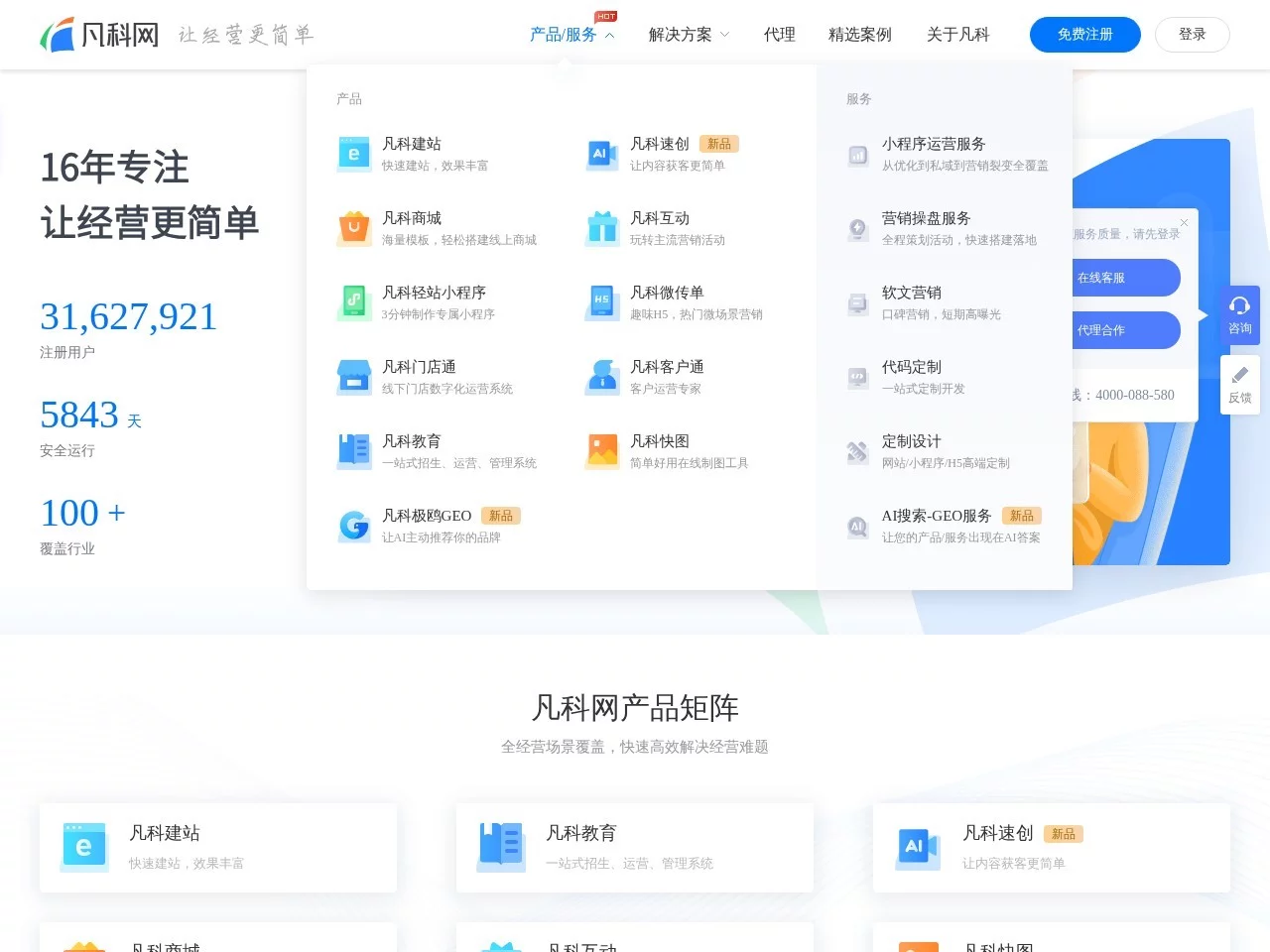
 Fkw
Fkw is an online service platform suitable for small and medium-sized businesses.
Official website: https://www.fkw.com/
Before, when I was helping my best friend set up an online presence for her milk tea shop, I tried several platforms. Some of the pages they created didn’t even have basic ordering functions, and some were as complicated as learning to code, taking ages to figure out. I almost gave up. Then I accidentally tried this platform, and now my friend’s Mini Program and online menu are all set up here, saving a lot of hassle and eliminating the need to switch between multiple tools.
I made a big mistake when I first started using it — I only focused on the free features at the beginning. It turned out that although there were many templates in the free version, the nice themes were well hidden, and I had to flip through several pages to find one that was passable. Another misconception was clicking the “upgrade” in the pop-up window right after registration. In fact, it’s much more reliable to figure out the boundaries of each section before rushing to spend money. After all, when I made a milk tea poster for the first time, I clicked the wrong function section and wasted a lot of time.
The most practical part of it is **not having to switch between platforms back and forth** — you can create an online presence, Mini Programs, posters, and marketing campaigns all here, without having to remember a bunch of usernames and passwords — it’s very user-friendly for people like us who don’t have technical skills. For example, when I was helping my friend make a Mini Program, I found the menu function quickly, clicked on an existing template to edit the text and adjust the colours, no need to design from scratch. Later, when I needed to make a poster for a discount promotion, I directly selected a template in the online design section, edited it, and exported it, without having to download other software.
Compared with other similar platforms, its customer service responds really quickly. Once I got stuck while editing a Mini Program template, someone helped me via online consultation in less than ten minutes. Other platforms either ignored me or made me wait for ages. Also, its templates are more practical, not the flashy kind, suitable for small and medium-sized businesses. Unlike some platforms whose templates are designed for large companies, too complex for ordinary small shops to use.
If you’re a small or medium-sized business owner who doesn’t know how to code and wants to quickly set up an online presence, like a snack bar, fruit shop, small studio, etc., this platform is really practical. You don’t have to spend a lot of money on outsourcing, you can do it yourself, saving a lot of costs. But also note that if you need very complex functions, such as building a large e-commerce platform, it may not be suitable. For daily online display, Mini Programs, basic marketing, etc., it’s more than enough.
There’s also a small detail: the marketing section has ready-made campaign templates, such as discounts, lucky draws, etc. You don’t have to think up the rules yourself, just fill in simple conditions to use them. For people like us who have never done marketing, this saves a lot of hassle, no need to figure out how to run campaigns. Last time my friend ran a “collect 5 likes to get a free milk tea” campaign, she filled in the time and requirements according to the template, and it went live on the Mini Program in less than half an hour. Customers could scan the code to participate, which is way simpler than writing code myself.
Once I was helping another friend set up an online display page for her fruit shop. When looking for themes, I found that it has many templates specifically prepared for small and medium-sized stores, such as for milk tea shops, fruit shops, studios, etc. You don’t have to modify them blindly, just apply them directly — this is better than other platforms, whose templates are mostly generic and not targeted. Later, I also helped my friend set up a customer feedback entry on it, so customers could leave reviews after viewing the fruit, no need to find other tools to collect feedback.
However, it’s not perfect. If you need to manage a large number of product categories, the storage space in the free version may not be enough, and you’ll need to upgrade. But for most small businesses, the free version is sufficient. Also, some of its advanced features are well hidden, you need to take your time to find them when you first start. Don’t be intimidated by the surface-level function bar — there are prompts when you click in, and you’ll get the hang of it slowly.