MiniMax Open Platform
An introduction to the API services and usage tips of the MiniMax Open Platform
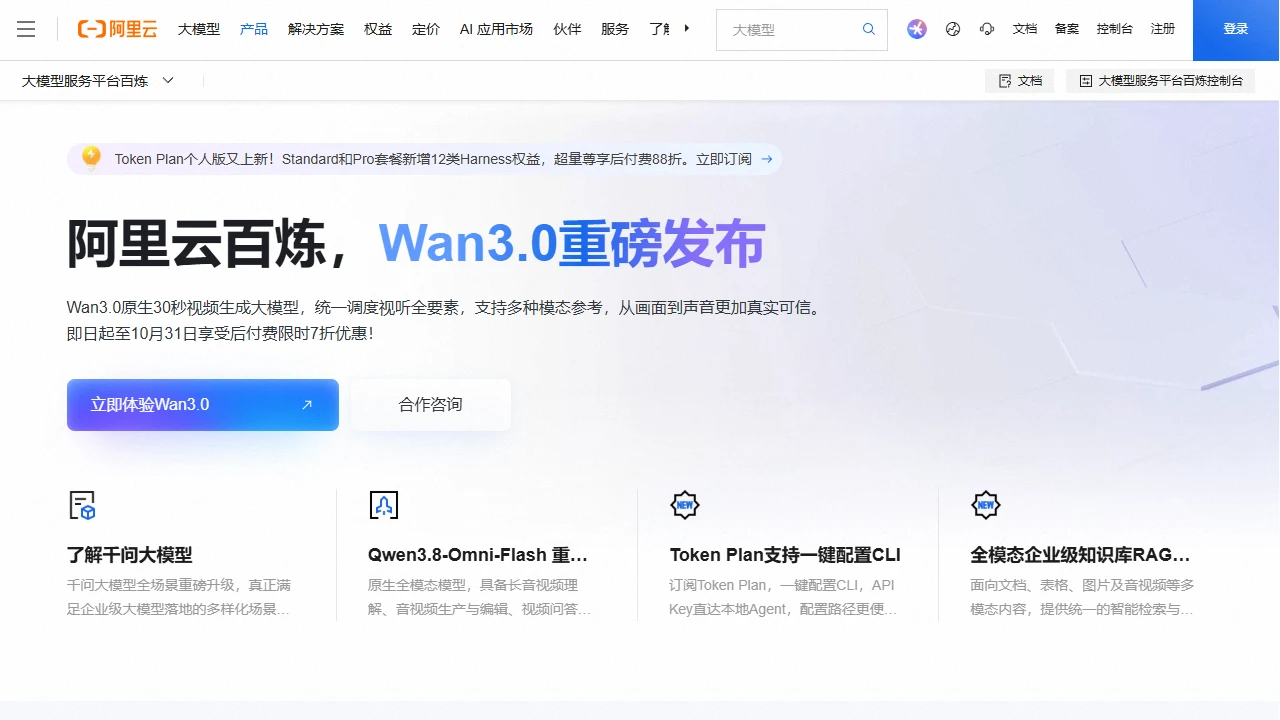
 Alibaba Cloud Bailian
 is a developer-friendly large model service platform
Official website: https://www.aliyun.com/product/bailian
I wanted to build a lightweight content classification tool. I assumed I could just have a few chats with an ordinary large model and get it off the ground, but when it came to actually plugging a model API into my little tool, I either couldn’t find the API entry point or the integration was a hassle, and I hit quite a few small pitfalls. It was only after I came across this platform that I realised it is positioned completely differently from the other large-model platforms I had used — it doesn’t put any real effort into the casual chat experience for ordinary users at all; it is a collection of tools built entirely for people with development needs.
I was almost stunned when I first arrived. On other large-model platforms, the first thing you see is a prominent chat input box; here, once the page loads, everything is modules like “Model List”, “API Debugging” and “Knowledge Base Building”, without even an entry point to casual chatting, so beginners easily assume the platform is incomplete and leave empty-handed. This is actually a misconception many people fall into: they still look for an entry point with a chatting mindset, completely missing that its core is API calls and developer tooling, not day-to-day chatting.
As for its core strengths, a few things stood out most to me after using it. The first is **direct access to the full range of Qwen models**. On other platforms you sometimes have to convert model output into a specific format before you can use it, whereas here you simply pass parameters to the API — a huge time-saver for beginners new to API calls, sparing them from digging through compatibility documentation. The second is the **visual dashboard for model fine-tuning**. No complicated command lines needed: upload your industry documents or datasets, pick a few basic parameters, and you can fine-tune. Even without much AI technical background, you can steer the model towards your own business needs. The third is knowledge base building — upload files directly to generate a vector library, then link it when calling the API, with no need to set up your own vector database. For small teams and individual developers, this saves a lot of effort.
In terms of specific features, the biggest surprise when I was testing the API was the debugging page. Other platforms’ debug pages are full of dry parameter descriptions, while this one comes with sample code in the corresponding languages — Python and Java included. Copy it straight into your project, swap in your App Key, and it runs, with no need to repeatedly go through the docs to work out authentication. There is also a free quota for new users — not the kind of “fake perk” that only works for chatting, but genuine API call counts, enough for beginners to test for quite a while without paying up front to learn the hard way. That is exactly how I got free call access to several models and worked out which model version suited classification tasks best.
Compared with similar platforms, the advantages that impressed me most are these. First, comprehensive model coverage: from basic small-parameter models to large multimodal ones, everything is from the Qwen series, so there is no need to hop between platforms to find different models, saving the hassle of stitching platforms together. Second, practical documentation: not the usual official boilerplate, but concrete call examples and troubleshooting for common errors. For example, when I filled in the wrong role parameter on my first call, the debug page flagged the cause straight away — no guessing on my own. Third, a low barrier to fine-tuning: on other platforms you have to prepare strictly formatted datasets yourself, whereas here you can upload CSV or PDF files directly and they are parsed into training data automatically, so no need to wrestle with format issues.
Practical tips to avoid pitfalls, all from mistakes I have made — compiled here for everyone:
The people this platform suits are roughly these: individual developers building their own AI applications, small teams with limited AI R&D resources, people who want to fine-tune models but cannot code, and practitioners who want to add AI features to existing tools. It is less suitable for ordinary users who only want to chat with a large model and don’t want to touch code, because this platform really hasn’t been optimised for chatting — it is all tool-style modules from the moment you enter, and hunting for a chat entry point takes ages, making it less convenient than a dedicated chat platform.