
Volcano Ark
Volcano Ark: Official Large Language Model API Developer Service Platform
 SenseNova Daily
SenseNova is a practical AI API development platform
Official website: https://platform.sensenova.cn/
Previously, I wanted to create a small tool for generating product copy for small e-commerce merchants. The core requirement was to identify the content of product images, such as material, style, and scenario, and then generate short copy suitable for different platforms. I tried several platforms but none were user-friendly. Some only had pure text generation functions with very inaccurate visual recognition, while others would crash after a few model calls and required waiting in line. Later, I found this official platform. At first, I was worried that the threshold would be high, since it’s from a big company, but it turned out to be nothing fancy.
When I first entered, I made several mistakes and almost gave up. The silliest misunderstanding was that I thought this was a large model platform with a chat box, so I looked for the conversation entry for a long time and couldn’t find it, almost thinking I had gone to the wrong place. Later I realized that this platform focuses on API interfaces, with no one-on-one chat interface at all. All interactions must be done by calling interfaces via code, not for chatting. The second misunderstanding was worrying about the cost. I hurriedly looked for the recharge entrance right after registration, but later learned that after real-name authentication, there is a basic free quota enough for new users to test for a long time, so there’s no need to recharge immediately. The third misunderstanding was ignoring its core advantage. At first, I only looked at the text models and didn’t notice the visual models in the sidebar. It wasn’t until I looked for image-related functions that I found its visual understanding is really strong.
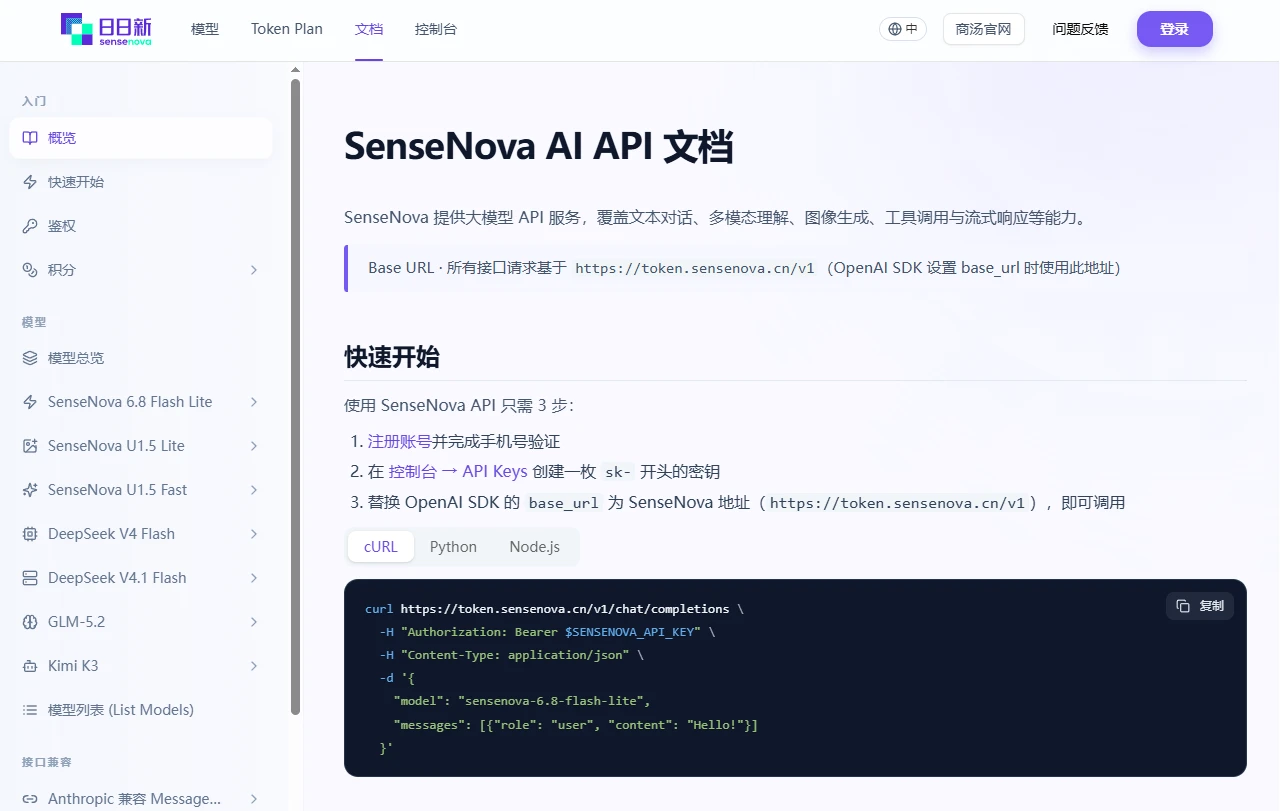
The most reassuring thing about this platform is that it’s officially developed, so there’s no markup from third-party intermediaries or hidden parameter modifications. It uses SenseNova‘s large models, which iterate and update quickly. For example, when a new visual model is released, the corresponding API interface is immediately available on the platform, no need to wait. The interface documentation is practical, not official jargon, with specific parameter descriptions and sample codes in Python and JS. You can just copy it and modify the parameters to use, no need to grope around blindly.
I mainly use the image understanding API. I pass the public URL of the product image, set the content to be identified, such as material, color, and object type, and it returns structured JSON data that can be used directly without sorting it out myself. Previously, when using other platforms, the returned content was messy text that required me to extract information manually. The results from this platform are much more accurate. For example, when I uploaded an image of a cotton embroidered T-shirt, it accurately returned “Object: T-shirt, Material: Cotton, Decoration: Embroidery”, and even identified the position of the embroidery. There is also a text-image Q&A function. For example, when uploading an image of a milk tea and asking “What ingredients does this milk tea have?”, it can accurately identify elements like pearls and cream tops. Although it won’t give specific sugar content data, it’s enough as copy material.
Compared with those third-party model platforms, this platform has obvious advantages. For example, other platforms may combine models from different big companies, with slow model iteration, some even using old models. This is official, and SenseNova’s model updates follow the official pace, so the latest functions can be used immediately. As for pricing, it directly follows the official standard, no intermediary markup. The free quota for new users is also more generous than others. Previously, when I used third-party platforms, the free quota for new users was only 100 calls, but here, after real-name authentication, there are 500 calls, enough for me to test a small tool for a long time. As for stability, I called the interface hundreds of times continuously without any errors or queuing. Previously, when using other platforms, it would crash after 10 calls, requiring me to refresh the page, which was very troublesome.
There are also a few small details to note when using it, which I learned from making mistakes. First, don’t upload images that are too large, compress them to a few hundred KB. Uploading large images is prone to timeouts and wastes the quota. Second, set specific parameters, don’t just write “Please describe the image”. Be clear about what you want to identify, such as “Please identify the material, color and type of the product in the image”, so the returned results will be more accurate. Third, use the public URL of the image, don’t use local images, because the interface doesn’t support local uploads. If you have to convert to base64, don’t make the code too large, otherwise it will cause errors. Fourth, the free quota has an expiration date. Although it’s enough for new users, don’t forget to use it, otherwise it will expire and be gone.
This platform is suitable for very specific people. For example, those who develop small tools, especially those needing visual analysis functions, such as e-commerce auxiliary tools, content automation tools, small image processing tools, can all use it. Also, new users who want to use large model APIs themselves and don’t want to use chat boxes will find this platform suitable. Small teams working on projects that need stable calling services and don’t want to be restricted by third-party platforms can also try it. Of course, there are also people it’s not suitable for. For example, those who only want to use chat conversations, this platform has no chat function at all, so don’t come here. Those who don’t understand development at all, such as those who only use AI chat tools for chatting, may find the interface a bit challenging. But there is a quick start document, just follow it, it’s not too difficult to get started.