Huawei Pangu
A practical experience review of the Huawei Pangu large model service
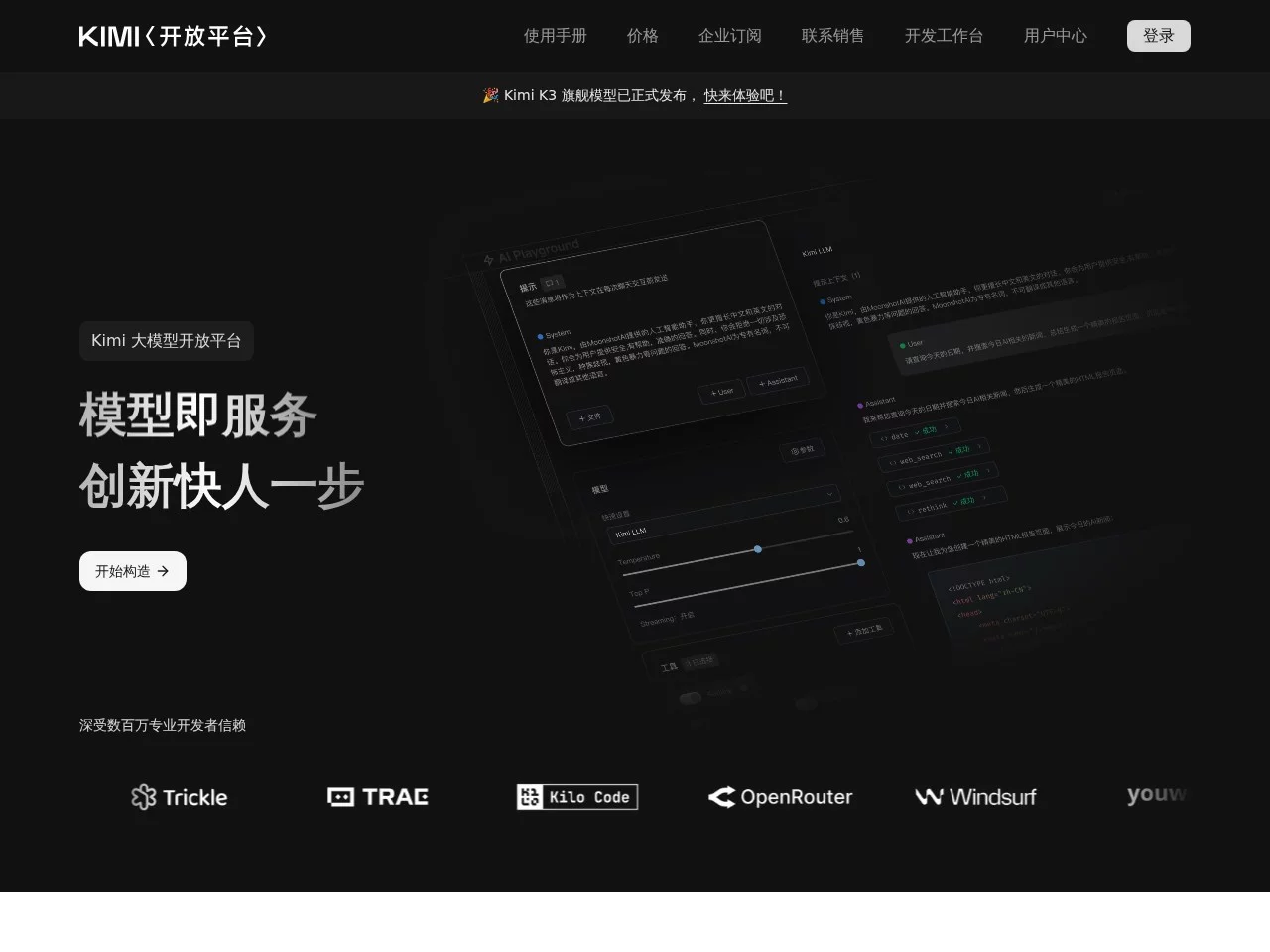
 Moonshot Open Platform
: an AI tool platform tailored for individual developers
Official website: https://platform.moonshot.cn/
A while back I was tinkering with a small tool that needed to process an industry research report of several hundred thousand characters, and I nearly lost my mind hunting for an AI API — some would just cut off once you passed a few tens of thousands of characters without any warning; some required a pile of enterprise qualifications that I, as an individual, could never get through no matter how long I tried; and some platforms had hidden charges that would suddenly pop up mid-call demanding more money — it nearly drove me round the bend. It wasn’t until I stumbled upon this platform that I felt I’d finally found the right place.
When I first clicked in, I nearly backed out, thinking it was Kimi’s chat homepage. I spent ten minutes hunting for the API entrance before realising they actually have a dedicated section for the open platform, separate from the chat page. Plenty of first-time newbies fall into this trap, assuming the page they land on is for chatting, never thinking to look for the interface, and end up wasting time for nothing.
What impressed me most was its long-context capability. With other APIs I’d used before, passing more than thirty to fifty thousand characters would push them over the edge — either errors or truncation — and I’d have to split the document into chunks myself, which was a real hassle. This platform’s models are different: feed in a document of several hundred thousand characters and the whole context is retained, no splitting needed. When I do report analysis, I just upload the PDF converted to text, and the model can link the context from start to finish, which makes matching up data incredibly smooth and saves loads of sorting time.
Another relief is that it supports the OpenAI-compatible interface. Code I’d previously written based on the OpenAI interface worked straight away after swapping the domain — no parameter changes at all, virtually zero adaptation cost. I’ve compared it with several other popular open platforms: some have incompatible interfaces, so you’d have to rewrite most of the code; others require re-learning the model’s parameter settings, which makes onboarding really costly. This one is just right for individual developers — no endless tweaking.
Speaking of comparisons, I previously tried a certain tech giant’s open platform — it required enterprise qualifications, which my personal account simply couldn’t provide, so after much hassle I switched to this one. There was also a small platform that was cheap to use, but the model’s stability was poor — sometimes calls would hang for ages with no response and I’d have to retry several times. This platform’s response speed is decent and its stability is solid; it doesn’t collapse when traffic suddenly spikes.
Here are some practical tips for avoiding pitfalls — all traps I’ve fallen into myself. First, don’t click the chat button on the homepage; head straight for the open platform’s API section. The chat page is for casual users to chat, while the API is for developers. Second, study the examples in the API documentation carefully — many errors come from passing wrong parameters, such as token counts exceeding limits. Just follow the examples rather than blindly experimenting. Third, choose your model wisely: the basic model is enough for content summarisation and simple Q&A, while the professional model is for in-depth analysis and complex tasks. Picking the right model saves quite a bit of money, since APIs are billed by usage after all. Fourth, even though the long context is powerful, don’t push your luck — keep an eye on actual token usage, otherwise you’ll hit rate limits and slow down your calls.
The platform’s models are the same ones used by Kimi. My habits from chatting with Kimi — the output style, the logic — carry straight over to the API, no re-adjustment needed. That detail is so thoughtful. With other platforms I’d used before, the model style was completely different — output either too verbose or too stiff — and I’d have to spend ages tuning. Not here, which saved me a lot of learning cost.
When applying for an account, a personal account goes through — no extra qualifications required. That’s especially friendly. Some platforms previously asked for a business licence, which I as an individual struggled with for ages. Here you can use it right after registering — super smooth.
Another easily overlooked point: in its API documentation, every parameter comes with a scenario explanation. Unlike some platforms that just throw a table at you, leaving newcomers baffled for ages, the examples here actually work — like how to pass long text, how to handle the returned results. A couple of tweaks following the examples and you’re up and running, no need to hunt for tutorials everywhere.
A friend of mine was building a content tool for Xiaohongshu and wanted an API that could batch-process long copy, so I recommended this one. He said that on other platforms, passing the material for just ten notes would crash it, but this one handled dozens without a problem. Plus the output style matches Kimi’s, fitting the blogger tone he wanted — no more prompt tweaking, saving loads of time.
Of course, it’s not for everyone. If you need to customise the underlying model, or want completely free, unlimited calls — after all, API services are billed by usage and there’s no free lunch — think it through beforehand rather than complaining about the price later. Also, if you’re just looking to chat, use Kimi’s chat page directly; there’s no need to bother with this open platform — it’s too much hassle.
All in all, this platform isn’t one of those flashy ones; it’s built for people who need AI capabilities to get work done. No convoluted tricks, and the features it offers are solid. After stepping into a few potholes and getting the hang of it, it’s really smooth to use. For individual developers, small teams, or content professionals who need to process long text, it’s genuinely a hassle-free choice.