Black Forest Labs
Black Forest Labs is a professional image generation API tool
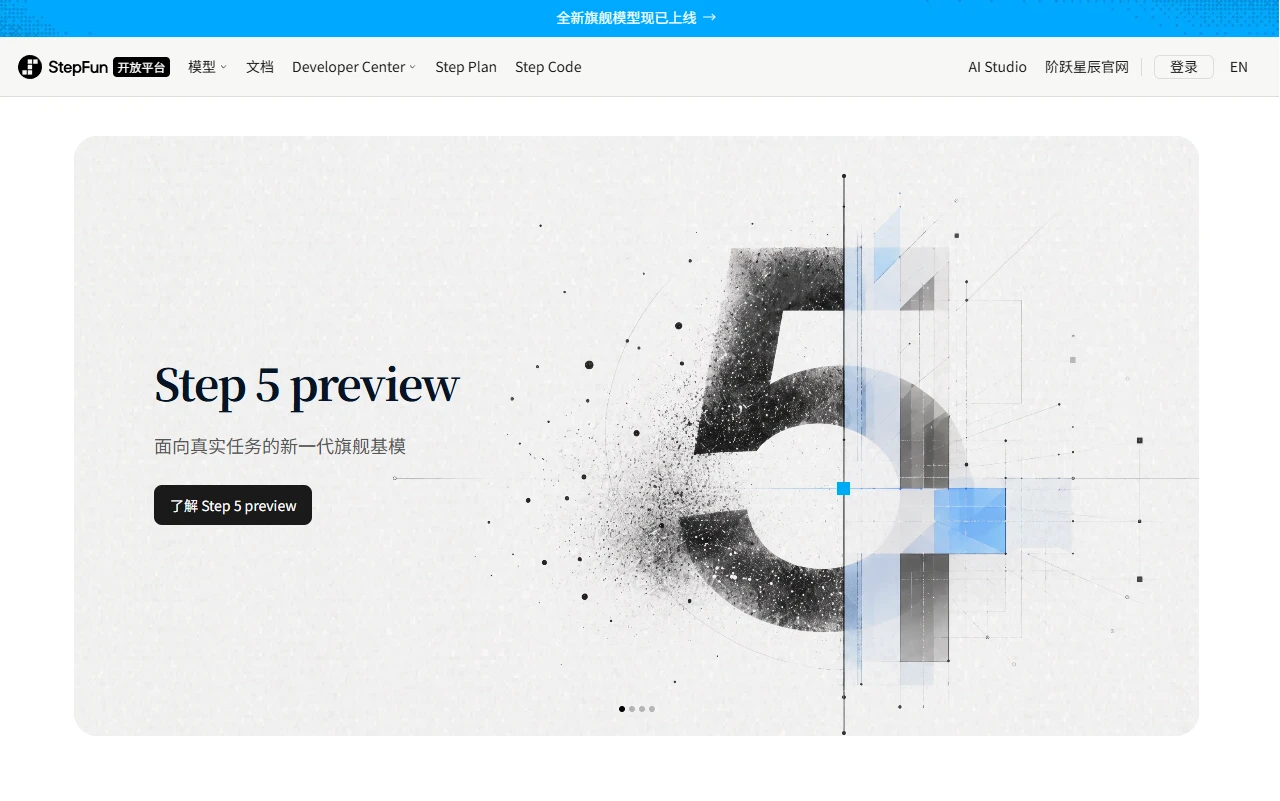
 StepFun Open Platform
 is a practical AI model API platform
Official website: https://platform.stepfun.com/
I usually create content that combines graphics and short videos, so I often need AI to generate materials and process video transcription. I tried several API platforms before and encountered many pitfalls, but I finally settled on this one after finding it.
When I first started using it, I made a really silly mistake and almost gave up immediately — I saw a tiny chat button on the homepage and thought it was a regular AI conversation page. I tried for a long time but couldn’t make a formal call at all. Later I realized it was just a token test window, and all the real functions are hidden in the model list. Another common mistake for new users is thinking this platform only has text models, but actually, its core strengths are visual and video models. Many people leave after glancing at the text models, missing the most practical part.
The core value of this platform is not for casual chatting, but for people with actual development and content needs — it uses its own Step series models, whose visual and video comprehension capabilities are truly superior to similar products. The most considerate feature is its support for OpenAI-compatible interfaces. For OpenAI call codes I wrote before, I only need to change the address and key to run directly, saving a huge amount of time that would have been spent rewriting code.
When using it, there are no fancy features, just practical functions: the model list is clearly divided, so you can easily find the entry for visual generation and video transcription; the interface documentation is not a boring manual full of parameters, but has ready-made sample codes. You can copy them and modify the specified requirements to use, without struggling with the documentation for a long time. For example, when I create illustrations for my blog, images generated by other models often lack details, but this Step visual model can accurately identify the composition elements I need, and even place the specified minimalist icon in the position I require, so I don’t have to adjust parameters repeatedly; the video comprehension API can also split the scenes in the video into text labels, saving a lot of time on manual organization when looking for materials.
The advantages over similar platforms are very obvious: the platforms I used before either have poor output quality for visual models, all blurry or with obvious noise, or the OpenAI-compatible interface is just a facade, which still reports errors after modifying the code, leading to high adaptation costs. The visual model of this platform has really top-level detail restoration, without those messy flaws; the compatible interface is truly seamless, and the code I used for ChatGPT can be directly applied without major modifications; moreover, its pricing is transparent, with no hidden fees or temporary price adjustment tricks.
The pitfalls I encountered when using it are all real ones I stepped on:
Who is this platform suitable for?
It’s also important to clarify who it’s not suitable for: if you just want a chat AI for casual chatting, don’t come here. This platform has no chat interface at all, only API interfaces, so you can’t have direct conversations. This type of demand is not suitable here.
I now basically use this platform as my main tool. After stepping on many pitfalls, I found that finding a platform that suits your own needs can really save a lot of energy, and you don’t have to worry about model quality and interface adaptation anymore.