Nvidia NIM
Nvidia NIM is an API hosting platform designed specifically for developers
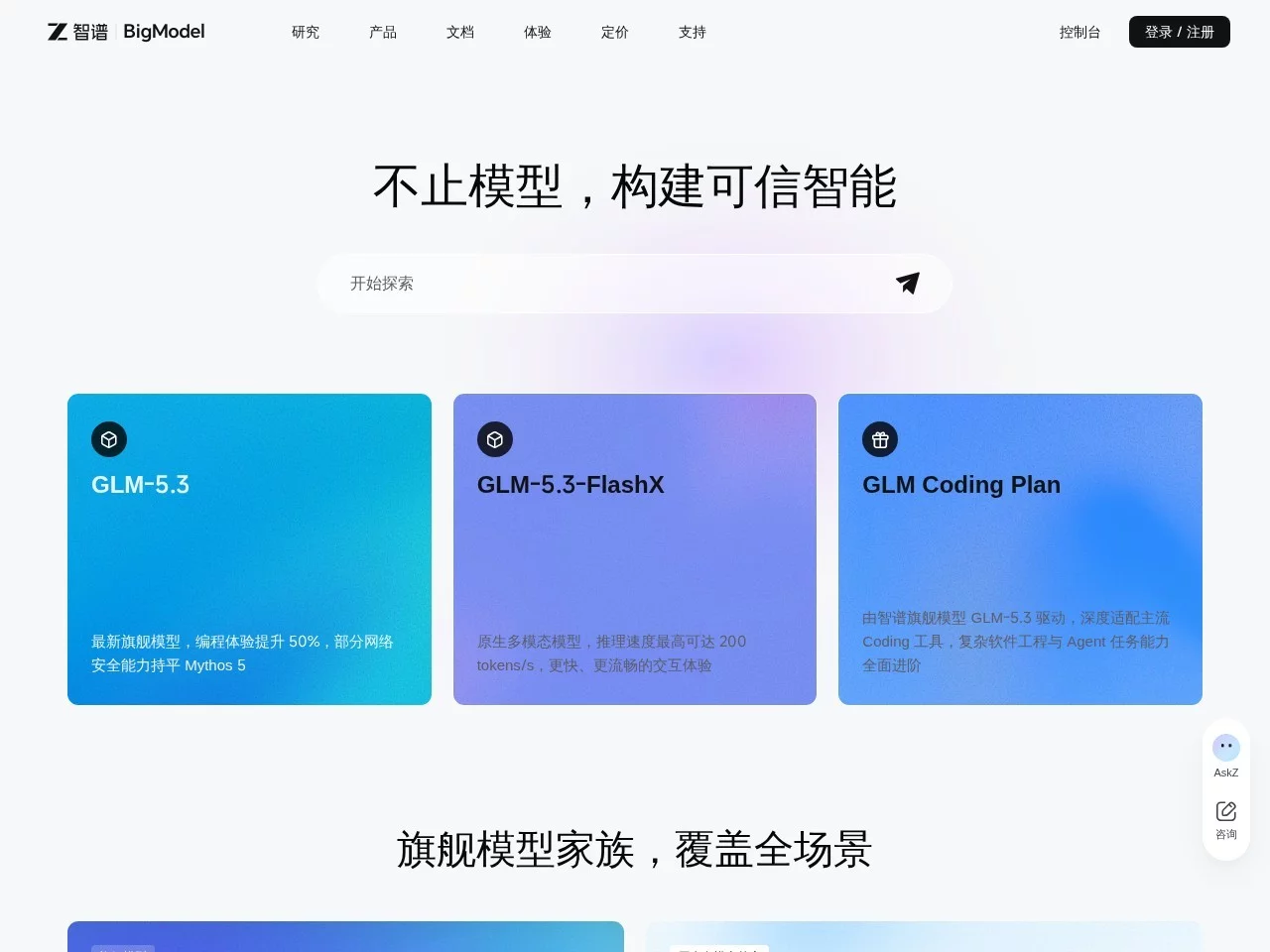
 Zhipu Open Platform
 is an AI project integration platform for developers
Official website: https://open.bigmodel.cn/
When I was tinkering with small projects featuring AI functions, I looked for many places that could connect to models, either proxy interfaces with multiple layers of middlemen, or only a single dialogue model, which simply couldn’t meet my needs for code generation and multimodal processing, until I found this platform.
Newcomers are prone to stepping into pitfalls when entering this platform for the first time. Here are two misunderstandings I’ve seen (tried): First, some people go there for “chatting with AI”, but can’t find a familiar dialogue box and just leave—this platform is corely for developers to make API calls, with no casual chat page for the general public; Second, they think there’s only a general dialogue model, and can’t find code-related ones when browsing the model list. Actually, models are categorized by function, and code models are in a separate group, not mixed in a pile.
The most practical thing about this platform is its official nature, not third-party subcontracting. All interfaces and models are directly from the official, so you don’t have to worry about price increases in the middle links, or sudden discontinuation of interfaces. All GLM series models are online, covering from dialogue to code to multimodal processing. You don’t need to switch platforms to meet different project needs, saving a lot of trouble.
I’ve used two core functions and have deep feelings. The first is API calls—no need to build your own server for forwarding. The interface documentation has examples in common languages like Python, Node.js. When writing crawlers, I directly modified the parameters according to the examples to call the code model to generate logic, which is much faster than writing from scratch. The second is agent building—not fancy drag-and-drop, but ready-made basic components that can connect document reading and simple tool calls. I configured a small agent for organizing project documents, no need to write complex parsing logic, just drag a few components to use, and it can automatically merge content of documents in different formats.
Compared with other similar platforms, this one has obvious advantages:
I also stepped into pitfalls when using it, so here are a few reminders for newcomers:
The crowd suitable for this platform is very clear: developers working on AI-related projects, such as those who want to build intelligent customer service, code assistance tools, and small and medium-sized enterprises that need to integrate AI capabilities. It’s not suitable for ordinary people who just want to chat with AI casually, because there is no casual dialogue box at all, and all functions are APIs and configuration tools for developers.
By the way, another easily overlooked point is that its multimodal function supports uploading images to convert into structured content. I tried uploading an architecture diagram from my project before, and it was converted into editable text description, with higher accuracy than multimodal recognition on other platforms, so no need to adjust prompts repeatedly.
Also, its interface documentation is very detailed, clearly marking the role and limits of each parameter. If newcomers really can’t find a function, checking the documentation first is more useful than clicking randomly on the page. I found the entrance to the code model by checking the documentation at the beginning, otherwise I almost gave up.