
Perplexity API
Perplexity API offers a developer search interface with traceable sources
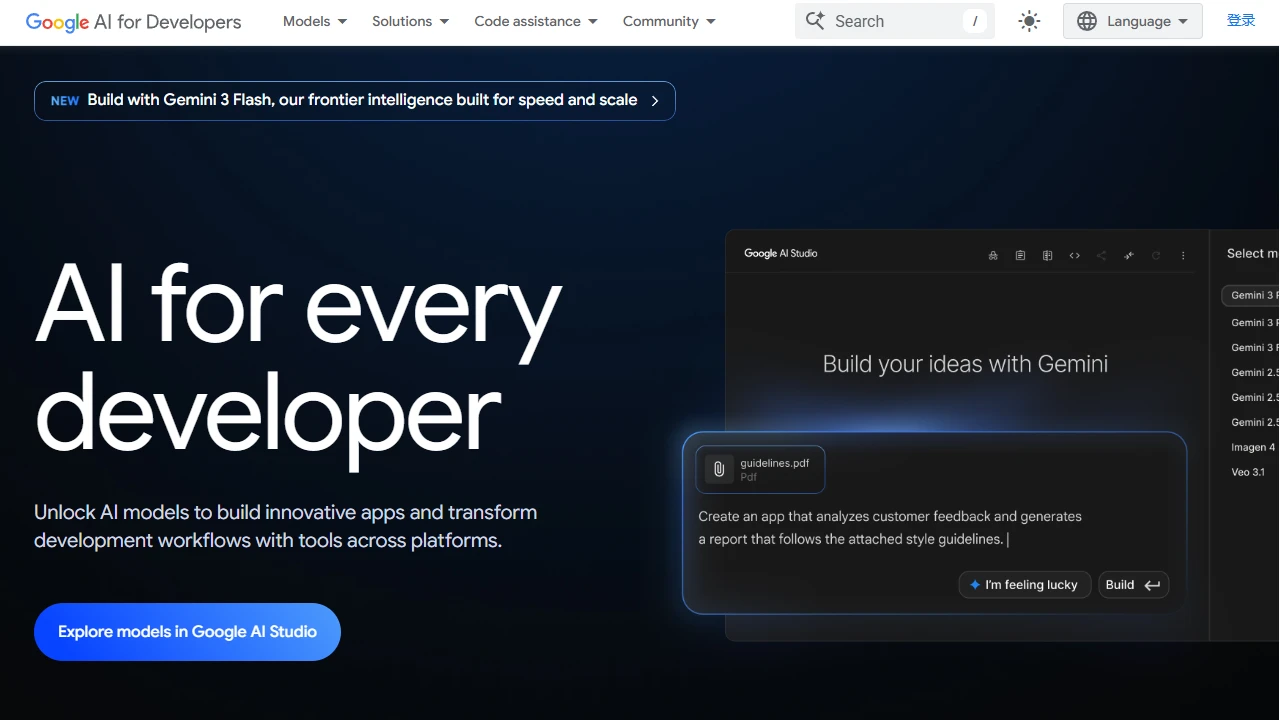
 Google AI Studio
Hands-on experience with Google AI Studio, an online AI development tool
Official website: https://ai.google.dev/
I was working on a small project that required AI to automatically organise industry documents, and I tried quite a few AI-related sites: some were nothing more than chat pages with no way to customise API parameters, while others had models with context windows so short that a dozen paragraphs would get truncated. It was not until I came across this platform that I began to get the hang of things.
When I first opened it, I was nearly lost. It was nothing like the pop-up chat box I had expected — the whole page was filled with model lists, API documentation and online debugging tools, and I could not even find a “chat” button, so I thought I had landed in the wrong place. This was my first major pitfall: mistaking a developer tool for an ordinary chat site. It only dawned on me later that it is designed for people doing API development, not for ordinary users to have casual chats.
The next pitfall was choosing the wrong model. At first I casually picked one labelled “latest” and fed it a text of nearly a thousand characters I had prepared, only to get either an error saying “content too long” or fragmented output that was completely unusable. Only after reading the documentation did I learn that different models have different context capacities — some are suited to short conversations while others are specifically optimised for long texts. You have to check each model’s feature notes first rather than blindly clicking the newest one.
Back to its core purpose: the most practical thing about it is that there is no need to set up a local environment. You can debug the API straight from the browser, with no dependencies to install, no proxy to configure, not even environment variables to set. The official API documentation genuinely matches the actual call format exactly — it is not one of those vague versions copied from place to place. Copy the sample code from the documentation, paste it straight into the debugging box and it runs, with hardly any parameters to change. This is extremely friendly to beginners — with other platforms, debugging used to take me half an hour of fiddling, whereas here the basic workflow can be tested in two or three minutes.
As for the more specific features: this platform’s multimodal support is native, not an add-on that has to be enabled separately. For example, to send a product image with a piece of text for analysis, you simply add the image marker in the debugging request — no base64 conversion or special parameters required. On other platforms I used to spend ages trying to upload an image only to get format errors, so this is a real relief. Its long-context models can genuinely hold an entire document: in my test, I fed in a text of over ten thousand characters and the output was clearly structured, with no arbitrary truncation — something many models on Chinese AI platforms cannot achieve.
Compared with similar AI development platforms, its advantages are quite obvious. First, the online debugging is free, so you need not worry about spending money on too many calls. On many platforms, free debugging only offers basic input, whereas this one lets you view the full request log and manually adjust parameters such as temperature and max_tokens without opening a paid channel. Second, model iterations are synchronised with official releases, so you never run into situations where a model has been taken offline or the API format has changed — the open-source model platform I used before took a model offline just as I had finished setting up the environment, and all that effort went to waste. Third, the documentation examples adapt automatically to the model: switch models and the parameters in the sample code adjust accordingly, with no need to reformat anything yourself, which saves a great deal of trouble.
That said, it is not without flaws. For instance, the filtering in the model list is rather weak, making it hard for beginners to quickly find one that suits them — you can only browse through slowly. Uploading large files during online debugging is also very slow; it is supported, but you have to wait a long while, so it is better to test with smaller content first.
There is another subtle pitfall worth mentioning: beginners should not test directly with their own API key in the debugger. Although the page allows it, a leaked key would cause serious trouble. Use the built-in temporary debugging feature instead — you can see the results without a key — and only use your own key for formal development. I made this mistake at the very beginning but corrected it in time, avoiding potential risks.
The people this platform suits are quite clear. First, developers who have just started learning API calls and do not want the hassle of setting up an environment but want to test model performance quickly. Second, those who need to handle long texts or multimodal tasks, such as document summarisation or product image analysis, for which its model compatibility is good. Third, those who need a stable official API and need not worry about third-party platforms disappearing or changing their interfaces. But it is completely unsuitable for two types of people: users who only want to chat with AI — there is no chat entry point, and even finding a conversation is a struggle; and complete novices who know nothing about development — it requires at least some basic knowledge of API calls, otherwise even the documentation will be baffling.