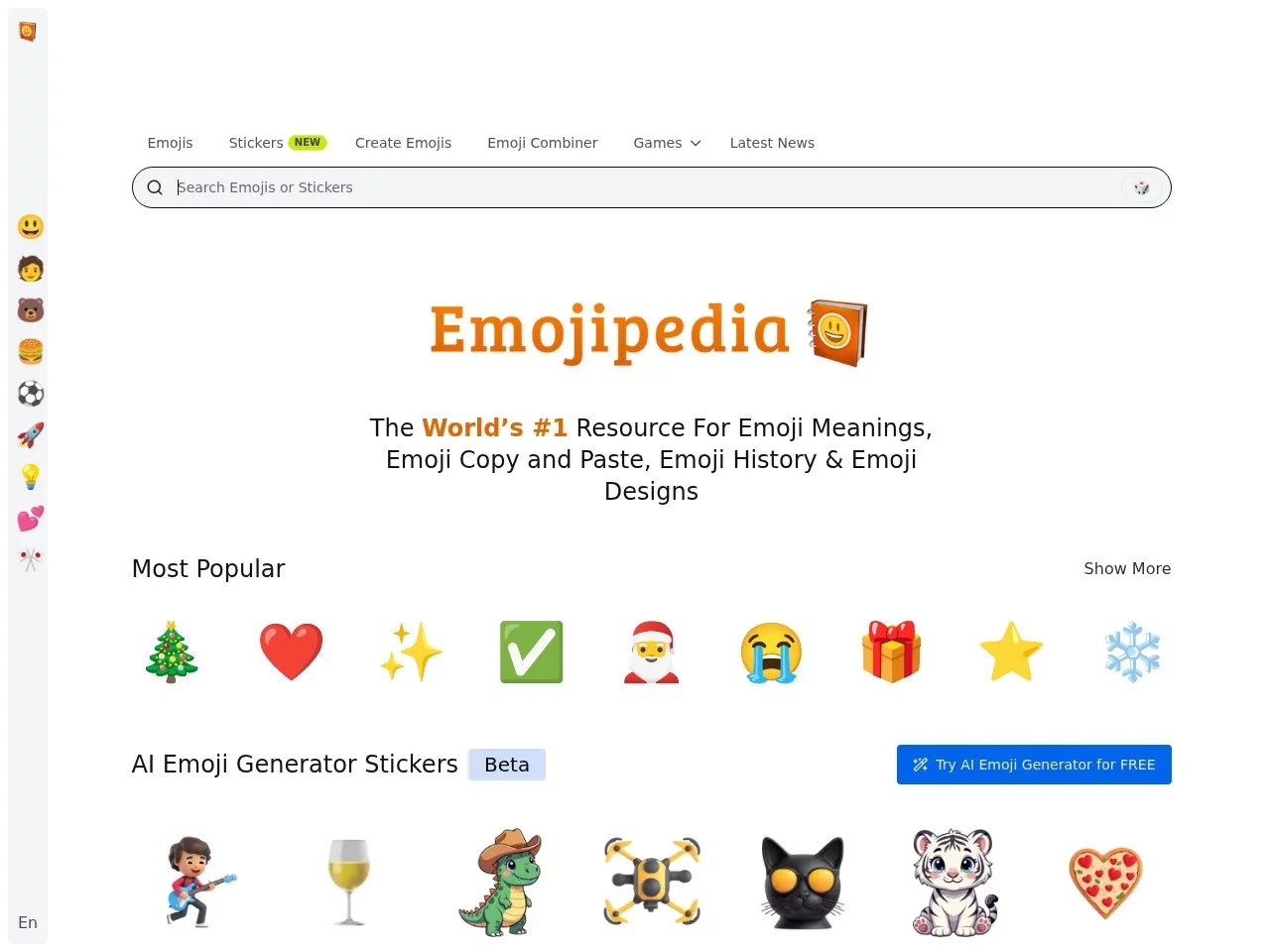
emojipediaEmoji search tool, emoji icon search engine
Screenshots

You’ve surely had the experience of sending the wrong emoji in a chat and causing a misunderstanding. For example, you send a friend the frowning face emoji and they think you’re angry, when in fact you’re just torn about whether to grab them a milk tea. To get emojis right, it’s worth getting to know how Emojipedia works first.
The way you look up emojis may have already led you astray
Official website: https://emojipedia.org/
Search online for an emoji’s meaning and the results are often scattered personal takes shared by netizens — some say the face-covering emoji means shyness, while others insist it means laughing until you break down, and reading them only leaves you more confused.
Emojipedia doesn’t take such shortcuts: all of its content is anchored to the official data sources of the Unicode standard, and every entry has a clear source rather than made-up claims.
Its positioning is spot on too: it is both a quick-lookup emoji dictionary and a knowledge base for exploring the stories behind the symbols.
These features help you avoid detours when looking up emojis
- Cross-platform emoji coverage: emojis from major platforms such as WeChat, Weibo, Apple, Google and Microsoft are all included, so they can be matched even when you switch devices;
- A clear category system: full categories such as people & faces, animals & nature, food & drink, activities, and symbols, so you can find what you need simply by browsing;
- In-depth definitions with usage: every emoji explains its origin, official meaning and suitable scenarios — it doesn’t just tell you what it is;
- Multi-dimensional quick search: filter by name, category or platform, with no need to scroll through the whole page;
- Up to date with new emojis: as soon as Unicode releases new emojis, they are added quickly, so you won’t be misled by outdated content.
Put together, these features cover everything from looking up to learning. Whether you’re confirming the exact meaning of an old emoji or checking out a new symbol the moment it appears, it can all be done in one place.
Can Emojipedia clear up these questions?
Are the explanations on it always accurate?
Highly credible. All content is based on official Unicode data — the authoritative system that defines emojis worldwide.
It first gives the official standard meaning of an emoji, then adds usage notes for different scenarios, helping you avoid misunderstandings in conversations.
Can you still find an emoji if you can’t remember its name?
Of course. If you only remember it’s roughly in “food & drink”, just go to that category and browse; if you want to compare how the same emoji looks on Apple and WeChat, filtering by platform makes it clear too.
Even newcomers unfamiliar with emojis can easily find the symbol they’re after.
How soon can you look up a new emoji after it’s released?
It follows Unicode’s update rhythm: as soon as a new batch of emojis is officially released, they quickly appear on the site with entries and definitions, so you don’t have to hunt for scattered news yourself.
A few tips for using Emojipedia more efficiently
- Search by name first, then fall back to categories: if you know the emoji’s name, search for it directly; if the name is vague, narrow things down with category and platform filters;
- Check platform differences before sending an important emoji: when sending emojis to clients or elders, check how they look and what they mean on the commonly used platforms to reduce misinterpretation;
- Check new emoji updates now and then: the emoji family keeps growing; spending a few minutes on new entries can make your expressions in chats more fitting.
Emojis may look simple, but behind them lie international standards and cultural details. Next time you hesitate over an emoji you only half understand, open Emojipedia and search — a few dozen seconds of checking can save you from unnecessary misunderstandings.