AD Recommendation
Join Now
Important: Please do not trust the content and ads of various websites easily! Recommended reading: Safety Tips
Seekvectors
Scan to visit on your phone
3wks agoupdate 714 00
0

Screenshots

Seekvectors

Still tripping over these pitfalls when hunting for brand vector logos?

Who hasn’t had one of those frustrating moments while designing, coding, or rushing out marketing materials: a client wants a Logo from an unfamiliar brand, but all you have is a blurry bitmap, and the traced details just don’t line up; or you finally find an image, only for the resolution to be too low or the background to be a solid black block, making it look like a patch stuck on your poster. Even I would be scratching my head over these pitfalls.

Official website: https://seekvectors.com/

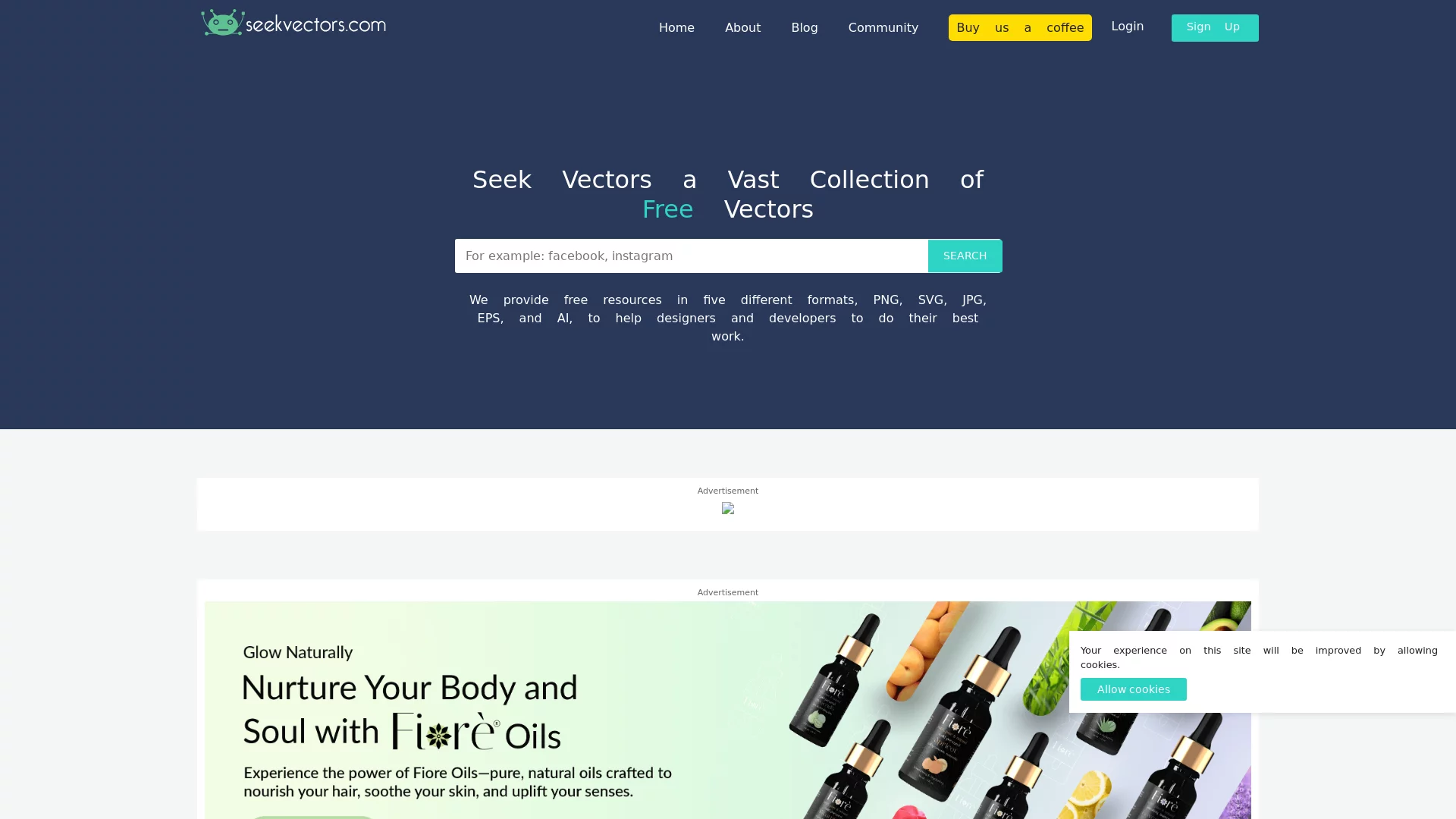
In fact, there’s no need to dig through websites one by one — Seekvectors sorts all this hassle out. It is a vector logo search engine built specifically for designers, developers, and marketers. From top-tier brands to newly founded startups, brand logos from every industry can be found, so you no longer need to switch back and forth between a dozen websites.

Choose the right format — this step must never be left to chance

Pick the wrong asset format and you’ll end up reworking it through the night — I’ve taken that hit more than once. Seekvectors offers five common formats, all free to download, each matching a different scenario to solve the problem for you, so there’s no need to fumble about on your own.

  • SVG: the must-have for web and mobile icons. No blur when scaling up or down, and you can tweak the style directly in code — a real time-saver when the front end needs to adapt to all sorts of screens.
  • EPS: the standard format for printed materials. For business cards, brochures, and outdoor advertising that need printing, choose this one — no fuzzy edges or colour shifts.
  • PNG: transparent background, hassle-free. For PPT slides or social media images, layer the Logo over other pictures without cutting out the background — done in a few clicks.
  • JPG: small file size, highly compatible. For inserting a small icon into a document or attaching to an email, if transparency isn’t required, this is the most convenient option.
  • AI: the first choice for professional editing. Open it in Illustrator and adjust paths and colour schemes directly — brand extensions and creative compositing are all within your grasp.

All assets are vector-based, staying crisp no matter how large you scale them — something bitmaps simply can’t match. I once enlarged a brand Logo to outdoor advertising size, and the edges were as smooth as when downloaded, without a single jagged line.

Worried about copyright in commercial use? This platform puts your mind at ease

The biggest worry when taking on commercial projects is asset copyright — spending the better part of a day on a poster only to redo it because of an unauthorised Logo is a bitter loss. With Seekvectors’ resources, personal use is no problem, and commercial use doesn’t require buying extra licences — that’s genuinely practical.

Whether it’s brand promotion posters, brand displays on a company’s official website, or paid marketing materials, you needn’t worry about using the Logos from here. A friend of mine landed a design job for a chain coffee shop and downloaded the Logos from this site — no haggling with the client over licensing the whole way through, saving plenty of communication time.

Different users, each with their own way to save effort

  • Graphic/UI designers: download AI or SVG source files to tweak details and piece together creative ideas without re-tracing images — efficiency can double.
  • Developers: embed the SVG straight into your pages; it renders clearly on any phone or computer, with no extra adaptation needed.
  • Marketers: pick PNG with a transparent background, drop it into posters and PPTs, and a full set of promotional images is ready in ten minutes — far quicker than before.

Questions to ask before you start — avoid the pitfalls

Afraid of stepping on a landmine? Sort out these questions beforehand and you’ll avoid a lot of detours.

Are the resources really all free? Yes — both downloading and commercial use cost nothing, with no hidden charges.

Can you find Logos of niche brands? Yes — from global big names to newly established small brands at home, covering industries such as technology, finance, and retail. For obscure ones, give it a search — you might well find them.

Is the quality of downloaded assets guaranteed? They’re all high-definition vectors that hold their shape at any scale — usable for everything from mobile icons to outdoor advertising.

Handy tips for efficient use — keep these in mind

If you want to spend less time and get more done, don’t forget these tips:

  1. Decide the purpose before choosing a format: download SVG for web work, EPS for printed brochures — don’t pick formats at random, or you’ll only have to download again later.
  2. Keep a copy of the source file while you’re at it: even if you only need PNG right now, save an SVG or AI file too, so next time you use assets from the same brand, you won’t have to search all over again.
  3. Be specific with keywords: search the full brand name directly, and add an industry term such as ‘coffee brand Logo’ to find the right one faster.

Time-consuming asset hunting, copyright landmines, rework caused by the wrong format — these design headaches are exactly what Seekvectors solves. Next time a task calls for a brand Logo, search there first — you may well have it done in seconds.

Relevant Navigation

No comments

You must be logged in to leave a comment!
Login immediately
none
No comments...