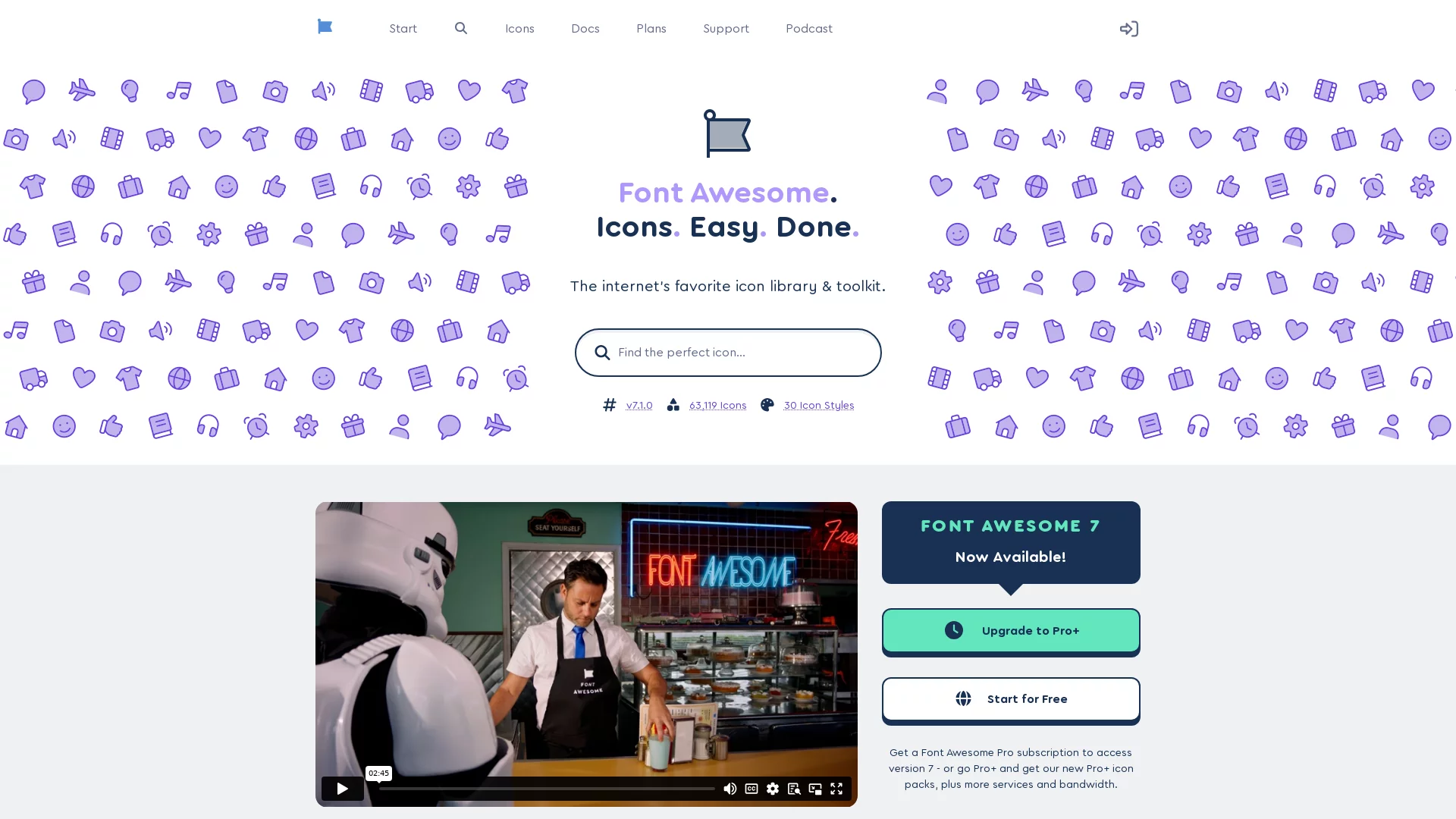
FontAwesomeFont Awesome is a widely popular icon library that provides developers and designers with a wealth of icon resources, helping them easily beautify visual elements and enh...
Screenshots

Icons are almost everywhere in the interface building of web development, mobile apps and desktop software. A shopping cart, a search magnifier, a social media logo — if designers had to export each one as an image, it would be time-consuming and laborious, and hard to resize or recolour freely. The emergence of FontAwesome changed all that. This globally popular vector icon font library packages icons in the form of fonts, allowing developers to render beautiful icons with a single line of CSS, and to freely adjust colour, size, shadow and other effects. With its massive icon resources and excellent cross-platform compatibility, it has long been one of the standard tools for web and app interface design.
What Exactly Is FontAwesome? A Quick Guide to This Veteran Icon Font Library
Official website: https://fontawesome.com/
As the name suggests, an icon font library turns icons into “text”. In the traditional approach, designers export icons as PNG or SVG images, and engineers paste them into pages one by one; FontAwesome, however, packs thousands of icons into a set of font files that can be referenced directly via CSS class names, and the icon instantly appears at the designated spot. More importantly, since icons are essentially text, almost any CSS property that applies to text also applies to icons — changing font-size scales them, changing color recolours them, and adding text-shadow creates layered shadows. It is very intuitive to use.
In terms of compatibility, FontAwesome performs just as impressively. Whether it is mainstream browsers or common development frameworks, it integrates seamlessly, requiring no extra adaptation code from developers. This is one of the underlying reasons it has served so many projects for so long.
Three Integration Options to Choose From: Find the One That Suits Your Project
Part of FontAwesome’s popularity among developers lies in the diverse ways it can be used — teams of different sizes and different development scenarios can all find a suitable path:
- Quick CDN integration: no need to download any files locally — just reference it via a link. Integration takes only a few lines of code, which is especially friendly for small projects and rapid prototypes, and also helps improve website loading efficiency;
- Local file deployment: download the font resources and add them to your project manually. With no reliance on external networks, it suits intranet environments, offline scenarios and teams with custom configuration needs, giving you fuller control over resources;
- Framework-specific integration: tailored integration solutions are provided for mainstream frameworks such as React and Flutter, fitting naturally into component-based development workflows with a smooth onboarding experience.
Generally speaking, personal projects and prototype validation can try the CDN first; enterprise projects with strict resource control requirements are better suited to local deployment; and if your tech stack is already built on React or Flutter, adopting the corresponding integration solution directly is the easiest option.
It’s Not Just About the Number of Icons — These Extended Capabilities Deserve Attention Too
FontAwesome’s first impression is naturally its huge number of icons. Its resources cover dozens of categories including social media, e-commerce and office tools, with a clean, refined design style and a consistent tone — whether used individually or mixed and matched, they maintain a consistent visual appeal.
Beyond the basic icons, it also offers a number of practical extensions:
- Dynamic animation effects: supports rotation, flipping, pulsing and other forms of expression — for example, making a loading icon spin continuously, making interface feedback more vivid and noticeably enhancing interactivity;
- Multi-platform adaptation: the same set of icons can serve websites, mobile apps and desktop software, achieving visual consistency across the whole chain, without repeatedly exporting images for different terminals;
- Multi-language support: meets the icon presentation needs of internationalised projects, ideal for teams developing for global markets.
Combined together, these capabilities make FontAwesome’s value go far beyond that of “an icon lookup tool” — it is more like infrastructure at the visual interface level.
What If Icons Don’t Show? A Self-Check Guide to Common Issues
Even the handiest tools can run into problems. The issue beginners encounter most often is “integrated but the icons don’t show”. You can troubleshoot from the following angles one by one:
- Missing font files: confirm that the font resources are fully deployed — missing files are the number one cause of icons turning into blank squares;
- Incorrectly written CSS class names: class names must be written strictly according to the specification — even a single misspelt letter will prevent icons from rendering;
- Wrong file paths: when integrating locally, if the relative path is wrong, the CSS loads but the font resources cannot be found, so the icons naturally don’t show;
- Version compatibility issues: class name rules differ between old and new versions, so after upgrading you need to adjust the calling code accordingly.
How to Handle Special Platforms Like Python?
Some languages and frameworks cannot directly apply the standard web integration approach and require specific plugins or dedicated integration methods. In such cases, it is advisable not to fumble around by feel — consult the official documentation directly and follow the guidance for the corresponding platform, which will save you a lot of detours.
Why It Has Become the Go-To Solution for So Many Teams, Judging by Its Use Cases
From personal blogs, corporate websites and e-commerce platforms to mobile apps and desktop software, FontAwesome can be found in all kinds of projects. For development teams, adopting it means more than saving the manpower of drawing icons — it also means:
- Unified design language: icons with a consistent style improve the overall quality of the interface and reduce visual fragmentation;
- Improved development efficiency: class names are ready to use and can be adjusted as needed, so design and development no longer need to communicate back and forth over image assets;
- Low maintenance cost: recolouring and scaling only require modifying CSS, without regenerating any image files.
Convenient usage, rich resource reserves and comprehensive compatibility support — the combination of these three points has established FontAwesome’s standing in the hearts of developers worldwide.
If your project is troubled by icon asset management, why not start by trying CDN integration? Once you have used a few sets of icons yourself, you will naturally understand why it has remained evergreen in this field for so many years.