Wen Xiaobai
Wen Xiaobai is a practical free AI tool with unlimited usage
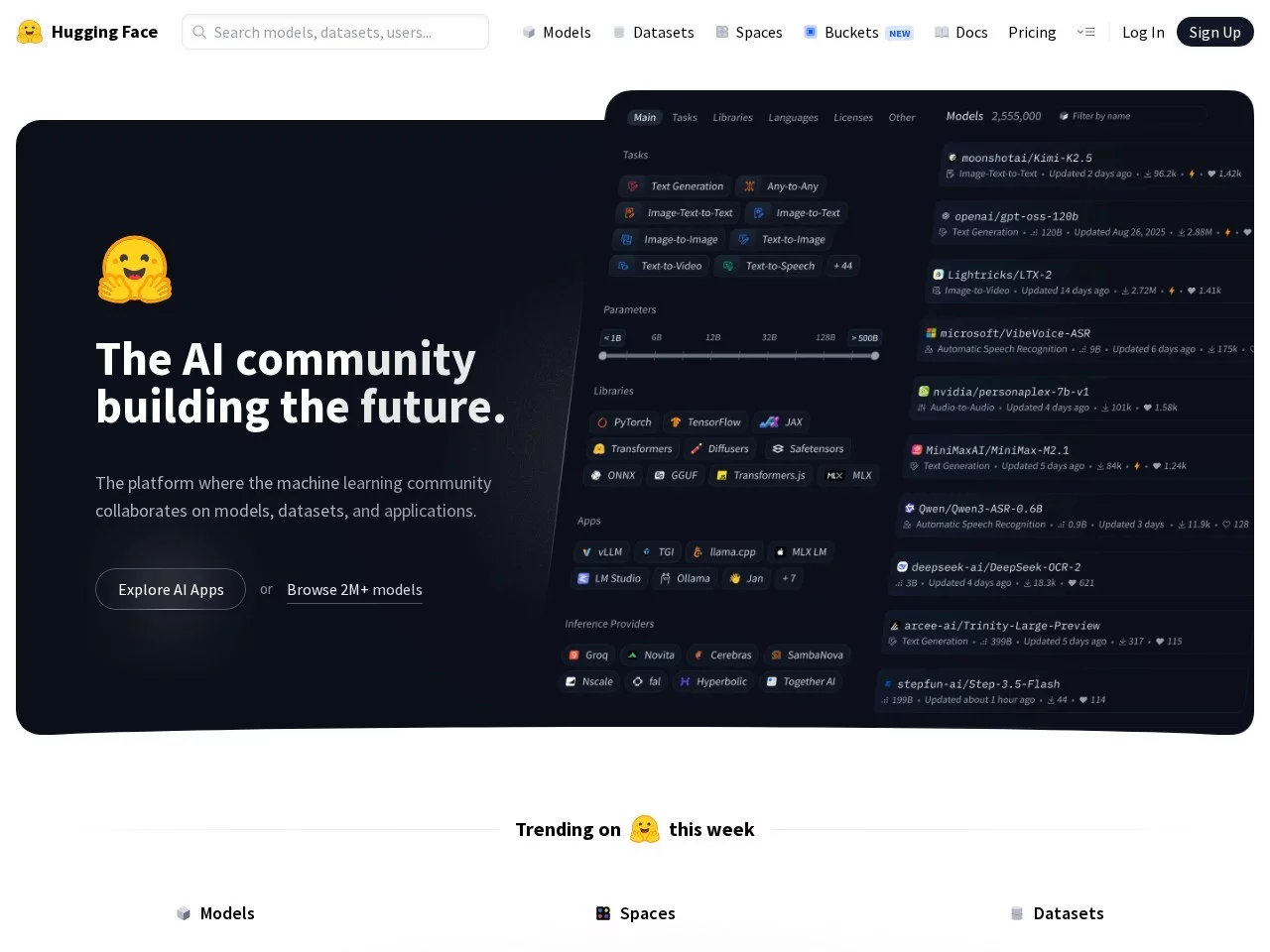
 HuggingChat
A free official web chat tool where you can directly try multiple open-source large models online, such as Llama and Qwen.
Official website: https://huggingface.co/chat/
After using AI tools for different needs and running into plenty of pitfalls, I discovered this chat platform. Let me start with the common misconceptions when getting started. Many beginners think it requires payment or a VPN to use, but registration only involves filling in some basic information — no card needed, and it is directly accessible; others cannot find where to switch models, which is actually tucked away in the collapsible menu in the sidebar, not a prominent button at the top, so when first landing on the page you might assume only one model is available.
Core Practical Value: Relying on the open-source community’s model ecosystem, you don’t need to search for open-source projects on different platforms separately — all models can be switched directly in this chat interface. Basic features are completely free with no hidden charges, and no extra environment deployment is needed, which is very beginner-friendly. I previously tried deploying open-source models myself, which meant installing dependencies and tuning parameters, and after much hassle it still failed; using this platform saved me a huge amount of time.
Detailed Feature Experience: Besides ordinary Q&A, it supports uploading documents in common formats for analysis, such as organising thesis outlines or interpreting technical documents, and can even compare how different models interpret the same document; web search must be enabled manually — once on, it can fetch the latest industry trends so you don’t have to look up materials yourself; there is also an agents feature that lets you set specific task attributes. For example, when I ask it to tidy up code comments, it automatically analyses the logic and generates standardised comments, which is more precise than ordinary conversation.
Advantages Compared with Similar Platforms: Many AI platforms offer only a handful of models and require payment to unlock advanced features, whereas the models here cover text, code, creativity and other fields with markedly different styles, and can be switched quickly to suit your needs; no queuing — some big-name AIs keep you waiting a long time during peak hours, while switching models here loads almost instantly; all models are publicly released by the open-source community, with transparent origins and no black-box operations, so you don’t have to worry about your data being used without permission.
Who It Suits: Those in technical fields who need to test the performance of different open-source models or debug code can switch quickly here; students writing theses or working on projects can use AI to help organise ideas and revise documents without extra cost; content creators who need copy in different styles, such as poems or marketing copy, can adjust the style by switching to the corresponding model; open-source enthusiasts who want to try the latest open-source models can get started directly without deploying anything themselves.