Claude
A practical AI tool for long documents and code
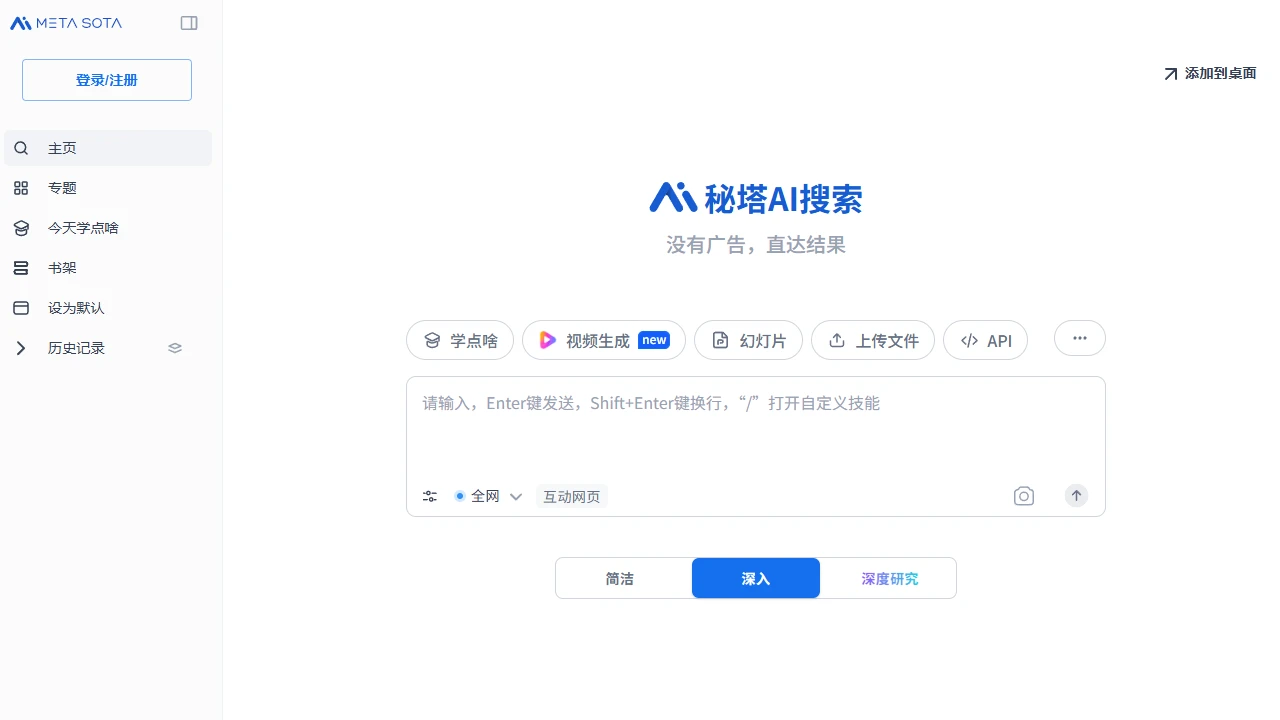
 Metaso AI Search
Ad-free Metaso AI Search helps you efficiently obtain rigorous material
Official Website: https://metaso.cn/
When working on content that requires rigorous logical organisation, I was always driven mad by search engine ads — the first dozen results were all promotional links, the valuable content I wanted was buried somewhere out of sight, and my fingers ached from paging through results without finding anything useful. Then I came across this tool by chance and realised AI search can actually be this low-interference.
When I first started, I fell into two obvious traps: first, I wrongly assumed I had to register and log in to use it — the first time I opened the page, I backed out as soon as I saw the login prompt; only later did I discover a small “use without login” entry tucked in the corner of the page, which lets you search directly without filling in any information. Second, I couldn’t find the deep mode — at first, when searching logic-based questions, the answers came out very scattered and I spent ages puzzling over them; only later did I learn that you have to manually switch to the long-thinking mode, which is not enabled by default.
Its core value boils down to a few points, all of which I have genuinely experienced. The most striking is **no ads at all** — no matter what you search for, apart from the search results and source citations, there are no pop-ups or promotional slots on the page, not even ads inserted in the middle of answers. This is incredibly friendly for people looking for rigorous material, as you no longer need to spend time filtering out all sorts of clutter. Then there is the **long-thinking R1 mode** — when searching questions that need a chain of logic, it breaks down and derives the reasoning step by step, without skipping steps or giving scattered viewpoints. For example, if you search “how to build a product’s core value system”, it explains the logical connections of every stage clearly, from underlying needs to mid-level positioning and then to top-level implementation, instead of just tossing out a few keywords like other AIs. Another very practical point is that answers automatically come with a clear outline, and every argument is followed by explicit source links, so you don’t have to hunt for the origins yourself, saving a lot of time on organising and citing. What’s more, all features are completely free — no phone number binding, no payment required — which is especially hassle-free for occasional users.
The experience of its detailed features also suits the needs of ordinary users. For example, when searching academic content, the sources are all proper journals, official government websites or authoritative industry reports — not random personal blogs or forums — so the credibility is high. When searching logic puzzles or professional analysis questions, the answers in long-thinking mode lay out the reasoning process very clearly instead of giving only a bare conclusion, which is especially useful when writing papers or preparing proposals.
Compared with similar platforms, its advantages are obvious: many AI search platforms are either plastered with ads, with key content hidden behind promotional links, or require login to view the full content, and some even impose quotas, charge fees and require binding personal information. This tool has none of these problems throughout the whole process — no interference no matter how much you search, better logical coherence in long-thinking mode without suddenly losing the thread, and more standardised sources. It suits people who need rigorous content.
There are also a few tips to keep in mind when using it, all summarised from the pitfalls I’ve encountered:
The people it suits are roughly: students who need to organise logic for course papers, office workers who need structural organisation when writing business proposals, creators who need to compile materials and cite sources, and ordinary users who are fed up with ads and worried about personal information leaks. It is less suitable for people who need real-time news or gossip, or users who only search for purely entertainment-oriented content.