智谱清言
智谱清言: A practical task-oriented Chinese AI office tool
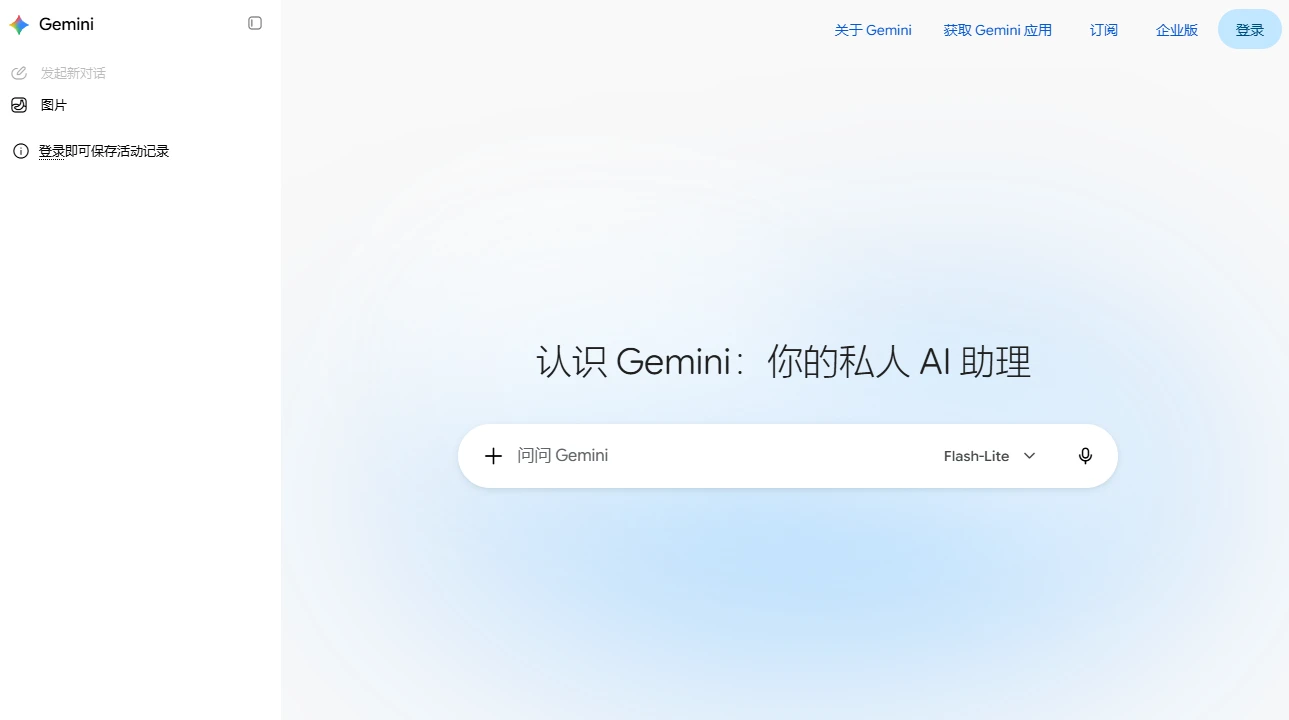
 Gemini
Google Gemini is a practical AI productivity tool
Official website: https://gemini.google.com/
Previously, when I was helping a client create an outdoor cultural tourism event plan, I had to not only sort out core data from industry reports, but also extract all project-related emails from my inbox, mark the location of camp photos taken on-site, and search for the latest camping policies in between. I switched between seven or eight tools back and forth, and spent two hours just copying and pasting. At that time, I was hoping for a tool that could connect all these tasks together, so I wouldn’t have to jump around so much.
When I first started using it, I stepped on several pitfalls. Now I’m here to remind everyone not to be as confused as I was:
Later, I realized Gemini’s core advantage is not the parameters listed officially, but its seamless integration with the Google ecosystem. For example, when I said in Gemini “organize all emails about camp coordination in my inbox and generate a to-do list”, it can directly read the email content, automatically categorize all coordination times and to-do items, without me copying and pasting, and can also sync directly to Google Calendar. This is something other AIs struggle to achieve — ChatGPT requires installing various plugins, which often fail to load, while domestic AIs cannot directly access inboxes at all. Also, its search is natively tied to Google; when asking about overseas industry data, it can directly search for the latest content, unlike some AIs that either provide outdated old data or simply say “not found”.
Let’s talk about the real experience of its detailed functions — not as vague as the official “multimodal” claim, but truly usable. Last time I uploaded a blurry screenshot of a camp location, it could recognize the specific address, mark nearby public toilets and water sources, and even generate a clear route map, so I didn’t have to check the map myself. Also, when I was writing a half-baked crawler code before, I asked it to write a basic code for crawling outdoor camp information, and it even added detailed comments, and could run it directly in the interface to see the results, without switching to another platform to test, saving a lot of time debugging.
I’ve compared several commonly used AIs on the market, and Gemini’s advantages are really impressive. ChatGPT’s ecosystem integration is too cumbersome; searching for overseas content requires third-party tools, and the free version has insufficient context length, lagging when pasting a fifty-page document. Most domestic AIs cannot search for real-time overseas content, and their multimodal functions are paid, which are unavailable in the free version. Gemini’s free version can use these core functions, and the integration is hassle-free, which is really convenient for me as a semi-professional content creator.
After using it for so long, I’ve found a few practical tips to avoid pitfalls — don’t wait until you step into them to know:
Finally, let’s talk about who Gemini is suitable for, and who might not be. For example, people in cross-border business who need to search for real-time overseas data and integrate with Google tools will find it very suitable; content creators who need to organize materials and write plans, and integrate with documents and emails, can save a lot of trivial time; students who need to process papers and search for literature will find it much better than other AIs when pasting large documents. Who might not be suitable? For example, people who need purely imaginative creativity, like novel writers — Gemini is more practical, with less creative space; and people who just want to chat casually — it’s better to use other AIs, since its core is not small talk, but solving efficiency problems in actual work.