智谱清言
智谱清言: A practical task-oriented Chinese AI office tool
 ChatGPT
 Usage Experience and Pitfall Avoidance Tips
Official website: https://chatgpt.com/
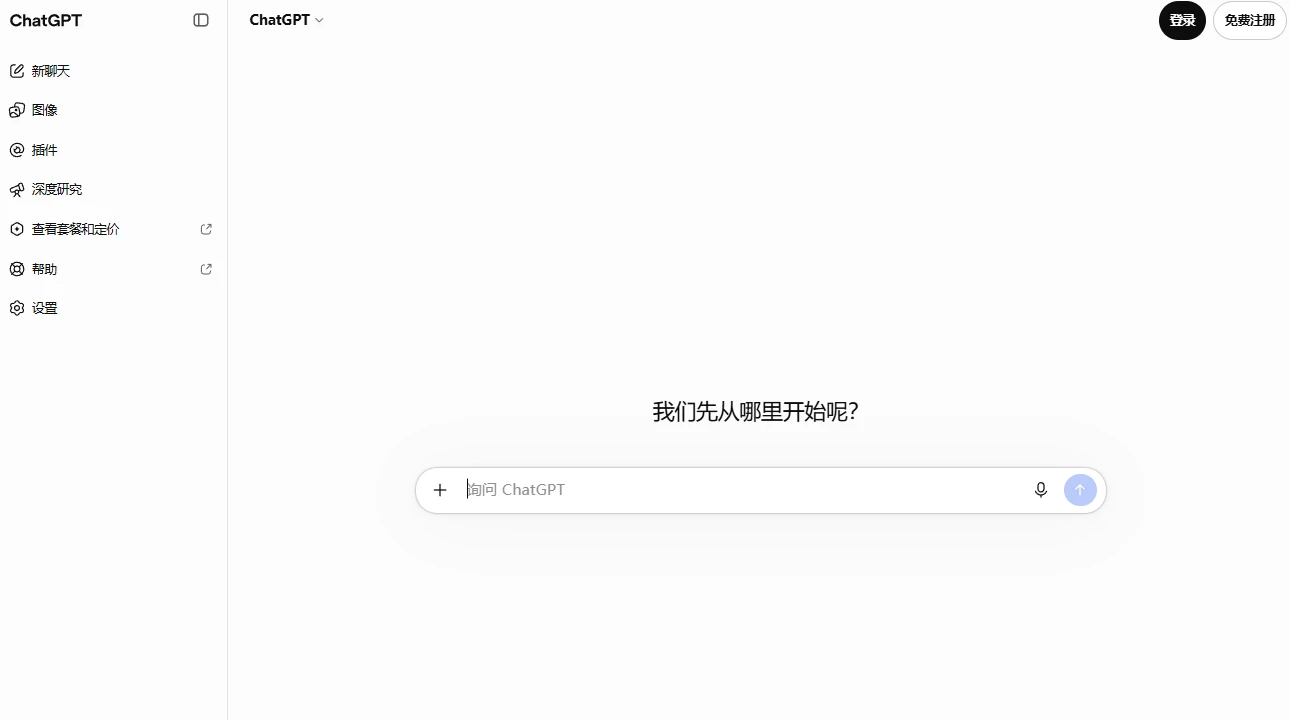
I’ve been a freelance writer for almost three years. When I get stuck on a deadline or need inspiration from other fields, I always try various AI tools. After messing around with many, this has become the one I use most daily. I’ve encountered so many pitfalls that I can warn newcomers about them.
The biggest mistake I made at first was that I couldn’t access it directly from mainland China. Later I realised it wasn’t the platform’s fault — I just didn’t have a global proxy set up. I wasted almost a week thinking the platform was blocking Chinese users, and almost switched to another tool. Another pitfall is thinking the free version is useless. In fact, free users can access the latest base model, but some advanced features require waiting. Don’t dismiss the free version as insufficient right away. Some people also think the image feature is only for paid users, but you can upload small images for basic recognition for free — there’s just a size limit. Don’t be silly enough to think you have to pay to unlock it.
What I like most about this tool is that it saves me a lot of repetitive work. For example, when I need to write a beauty-related article, I don’t have to search for loads of competitor information myself. It can pull the latest public data online, organise it clearly, and I just tweak it to make usable content — saving at least half the time I’d spend on research. When writing proposals, I sometimes get stuck on structure. I tell it my core needs, and it creates a framework for me. I then fill in the content, which is much faster than thinking blindly. For programming, I occasionally need to write a small script to process images. It gives me working code directly, with comments, so I don’t have to go through tons of tutorials.
I’ve tried the image feature: I uploaded a competitor’s packaging image and asked it to extract key selling points. It identified the text and visual highlights, listed three points, and I adjusted them based on the client’s needs to quickly get a copy direction. There’s also voice conversation. Sometimes I don’t want to type, so I just hold the voice button to say my request, and it converts it to text then answers. Last time I was out working on a proposal, I used this to save typing time. I use the online search feature most. For example, when checking the latest trends in an industry, it integrates information from several authoritative sources, so I don’t have to go through dozens of pages of reports myself — saving a lot of time.
I’ve used several domestic AI chat tools before. Either you have to pay for a large membership to use advanced features, or the answers are outdated, and many topics are restricted — very rigid. This one, while it also has content restrictions, isn’t as strict. Also, the model updates quickly. Last time I used it, the long text it generated was much more fluent than before; similar tools take ages to update. Also, its code support is excellent. If my small script has a bug, it fixes it quickly. Many similar tools either fix it wrong or take too long. Also, its interface looks complex at first, but once you log in correctly, the functions are well laid out — you don’t have to search for ages. This is better than many similar tools.
I’ve put together some practical tips to avoid pitfalls — all learned from my own mistakes:
Finally, let’s talk about who this tool is suitable for and who it’s not. It’s best for freelance writers, programming students, people in foreign trade needing translation, and content operators. For example, content creators looking for inspiration or to organise data will find it very helpful; programming students can handle basic code and bug fixes; for foreign trade, its translations are more natural than Google Translate and can adjust tone. However, it’s not suitable for those writing very professional academic papers, as it may fabricate data and lacks accuracy. It’s also not for those wanting unlimited use — the free version has query limits. Also, if you don’t have a stable global network in mainland China, it’s troublesome to use, so I don’t recommend it.