
Microsoft Copilot
Microsoft's AI assistant tool tailored for office scenarios
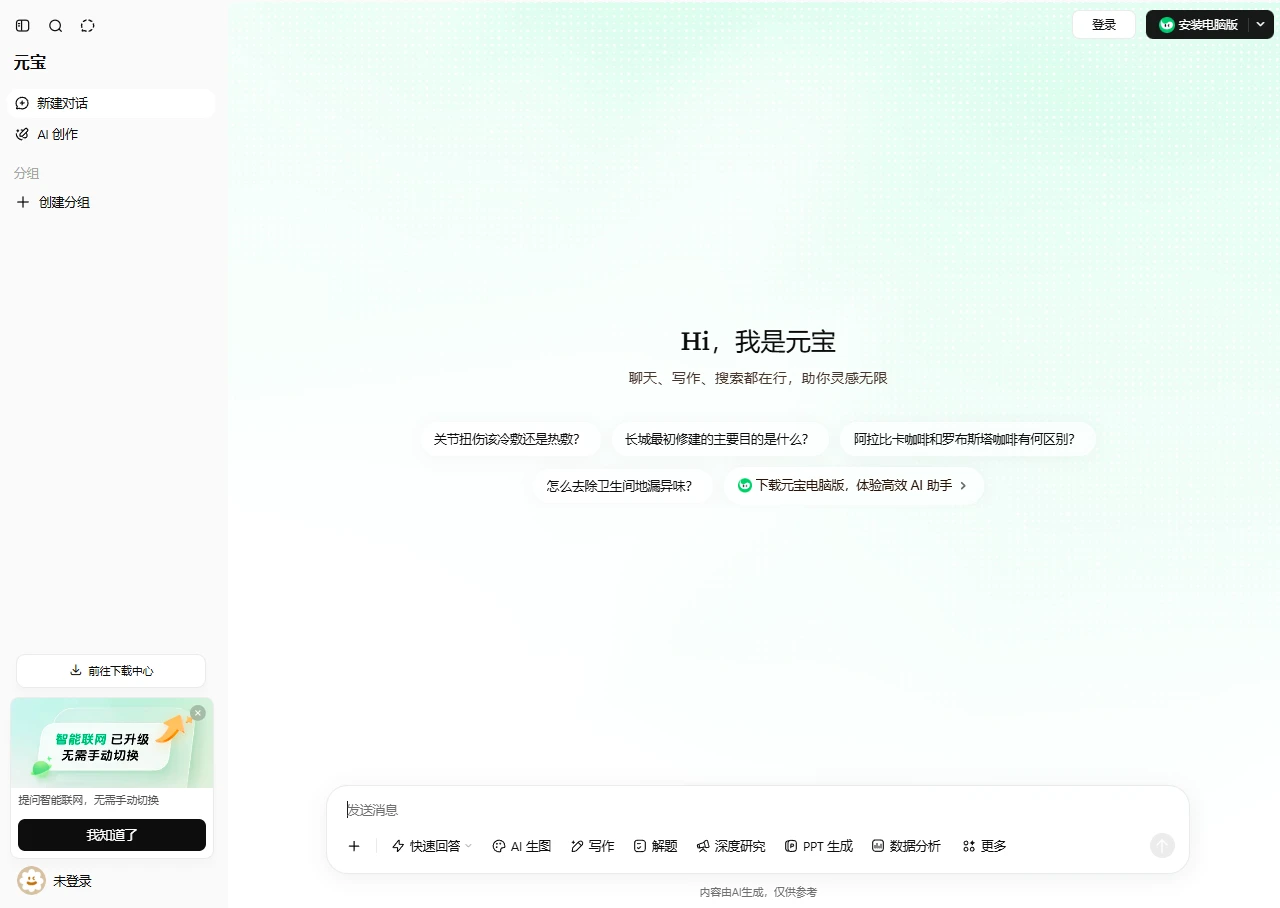
 Tencent Yuanbao
Tencent's practical AI assistant Tencent Yuanbao
Official website: https://yuanbao.tencent.com/
I’ve always been looking for a reliable AI assistant to help with daily tasks — like organising project documents, drafting proposals, or even sorting out content that requires logical thinking. I’ve tried many tools, either charging extra for features, or having slow models that give nonsensical responses. It wasn’t until I found Tencent Yuanbao that I felt it could really be used as a daily tool. Let me start with the pitfalls I encountered when I first started using it — things many new users make. I didn’t know the default model is Hunyuan Large Model, thought it only had a single function, and couldn’t find the web search feature after searching for a long time. I always felt the information it gave wasn’t up-to-date, and even thought the core features required a membership, but in fact most of the useful points are free.
When I actually used it, the most practical thing was its reliability. After all, it’s officially from Tencent, so you don’t have to worry too much about privacy — it won’t take your conversation content and use it for other purposes. This is very important for people who often send work documents and organise project information. **Dual model free switching** is its most outstanding feature. For daily chats or writing essays, you can use Hunyuan; for complex logical tasks, like sorting out the steps of an event plan or helping to organise the arguments of a paper, switch to the full version of DeepSeek-R1, and your thoughts will become clear immediately. Unlike some platforms that only use fixed models, you have to upgrade if you want to change.
Let me mention some specific functions I use frequently — not the dry list from the official, but the ones I’ve actually used: For example, document processing. Last time I received a thick project weekly report from a colleague, I didn’t want to read all of it, so I uploaded it to Tencent Yuanbao. It could extract the core progress, problems, and next week’s plans, and also help me make it more concise, saving me more than half an hour. Then there’s image understanding. I hand-drew a flow chart for an event, took a photo and uploaded it, and it could convert it into a clear text structure, helping me adjust the order of steps, which was much faster than typing it myself. There’s also web search. When turned on, you can directly look up recent policies and popular data, without having to browse web pages yourself. This is very convenient for people who write proposals.
After comparing with similar AI tools, Tencent Yuanbao has obvious advantages. For example, the free versions of some platforms either limit the number of uses for core functions, or require a membership to use them. Features like web search and document parsing are all free in the basic version of Tencent Yuanbao, and you don’t have to sign in every day to collect points to use them. There’s also ecosystem integration. You can log in directly with WeChat, no need to register a new account. The content you chat on your phone can be continued when you open the web version. When writing a proposal on your computer, if you need to go out and get your phone halfway, you can open it and continue. This is much more convenient than many tools that require a separate APP.
Of course, there are also pitfalls. Here are some tips I’ve tested that you must remember as a new user:
Let me also say who is suitable for using it: For example, students can use it to quickly extract key points when writing papers, finding materials, and organising literature; office workers can save a lot of time when writing weekly reports, revising proposals, and organising project documents; and people like me who need to interface with clients, write copy, and handle simple image needs can all be handled by it. If you are always worried that AI tools are expensive, or concerned about data security, Tencent Yuanbao is a choice you don’t have to hesitate about. You can use most of the practical functions without spending a penny, and after encountering those pitfalls, it’s quite easy to use.