Tencent Yuanbao
Tencent's practical AI assistant Tencent Yuanbao
 智谱清言
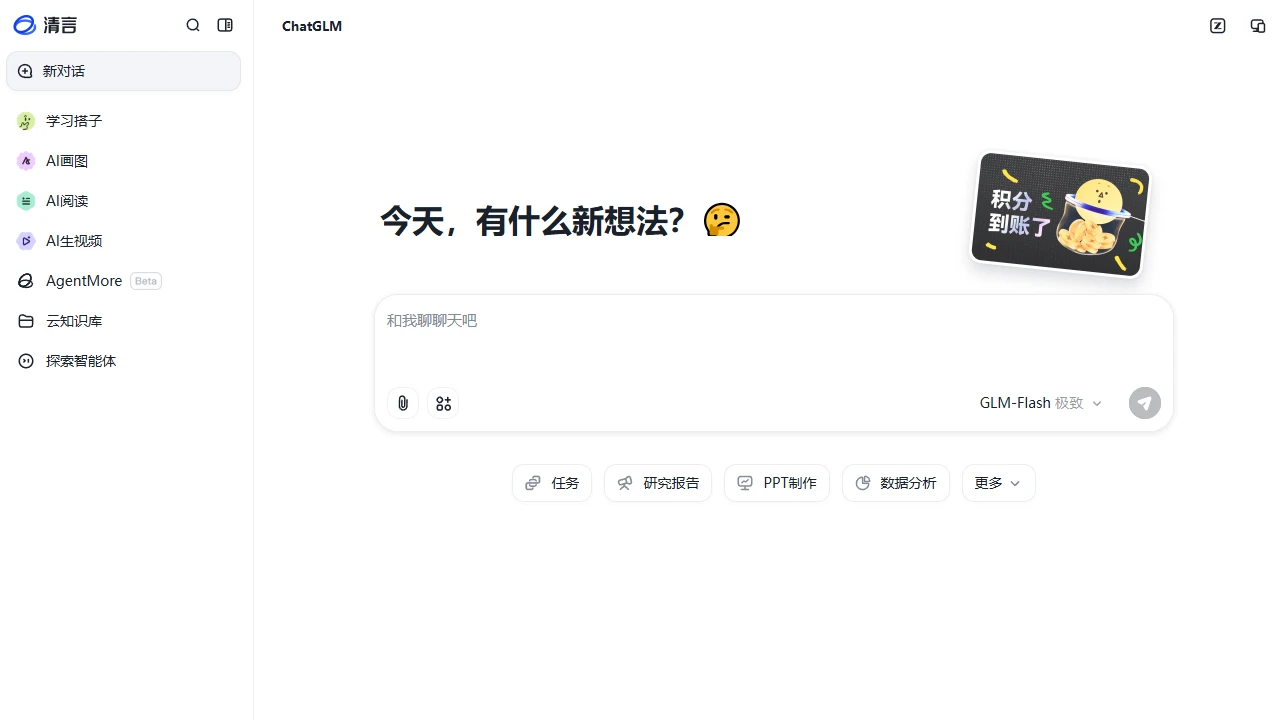
智谱清言: A practical task-oriented Chinese AI office tool
Official website: https://chatglm.cn/
Who hasn’t been through this: getting stuck writing a proposal, drowning in a pile of documents to sort through, or staying up late hunting for PPT templates? I’ve tried several AI tools before — some were half-baked, taking forever to produce results for core tasks; some kept popping up windows nagging you to upgrade and pay; and others understood Chinese so poorly that when I said “this data accounts for roughly a tenth of total revenue”, they would ramble on about something irrelevant for ages, completely missing the point. It wasn’t until I came across this AI that I realised how important it is to find one that genuinely gets things done.
The most common mistake newcomers make is treating it like an ordinary chat AI, only asking it to “tell a joke” or “write a WeChat Moments caption”, never getting close to its core features. I did the same at first, until one day I needed to put together an industry report and uploaded it just to give it a try — that’s when I discovered it could extract the key data and viewpoints with one click. Later, when I needed a PPT for a presentation, I found out there was a dedicated task mode: pick a style and the number of pages, and you get a framework within minutes — just tweak the content and it’s ready to use. Some people also don’t know you can build your own custom agent. For example, if you run a self-media account, you can create a dedicated agent, set up your usual style and topic directions, and next time you write copy you just type in what you need — no need to repeat a long list of requirements, which saves a lot of hassle.
What really makes it useful is that all its features are built for “getting work done”, without any flashy gimmicks. For data analysis, give it a well-organised spreadsheet and it can produce statistical results and trend analysis straight away, even suggestions for data visualisation. Image understanding is practical too: sometimes when you photograph a product or screenshot material you don’t understand, you can upload it and it will help you sort out the details, even distilling the key information. Its Chinese comprehension is genuinely smooth — unlike some tools, it doesn’t misinterpret colloquial requests. Sometimes I say “write me a weekly report template suitable for a new intern, the kind I can fill in directly”, and it immediately produces a template with blank fields, perfectly matching my needs, without me having to spend ages editing it.
Having compared several Chinese AI tools, its advantages are quite down to earth: the basic features are completely free — unlike some platforms where you have to pay for core functions like PPT creation and long-document reading. It’s an official product with frequent model updates, so unlike some tools that go quiet for long stretches and can’t even keep up with new Chinese expressions, it stays current. Its content moderation is also reasonably balanced: normal work and study content goes through without a hitch — it doesn’t block things at the drop of a hat. For example, when I was looking up some insider industry material, other tools flagged it as risky, but here it could analyse it normally, which is such a relief.
I’ve hit quite a few pitfalls while using it, so here are a few practical tips:
As for who it suits, the range is actually quite broad: interns new to the workplace can get help organising materials and preparing presentations; content creators will find it useful for writing copy, distilling topics and analysing audience needs; those working with data can use it to analyse spreadsheets and generate visual reports; even students can save plenty of time organising theses and sorting out the key points of literature. People who just want a tool to chat with and crack jokes with might find it not entertaining enough, but for those who need to handle tasks in a solid, dependable way, this is what genuinely works.
I used to think AI was just for fun — I never expected it to save me so much time. Now whenever I need to handle anything Chinese-related, it’s the first thing that comes to mind: no agonising over whether to pay, no guessing whether it will misunderstand my needs. A tool that lets you work with peace of mind is what truly counts as good.