智谱清言
智谱清言:实用任务型国产AI办公Tools
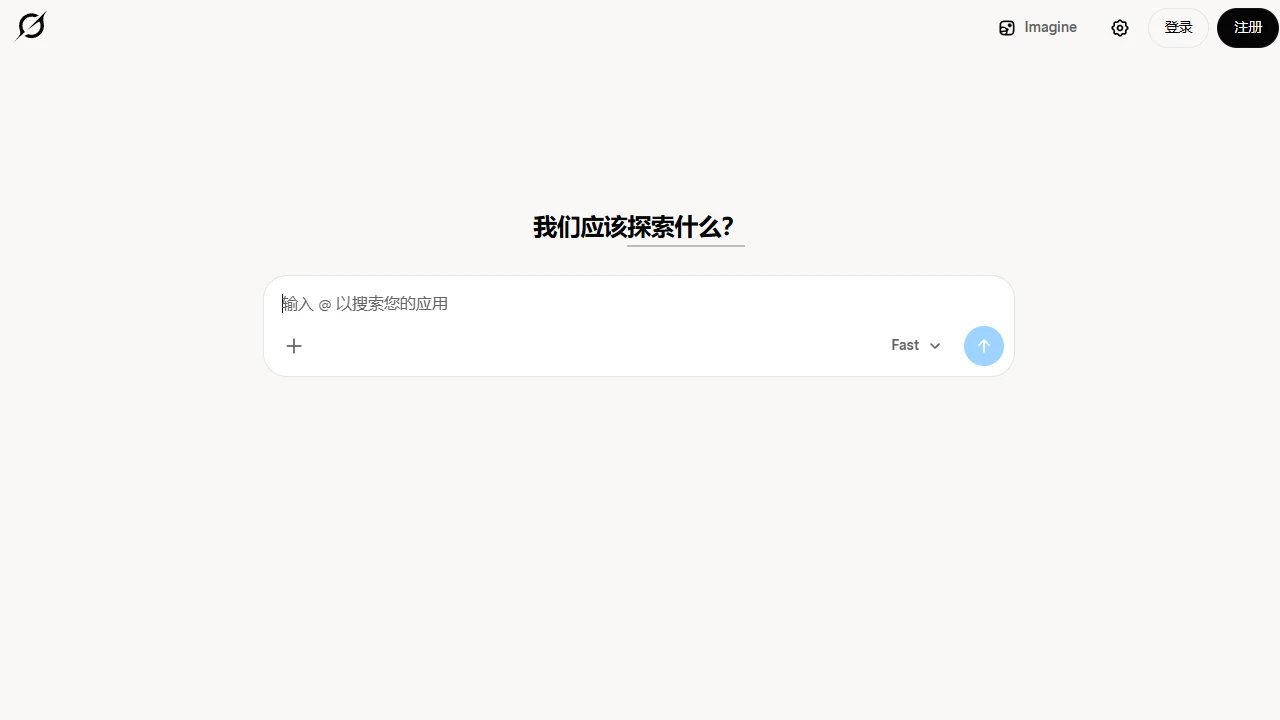
 Grok
Grok is an AI tool for free real-time content access
Official website: https://grok.com/
I always like digging up fresh content on social media platforms, such as emerging niche topics and real-time updates from artists. The AI tools I used before either had data stuck in the distant past or couldn’t capture the tiny, real-time updates on these platforms at all. It wasn’t until I tried this tool that it solved many of my small, specific needs.
Here are a few common pitfalls that first-time users are likely to fall into: When I first started using it, I thought I could access the core real-time features without linking any accounts, but the first few queries I got were all outdated content—even updates posted by creators just 10 minutes earlier couldn’t be found. Later I learned that you need to link your regular accounts to get the latest feed; some people also mistakenly think its image feature is paid. The first time I uploaded a photo of an unknown wildflower I took on the street, it was recognised immediately without asking me to top up at all. Another point of misunderstanding: its response style has a touch of internet memes. The first time I laughed at it saying “This thing has already blown up on X”, I thought it was off-topic, but later I realised its humour isn’t random—it’s a joke that fits the platform context, not going off track.
The most core practical value of this tool is its **real-time integration with X’s feed**, so you can get the latest content without waiting for training data updates. Also, **basic conversations are completely free**—you don’t have to pay for a premium membership like some AIs to use core features. Its response style is also casual, not stiff like some AIs that talk like a teacher giving a lecture, using a normal person’s tone to chat.
I tested the experience of its sub-features many times, and here are some practical details:
After comparing several commonly used AIs, its advantages are quite obvious: ChatGPT requires a premium membership to access internet connectivity, some domestic AIs even charge extra for basic internet access, and some insert ads into conversations. This tool’s basic functions are all free, its real-time performance is unbeatable, and its response tone is friendly—not like Claude which rigidly lists points like a lecture, nor like some AIs that use clichés to give perfunctory responses.
Here are a few must-not-miss pitfalls I’ve fallen into: You must link your regular accounts, otherwise all real-time data will be outdated, wasting this core feature. If you ask a serious question, such as work-related content analysis, you must say in advance “Please answer seriously, don’t add irrelevant memes”, otherwise it will suddenly bring up trending topics on the platform and joke around, disrupting your train of thought. Although the image feature is free for basic use, it may not work if you need to generate large commercial images—its images are more suitable for daily use. Also, if you find the content it provides is incorrect, don’t trust it directly; after all, it occasionally gets the platform’s feed wrong, so it’s safer to check it yourself.
Finally, let’s talk about who it’s suitable for and not: Suitable for people who often browse X for real-time content, don’t want to pay for AI memberships and want to use basic features for free, prefer casual conversations without stiff formal language, and need daily image recognition or long post summarisation. Not suitable for those who need extremely accurate commercial data, official standard answers, or large commercial image generation. Its strengths are being lightweight, real-time, and free for daily use—not a tool for handling large professional demands.