Zhipu Open Platform
Zhipu Open Platform is an AI project integration platform for developers
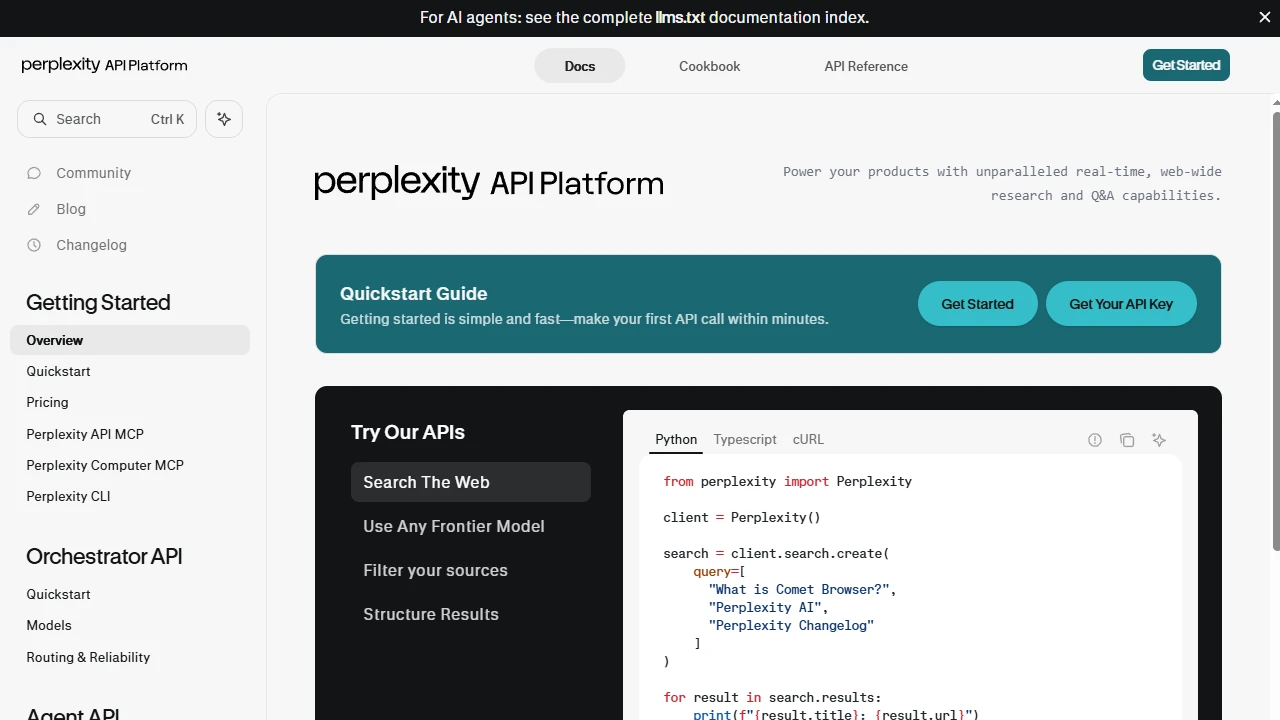
 Perplexity API
 offers a developer search interface with traceable sources
Official website: https://docs.perplexity.ai/
A while ago I wanted to build a small internal tool for monitoring competitor updates, with the requirement that every update be traceable back to the original industry media pages rather than content made up by a large language model. I tried several tools, but none met the requirement: either the returned content had no sources, the source links didn’t open, or the API was too complicated to call. It was only after finding this entry point that I finally had a suitable option.
First-time users easily fall into pitfalls. For example, when you first visit the official website, you may be drawn to the chat entry on the regular search page, and after fiddling about for ages you still can’t find the API call parameters, because this entry is dedicated API documentation, not a chat interface. Some people casually pick a general-purpose large model from the model list, not noticing that only the Sonar series models come with real-time search and citations, and end up with results containing no sources at all — wasting hours before realising what went wrong. Others overlook the token unit when checking pricing and nearly miscalculate costs: pricing here is charged per million tokens, unlike the per-character billing common among Chinese APIs, and beginners often make conversion mistakes.
Only after using it did I realise that its core value is not the search tool for ordinary users, but the API interface designed specifically for developers, which can be called directly without having to crawl the web for data yourself. The most valuable part is that every piece of content in the answer is bound to citations of original sources found through real-time search — something many similar APIs don’t offer. It essentially integrates real-time search with AI and has already handled the association between content and sources for you, saving you the trouble of doing the data mapping yourself.
In actual use, what is most hassle-free is the structure of the API response: it comes in a clean JSON format, with each answer block corresponding to an independent citation link, making it easy to parse without having to dig sources out of large blocks of text yourself. The model list is also highly targeted: the Sonar series is split into a lightweight and a professional version — the lightweight one suits low-volume scenarios, while the professional one suits complex searches, so you don’t have to blindly experiment with general-purpose models. The sample code in the documentation is comprehensive too — copy it and it works, which is very friendly to beginners and spares you from digging through a pile of request formats.
Compared with the other APIs I tried before, its advantages are clear:
I’ve put together a few tips to help you avoid detours, all learned through real trial and error:
Finally, on who it suits: this is suitable for developers building small tools, content aggregation or industry monitoring systems, or those who need to integrate real-time search into their own products. If you just want to chat with an AI, there’s no need to come here — this is an API tool for developers. If you need traceable real-time search results and don’t want to crawl and associate data yourself, this tool is a great fit; but if you only want general AI chat capabilities, it isn’t the best choice.