Hugging Face
Hugging Face is a premium platform for AI model hosting and APIs
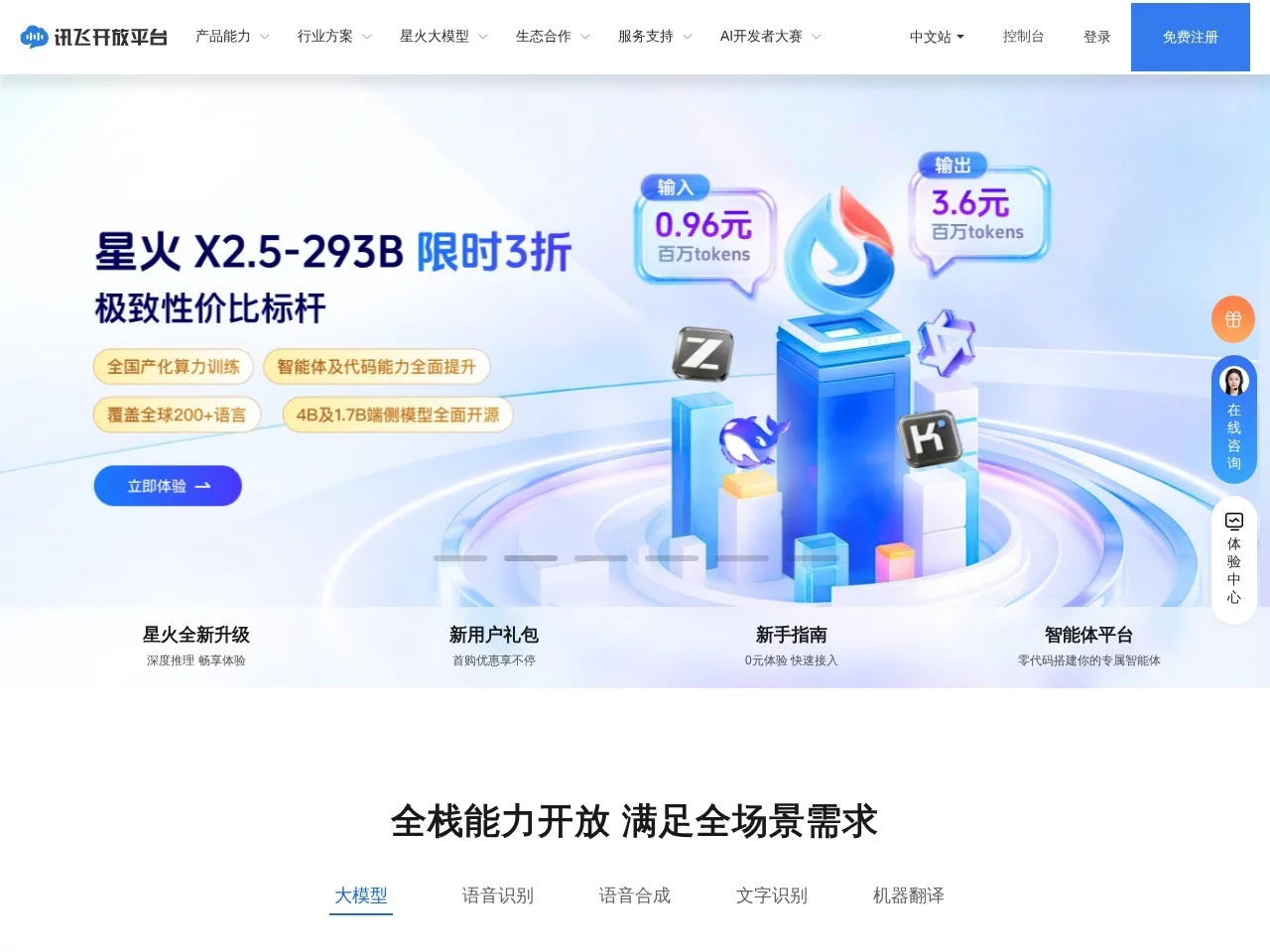
 iFLYTEK Open Platform
Practical developer platform offering AI API services
Official website: https://www.xfyun.cn/
I usually tinker with small tools, such as creating auto-subtitles for short videos and writing batch intelligent copy for WeChat Official Accounts. I ran into a lot of pitfalls when looking for API interfaces before. At first, I always thought the API entry of large models was mixed with the chat page, so I clicked in to apply, but either I couldn’t get a key that could be called directly, or the interface was unstable and crashed when called at midnight. What’s more troublesome is that many platforms’ voice capabilities are additional functions that require separate permissions, and the recognition accuracy is also low. Only then did I find this official open entry of iFLYTEK, which is really different from the pitfalls I encountered before.
There are actually many pitfalls that beginners easily fall into. Several developer friends around me, when they searched for this platform for the first time, directly clicked the chat box on the homepage, and spent a long time trying to apply for an API, only to later find that they had to go through the dedicated developer entry. Many beginners, like them, take the online chat page as the API entry, wasting a lot of time. In fact, the API entry of this platform is independent, so there’s no need to fumble around in the chat page, saving a lot of trouble.
The most practical thing about this platform is that it’s directly from the official, not a third-party wrapper, so at least you don’t have to worry about the platform disappearing one day and the functions you’ve integrated going to waste. Moreover, its core advantage — **voice-related capabilities** — is truly strong. When I used other platforms to create subtitles before, if there was a dialect, the recognition error rate was so high that I had to revise everything. The **speech-to-text** of this platform, even with a bit of background noise or local accent, has a high accuracy rate, which is the most intuitive feeling I’ve had so far and is hard to match by other platforms.
When I used it myself, I directly found the **Spark Large Model API** in the entry, and could see the model list as soon as I went in, without having to fumble around for the entry. The documentation is very detailed, with examples for each parameter. For example, when I used Python to integrate for my small tool, I just replaced the key in the sample code with my own, changed a few parameters and got it working, without having to ask customer service questions. Its pricing is also clearly marked, so there’s no need to guess if there are hidden charges. I don’t call much usually, so I use pay-as-you-go, which is suitable.
Compared with other domestic AI API platforms, its integration is really high: speech recognition, synthesis, and the text capabilities of the Spark Large Model are all on the same platform, so there’s no need to apply for separate accounts, saving a lot of management trouble. Other platforms either have voice capabilities as add-ons that require extra money to unlock, or the parameter descriptions in the documentation are vague, such as only saying “text parameter” without marking the character limit, leading to frequent errors when calling. This platform even clearly states the call frequency limits for each model, so there’s no need to trial and error. As for stability, when I used another platform before, calls often failed during peak hours, but I’ve rarely encountered such problems with this platform even when the call volume increased a bit, and it never crashed.
Here are a few pitfalls I’ve encountered that beginners must pay attention to:
Finally, let’s talk about who it is suitable for and who it’s not. This platform is mainly for developers and people who make small tools, not a place for online chatting. If you just want to chat with a large model, you don’t need this; just find a dedicated chat entry. It is suitable for those who need to call AI capabilities in batches, such as creating short video subtitles, intelligent customer service, and mini program integration, especially those with high requirements for **speech recognition or synthesis**, where the advantages of this platform are obvious. If you only use it once or twice, or don’t need voice-related capabilities, other platforms may be more suitable. But if you want a stable API and accurate voice capabilities, this platform is quite reliable.