AD Recommendation
Join Now
Important: Please do not trust the content and ads of various websites easily! Recommended reading: Safety Tips
Weiyou Assistant
Scan to visit on your phone
2wks agorelease 226 00
0

Weiyou AssistantWeiyou Assistant

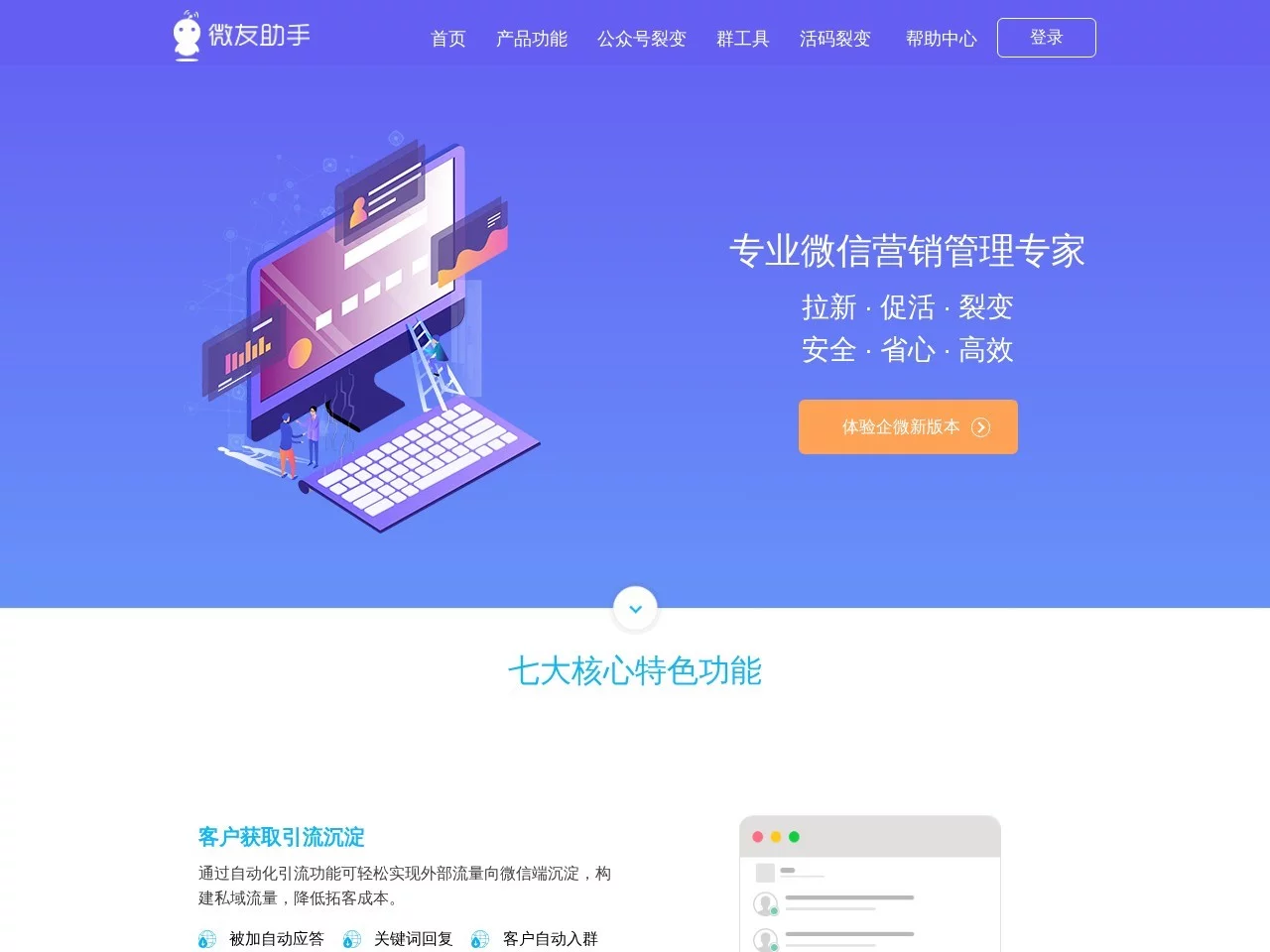
Weiyou Assistant is a useful auxiliary tool for private domain operations


Screenshots

Weiyou Assistant

Real User Experience of Private Domain Operation Tools

Official website: https://www.weiyoubot.cn/

When I was doing community operations before, the most frustrating issues were: new members joining groups without corresponding welcome messages, not knowing which channel the attracted customers came from, being unable to control the random spam ads in groups, no reminders for lost customers, and always forgetting to send scheduled event messages. I tried several tools, either with overly rigid feature bindings or messy pricing, and it wasn’t until I found this tool that things started to run smoothly, but I also stepped on quite a few pitfalls. Here’s my real experience.

I fell into several common pitfalls for new users: for example, I didn’t notice at the start that it has two separate modules for friends and communities, each charged separately. When I first started, I only bought the friends module, but later when I needed to manage communities, I had to buy the community module again, wasting unnecessary money. I also thought the robot had to be kept running all the time, and almost bought an idle server, only to later find out that once set up, I could operate it by logging into the official website. I even used the same channel live code to handle all attracted customers to save trouble, which resulted in mixed labels for customers from different sources and made data analysis impossible. Later I learned that each attraction channel needs a separate code.

What makes it worth using now is that it hits the core needs of private domain operators: for example, the channel live code. I attract customers from WeChat Moments, Xiaohongshu, and WeChat Official Accounts at the same time, each with a different live code. The backend clearly shows which channel has higher customer conversion, saving a lot of effort when adjusting attraction strategies. The lost customer reminder is set to a 30-day interaction threshold, and I can recall several inactive customers every week, which is much more reliable than manually checking lists. The automatic welcome message for new customers adds exclusive group entry benefits; before, manual messages had low conversion rates, but now the triggered effect is significantly better. Scheduled messages don’t require staying up late for event times—once set, they are automatically sent, and the saved time can be used to optimise content.

The experience with specific features is mixed: the intelligent chat is occasionally used to post interactive topics, like bringing up “What to eat today”, and the robot automatically replies with recipes or related content. Although sometimes there are keyword mismatches in replies, it generally drives small interactions in groups. I used the batch kick function for group management once, and accidentally kicked an active old customer. Later I learned that I should first tag members before operating, otherwise it’s easy to make mistakes. The customer service system connects to WeChat Official Account consultations; multi-customer collaboration can route customer inquiries to the corresponding port, so I don’t have to stay online all the time, but the response rules need to be adjusted slowly, otherwise messages may occasionally be missed. The Android app’s synchronisation is not very good, and scheduled messages are sometimes delayed—operating via the official website is more reliable.

Compared with similar tools, its advantages and disadvantages are obvious: it charges by module, and doesn’t force binding of unused features, which is more user-friendly than many tools that charge in packages. I only need the friends and community modules, so buying them separately keeps costs controllable. It doesn’t require a server to run, which is very convenient for small and medium-sized businesses without technical background—no need to keep a computer or mobile phone running all the time. But its shortcomings are also prominent: the reply logic of intelligent chat is not smart enough, and sometimes triggers WeChat’s risk control, requiring manual adjustment of keywords. The integration depth of multi-channel customer service is not as good as dedicated customer service tools; it can only handle simple message routing and cannot connect to CRM. There are no ready-made community operation templates, so you have to set them up bit by bit, which may take time for complete new users to figure out.

The pitfalls to avoid are all learned from experience: don’t share channel live codes—even for small channels, create separate ones, otherwise data will be a mess. Buy the two modules as needed; first figure out whether you focus on friend management or community operation, no need to rush to buy all. Set precise keywords for automatic replies, like triggering welcome messages only when “benefits” is input, don’t make it too general, otherwise a lot of invalid messages will be spammed in groups. Don’t set the lost customer reminder threshold too short—15 days will scare away customers who are still hesitating, 30 days is just right. Don’t use the Android app alone; its slow synchronisation may cause problems, it’s more stable to use it together with the official website.

The suitable crowd is actually clear: small and medium-sized businesses with not very large private domain scales, or individuals running communities, who don’t spend much time on private domain operations daily and need basic operation functions—this tool is sufficient. For large teams that need much customer service collaboration or to connect to their own CRM, its functions are not enough to support. Complete new users who know nothing about private domain operations may get stuck with scattered settings, and need time to figure it out, so it’s not an entry-level friendly tool.

Overall, it’s not a tool with endless functions, but it excels in being “accurate”—it simplifies several pain points of private domain operations, so you don’t need to spend much time on basic settings. It’s suitable for operators like me who want to save time and sort out core data clearly. Its shortcomings do exist, such as insufficient refinement of some functions, and the distinction between paid modules is a bit confusing for new users, but it can help a lot once you get the hang of it.

Relevant Navigation

No comments

You must be logged in to leave a comment!
Login immediately
none
No comments...