AD Recommendation
Join Now
Important: Please do not trust the content and ads of various websites easily! Recommended reading: Safety Tips
Getui
Scan to visit on your phone
1wks agorelease 118 00
0

GetuiGetui

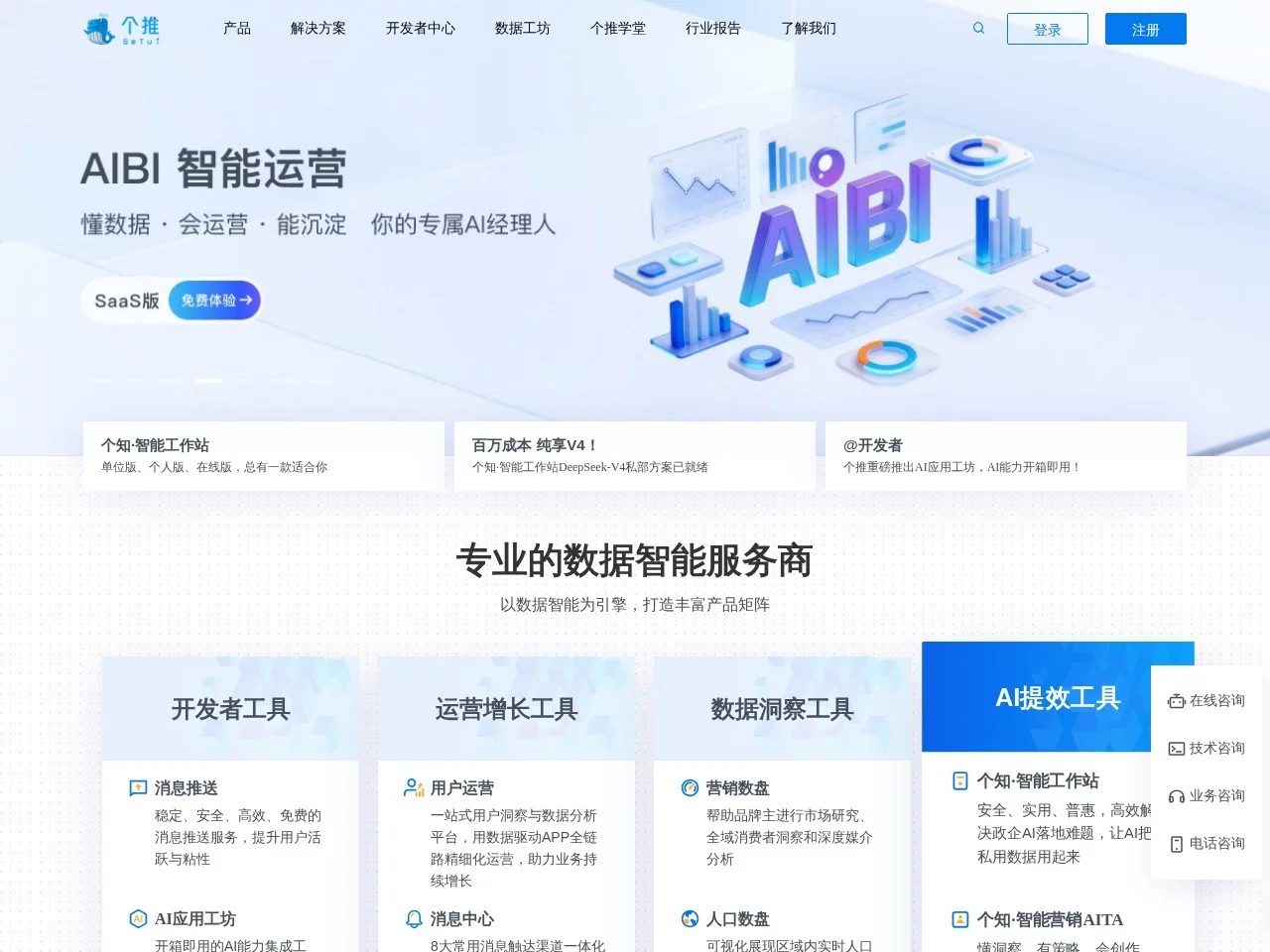
Getui is a high-quality mobile push tool compatible with multiple platforms.


Screenshots

Getui

My Real Experience with Mobile Push Tools — Here’s the Pitfalls to Avoid and Practical Points

Official Website: https://www.getui.com/

I’ve run small tools myself, and the most headache part is message push — sometimes when sending event notifications, they either get intercepted by the system and dumped into the notification recycle bin right after being sent, or very few people click on them.

At first, I went for a cheap unknown brand, but the push just wouldn’t go through on Android devices, and the push channel for HarmonyOS devices kept disconnecting — I was so anxious.

Later I learned a lot, and found that newbies most easily fall into these pitfalls when choosing a push tool: First, only focus on popularity without checking compatibility; many tools only target mainstream platforms, ignoring compatibility with niche devices like HarmonyOS and Honor, so users won’t receive notifications if they switch devices. Second, treat push as mass messaging, sending messages regardless of user attributes, resulting in messages being marked as spam with extremely low open rates. Third, treat backend data as a decoration, not using the supporting analysis functions to adjust content, wasting the tool’s potential.

After switching to this platform, I realized its most practical feature — not those fancy technologies it brags about, but it actually solves the problem of push reach and precision. Cross-platform adaptation is solid; whether it’s Android, iOS, HarmonyOS or Honor, pushes can be sent stably, with very few failures. This saves a lot of integration trouble for small teams like mine that cover multiple systems.

Here are some features I find so practical that I can’t live without:

  • Tag Matching for Intelligent Push: No need to manually pile up tags; the backend automatically accumulates user behavior data, such as used functions, dwell time, and interacted content, and can automatically push messages to people in need. For example, in the tools I developed, the click rate of event pushes to users who like a certain type of game is much higher than when sending randomly before;
  • Geofence for Contextual Push: Previously, when holding small offline events, I set the geofence around the business district, so users only received messages when they were in that area, without disturbing people who were shopping outside. The accuracy is much higher than sending messages randomly regardless of the scenario;
  • Detailed User Profile Data: You can see which users clicked on the message, which ones swiped it away directly, and what devices they used. No need to count manually, so you have solid basis when adjusting push content, not just guessing.

Compared with several other similar tools, it also has advantages: First, no need to integrate with multiple systems; push and ad delivery are integrated functions. If you have merchants to run targeted ads, you can directly use the user data accumulated from push, no need to switch to another platform, saving a lot of time. Second, stability is really good; even if users switch to a new system or update to a new version, the push channel rarely has problems. It won’t act up occasionally like some tools, leading to delayed or lost notifications. Third, supporting auxiliary tools are practical; application statistics don’t just give a vague percentage, but the specific effect of each push, so you can directly see which messages are effectively reached and which are marked as spam and deleted.

However, I also fell into small pitfalls when using it, so here’s a reminder for newbies: First, don’t set the geofence too close. I initially set it to 100 meters, resulting in many passing users receiving messages and feeling annoyed. Later I adjusted it to 500 meters, and the accuracy improved a lot without disturbing people who just passed by. Second, don’t split A/B testing; send different versions of messages at the same time, otherwise the time difference will affect the results and you won’t know which content attracts users more. Third, don’t send pushes too frequently; 2-3 times a week is enough, otherwise users will block your notifications and won’t receive them anymore.

Finally, let’s talk about who it’s suitable for: Small and medium developers, online merchants doing refined operations. If you just make a small personal tool and only need to send system notifications, the advanced features of this tool are useless for you, so there’s no need to spend the money. If you want to push messages to people who are really interested, improve the open rate, and also do targeted pushes based on scenarios, then it’s quite practical. Of course, if you just pursue simplicity and don’t want to bother with too many features, a basic tool can meet your needs. But if you want push to really work, the platform’s adaptation and precision can still help.

Relevant Navigation

No comments

You must be logged in to leave a comment!
Login immediately
none
No comments...