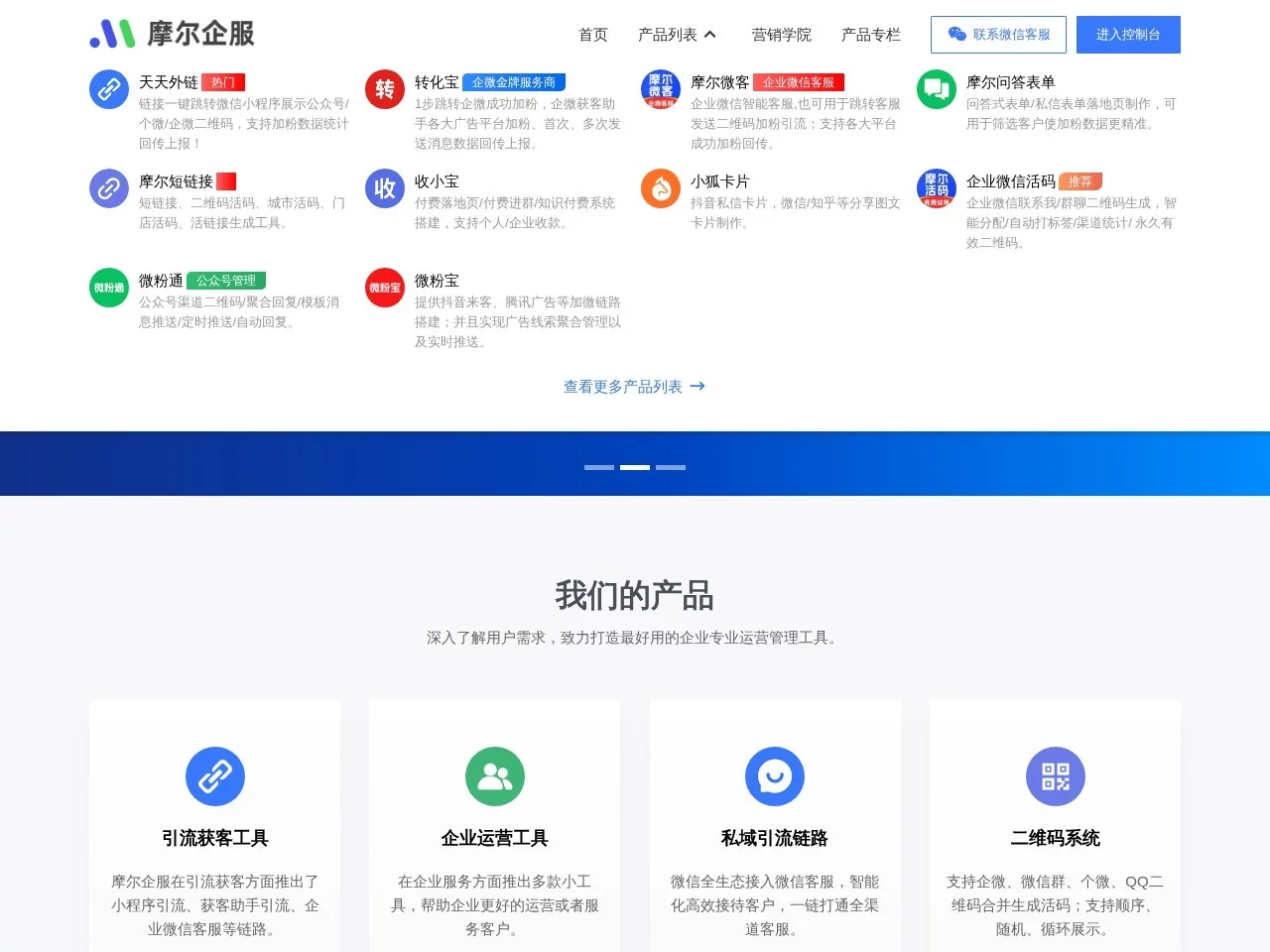
More QifuMore Qifu is tailored to small and medium-sized private-domain teams, helping them operate efficiently.
Screenshots

The operations tools that saved me plenty of energy on private-domain work
Official website: https://www.moreqifu.com/
When I first got into private-domain work, I was honestly baffled by a pile of tools — the customers I added were scattered across channels, I feared being kicked out of groups for posting promo links, short-link statistics were full of fake numbers, and customer-service messages had to be checked across three platforms. I ended up staring at my phone all day with a headache. After stumbling into quite a few pitfalls, I finally found a handy setup that smoothed out all these headaches.
- When I started out, I always went for free tools, but within a couple of days the short links would stop working and the click counts were all inflated — wasted effort plus wasted customer resources
- I wasn’t careful with dynamic QR code setup and kept driving traffic when groups were nearly full; several times I turned away people trying to add me as a friend, which was so awkward I had to explain over and over
- I used three or four scattered tools — switching from a traffic tool to a customer-service backend and back, with statistics that weren’t even compatible with each other, so I could never tell which channel was reliable
As for the tools I use now, what strikes me most is that they bundle all the core private-domain needs into one place, with no switching back and forth — from traffic acquisition and content distribution to user management, everything runs in a single backend, saving loads of time hunting for tools and exporting data. What stands out most is **no flashy frills**: every feature is built around real private-domain pain points, without piling on a bunch of useless, gimmicky buttons.
For example, when acquiring new customers, the dynamic QR code feature is the one I find handiest: no need to switch groups manually — just set up several backup groups in advance, and when the current group’s member count approaches the limit, it automatically switches to the next group and sends a reminder. Before, building a dynamic QR code myself meant hunting for tutorials, hunting for tutorials, and trial and error; now a few clicks get it done, and I can even see how fast each channel brings in new members — for instance, whether customers from WeChat Moments or WeChat Official Accounts are higher quality — at a glance.
Then there are the short links: with other tools, the statistics only showed total clicks, and I couldn’t even tell which platform traffic came from. This one breaks things down by UV and PV and can tag channels — for example, when I post promo articles on Xiaohongshu, WeChat Moments and in communities, the backend shows the conversion numbers for each channel directly, so I can see at a glance which content resonates, without counting things up one by one myself.
Compared with similar tools I’ve tried, the advantages here are quite tangible: other tools are either too limited in function — traffic is traffic, customer service is customer service — and you have to pay for multiple features; or they come with heaps of irrelevant ads, and links you share carry the platform’s watermark, which annoys customers when they click and can easily get reported. This one doesn’t: everything is private-domain-related, with no miscellaneous traffic-boosting ads.
As for customer service, the WeCom-based customer-service tools I used before were either laggy or required binding a pile of things. This one doesn’t — enquiries from Mini Programs and WeChat Official Accounts come straight into the backend, messages pop up quickly with no window switching, and you can even view customers’ basic information right there, without digging through customer records elsewhere — saving plenty of preparation time before talking to customers.
After using it for so long, I’ve also picked up a few pitfall-avoiding tips: always set a member-count reminder for dynamic QR codes, otherwise the group can easily max out and you’ll have to apologise to customers who can’t get in; when generating short links, always pick the tag for the corresponding channel instead of lazily using the default, otherwise the data gets mixed together and there’s no way to optimise; and as for user data, there’s no need to check it daily — half an hour a week is enough, focusing on which channels bring in traffic steadily and which content converts well, without staring anxiously at the numbers.
This set of tools basically suits small and medium-sized teams or small businesses doing private-domain work — for example, those selling through communities, studios taking private commissions, or beginners who want to get their operations in order. You don’t need to spend much time studying complicated features — it’s usable straight away, and the price fits small and medium teams’ budgets, so you won’t pay for a pile of features you’ll never use.
There are those it doesn’t suit, of course — for example, big companies needing customised features, or complete newcomers who can’t grasp private-domain logic at all. But such people are actually rare; most who are just starting out with private-domain work can find usable features here to string together their previously scattered workflows and avoid some of the pitfalls I once stumbled into.
Relevant Navigation
Suowo Short Link
Mole Short Link
Customer Acquisition Assistant