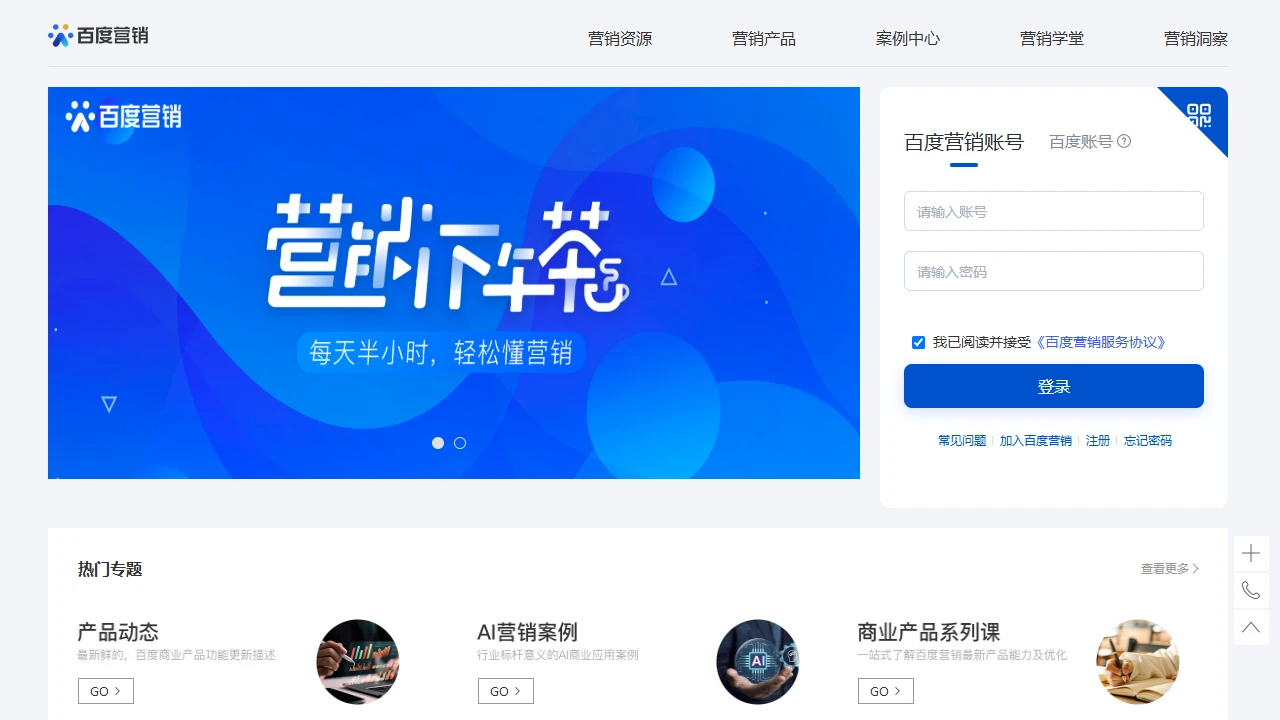
Baidu AifanfanBaidu Aifanfan helps small and medium-sized businesses optimize their Baidu marketing
Screenshots

My Real Experience with Baidu Aifanfan
Official website: https://aifanfan.baidu.com/
I run a local service business. When I first looked for marketing tools, my biggest fear was having to switch between multiple platforms at once: I had to check the ad backend for campaigns, use a chat tool for customer communication, and open spreadsheets to track leads — I was run off my feet.
I’d tried other smart marketing tools before, but either their functions were too scattered or they couldn’t integrate with the ad platforms I used. It wasn’t until I tried this tool that I found something that met my needs.
I made a big mistake when I first started using it — I thought it was just an upgraded chat software, and I couldn’t find the lead management entry anywhere on the homepage. Later I realized that its leads are automatically integrated with Baidu’s ad backend; the contact details left by visitors sync automatically, and they need to be viewed in the dedicated “Leads” section. I was stunned for a long time before I realized I’d wasted ten minutes looking for it.
What impresses me most is that I don’t have to jump between platforms. I run search ads on Baidu, and when a visitor clicks in and leaves their phone number, I don’t have to copy and paste manually — the system automatically syncs the information here, and clearly marks which keyword and page the visitor came from. I can directly grasp the customer’s core needs during chats, saving me a lot of repetitive work.
The auto-replies in chats are also more flexible than other tools — they’re not fixed templates, and can be linked to the visitor’s search content. For example, if someone searches for “how much is local repair”, the system automatically sends the corresponding quote, so I don’t have to stay up late waiting for my phone. There’s also a commercial intermediate number. I used a regular virtual number before, and customers always thought it was a spam call. This intermediate number can display my store’s name, which has significantly improved the customer connection rate. It also automatically saves call recordings, which I used to review sales scripts and find problems later.
I haven’t used the private domain features much, but after linking WeChat Work, leads are imported automatically without manual addition. The system sends welcome messages automatically, and can send corresponding maintenance content based on customer tags. For example, customers who have bought service packages will automatically receive follow-up maintenance tips, so I don’t have to send messages manually every day.
Compared to several similar tools I’ve used before, its cost-performance ratio is really good. Other CRMs charge thousands of yuan just for basic functions, but since this tool integrates with Baidu Ads, I don’t have to import leads manually, saving a lot of trouble. It also has smart analytics — instead of giving a bunch of vague reports, it directly says “leads from the keyword ‘repair’ this week have stronger intent”. Later, I focused on this keyword to increase my ad budget, and the effect was much better than random ad placement.
Later, I subscribed to the paid version, which unlocked the lead generation feature. The system can find people with strong intent who haven’t left contact details yet based on their browsing history. I later sent targeted invitations to these people, and closed several deals. This feature really saves a lot of customer acquisition effort for small and medium-sized businesses like me.
When it comes to pitfalls I’ve encountered, here are a few to avoid:
- The free version has a limited number of leads. Once the limit is exceeded, old leads are hidden. You need to delete old leads manually or purchase more quota. Don’t be like me — I didn’t notice this at first and spent ages looking for new leads;
- The business card doesn’t go live automatically. You need to submit materials in the “Business Exposure” section of the backend. After approval, it will appear in the search results when customers search for your brand keyword. Don’t be like me — I spent ages looking for the entry;
- Call recordings for the commercial intermediate number need to be enabled manually — it’s off by default. Later, when I wanted to review sales scripts, I found there were no recordings at all and only remembered this setting;
- To link Baijiahao, you need to apply for permissions separately in the backend — it won’t be automatically associated just by linking the account. Later, when I wanted to post Baijiahao content to promote leads, I found I didn’t have permission.
By the way, this tool is suitable for businesses like me that run traffic campaigns on Baidu and manage small-to-medium private domains. If you don’t run ads on Baidu at all, many core features won’t be usable, and the effect will be reduced. If you’re a large enterprise that needs deep integration with your own ERP system, this tool isn’t complex enough to meet your needs.