Mole Short LinkMole Short Link is a practical short link tool for online promotion
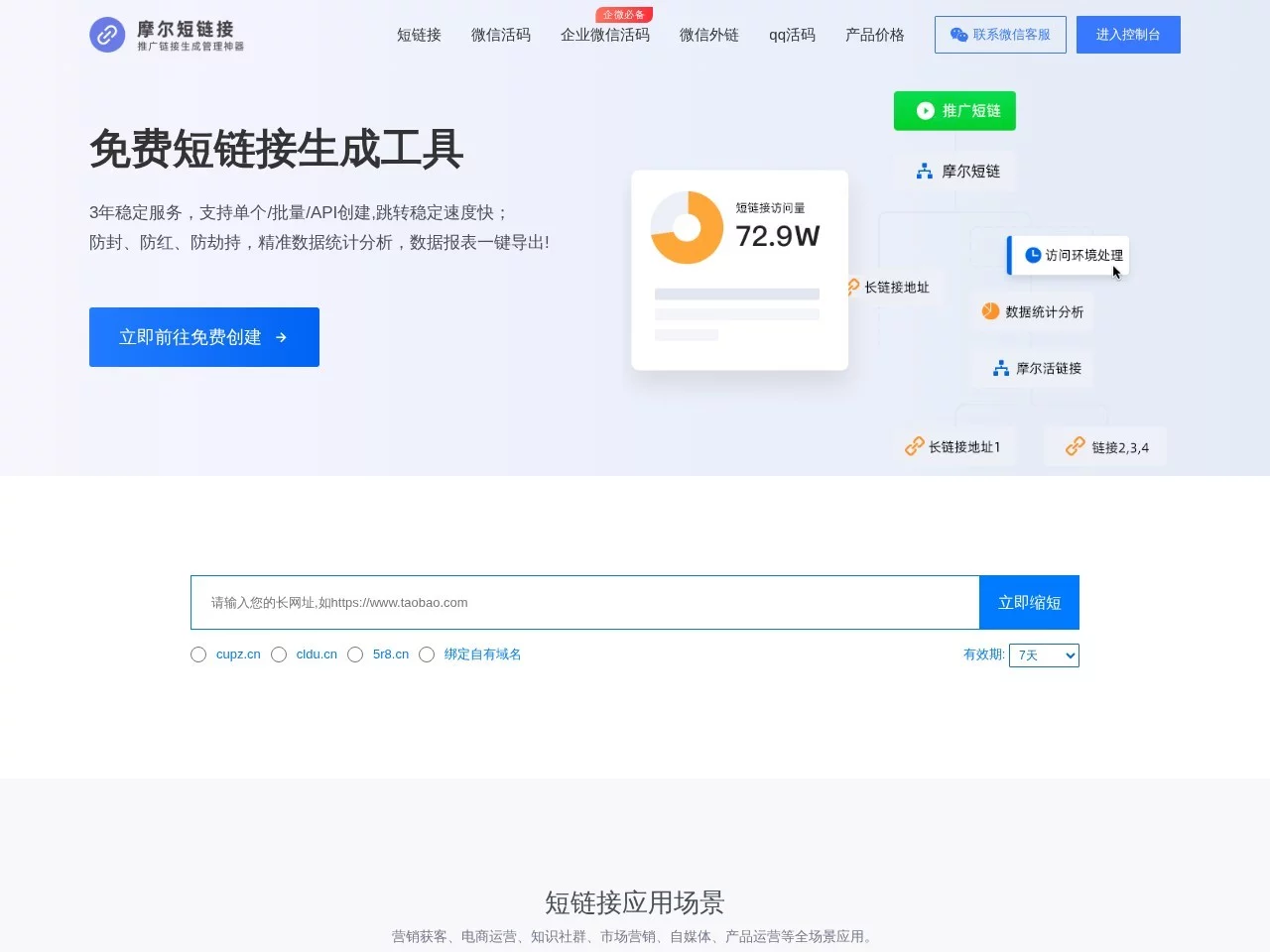
Screenshots

About the tool that solved my promotional link pain points
Official website: https://molelink.cn/
At first, my biggest headache was link issues in online promotion. Whether I was posting content on social platforms or sharing product introductions in communities, long links would either get automatically collapsed by the platform or exceed the character limit and fail to display in full, and users simply had no patience to spend time copying and pasting. I casually tried quite a few free short link tools in the beginning, and the pitfalls were endless: some generated links carrying inexplicable third-party ads, which looked very unprofessional, as if I were doing the groundwork for other platforms; some went dead every few days, and by the time users clicked, they had already been redirected to an expired 404 page; worst of all, within a couple of days of posting, the links were flagged as spam by the platform, and even my later promotional content got dragged into it.
It was only after switching to this tool that I found it truly addressed all my previous pain points. It is not one of those flashy gimmicks that simply shorten a long link and call it a day; its features are built around real promotion scenarios — for example, what I used to worry about most was links being blocked by platforms, but after generating links with it, this rarely happens any more. There was also the fear of ads popping up when clicked: links generated by other tools I tried were occasionally hijacked to irrelevant pages, but this one never does that — clicking it opens exactly the content I want users to see.
- Custom short link styles is the feature I use most. I change generated short links into characters related to my own brand — for example, turning random letters and numbers into identifiers matching the promotional content. They are far more memorable than stiff gibberish links, and users are more willing to click them;
- The dynamic QR code integration feature really saved my promotions. When I used it for WeCom user acquisition, I no longer needed to prepare separate dynamic QR codes for several communities — I only had to set up the corresponding redirects in the backend, and when users clicked one link, they would be automatically taken to the corresponding dynamic QR code page according to the source, which also made it easy to track traffic channels;
- No extra charge for data analytics — this point really hits home. Other tools require a membership upgrade to see details like region, visit time and devices, but with an ordinary account I can get this data and put it straight to use when adjusting promotion strategies — for example, knowing which region’s users click more, I post more content on the platforms of that region;
- API integration saves a huge amount of time. I built a small tool of my own that needs to generate short links in batches. By integrating directly with its API, there is no need to paste them one by one manually — hundreds of links are done in a few minutes, without wasting any time on repetitive operations.
Compared with the tools I tried before, its advantages are actually quite solid: first, stability — the links I generated with it have stayed valid for a good half year at the very least; second, no hidden charges — I only use the free features, and apart from a small limit on the number of generations, it is entirely sufficient for everyday promotion; third, it does not force its own ads onto links, which matters hugely to anyone building a brand, as it keeps your promotional content from looking cheap.
- Before generating a short link, always test it by opening it in a browser first to confirm it redirects properly; otherwise, after you send it out, users cannot open it and all your effort is wasted;
- When generating links in batches, tidy the long links into plain text without extra formatting or spaces, otherwise generation failures are likely to occur;
- Add a note to each link, such as “Xiaohongshu recommendation link” or “exclusive community entrance”; otherwise, once you have piled up a bunch of links, you cannot tell at all which one corresponds to which promotion scenario;
- Try not to set the redirect mode to random; if you have fixed traffic channels, just choose sequential redirects. Otherwise, when checking the statistics you will have no idea which channel performs well, and you will be unable to optimise your later promotion direction.
This tool is actually especially suitable for people who need to do online promotion — whether you are an individual posting content, an online shop promoting products, or a small team using WeCom for user acquisition, it will come in handy. If you only occasionally send out one or two links, the standard features are enough; if you need batch generation or to integrate with your own tools, it can also meet advanced needs, so you no longer have to make do with other tools. Of course, that is not to say it is perfect — for example, there is occasionally a delay when generating links, but it does not affect usage. Overall, it is the most hassle-free short link tool I have used so far.
Relevant Navigation