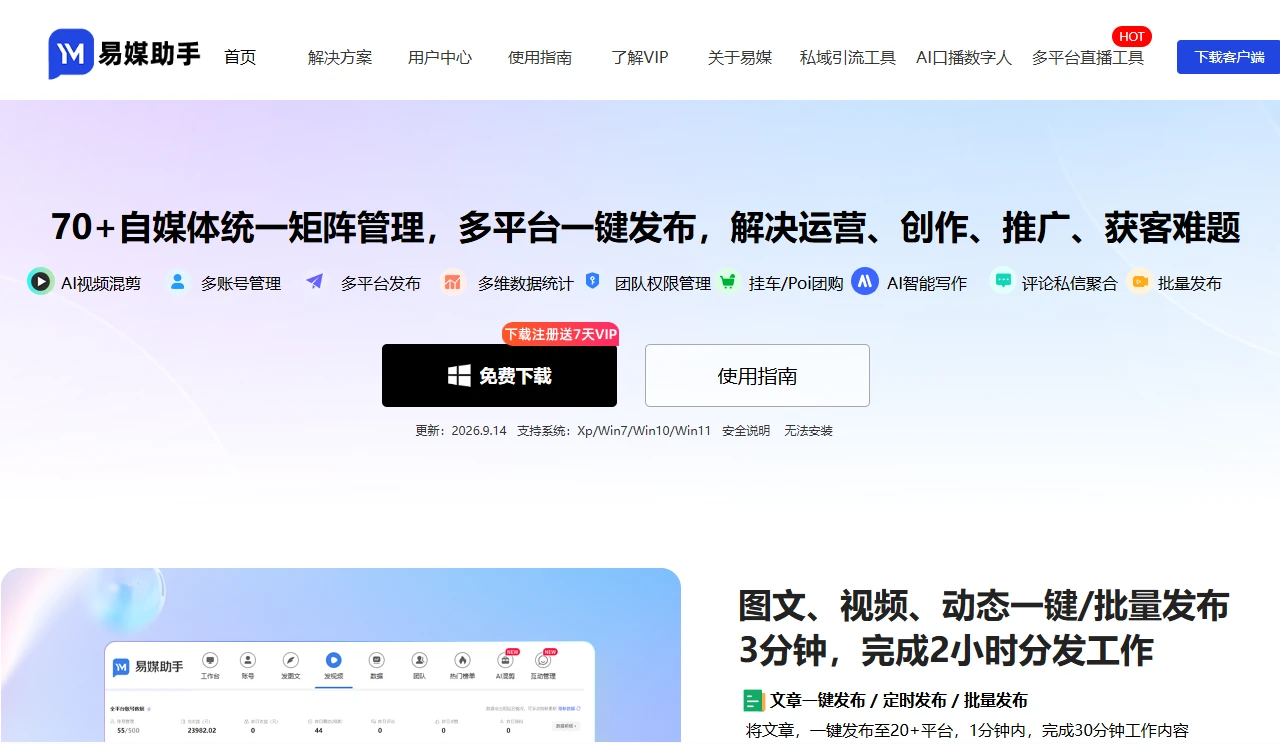
Yimei AssistantYimei Assistant helps efficiently manage multi-platform self-media accounts
Screenshots

Yimei Assistant Usage Experience Sharing
Official Website: https://yimeizhushou.com/
When I was doing self-media, I had to monitor several platforms at the same time. The content requirements of different platforms were also different. After posting content on Platform A, I had to copy it to Platform B and C. Copying and pasting alone took most of the day, not to mention checking data and calculating follower growth on each platform. I originally wanted to post more content, but all my time was spent on these mechanical operations. At that time, I really wanted to find a tool that could connect these tasks. I tried several but none were user-friendly—either they lacked functions, or the interface was messy and I couldn’t find the buttons.
I encountered many pitfalls when using such tools for the first time, such as:
- I was in a hurry to link accounts as soon as I opened it, and linked five at once. As a result, the backend loaded for a long time and crashed. Later I learned that linking accounts should be done step by step, with a maximum of three or four at a time, otherwise the system load would be high and errors would easily occur.
- I directly uploaded content for distribution without enabling sensitive word detection. As a result, the content on one platform was rate-limited due to sensitive words. Later I realized how important this function is—not all platforms have the same review standards. Some words are fine on Platform A, but cross the line on Platform B, so you need to detect them first.
Later I found the practicality of this tool. It’s not that it has fancy functions, but it solves the two things that bothered me the most: first, no need to switch back and forth between backends, **one-click distribution** of content to multiple platforms; second, **sensitive word detection** in advance to avoid rate-limiting pitfalls. These two points really save time—what used to take hours can now be done in a dozen minutes.
When editing short videos, I don’t need to use other editing software anymore. I can directly adjust the video size, cut redundant clips, and even export GIFs as images in this tool. When editing content, I can also directly insert formats for different platforms, such as Xiaohongshu’s hashtags and Douyin’s hashtags, so there will be no format garbling. Data statistics are more convenient—no need to export from each platform separately. I can directly view the views and follower changes of all accounts here, and also export tables to compare the content performance of different platforms, so I know which platform to spend more energy on and which can be updated less.
I have used other similar tools before, either with few distribution platforms that require extra payment for multi-platform distribution; or with lax sensitive word detection that often misses checks, leading to rate-limiting; or data export requires payment, with the basic version only allowing viewing, not exporting. The basic functions of this tool are sufficient, no extra money is needed, the interface is simple, and the function buttons are clearly placed, so new users don’t have to search for a long time. In addition, the team collaboration function is practical—no need to set a bunch of complex permissions for sub-accounts, such as setting them to only view data or only post content, so they won’t modify things randomly, which is suitable for small teams to use together.
I also found some tips during use:
- Don’t link too many accounts at once, maximum four or five, otherwise the backend will be very laggy;
- The sensitive word library needs to be updated regularly. If some new sensitive words are not included, you will still encounter pitfalls;
- It’s best to preview before distributing content to see if hashtags and formats are messed up, such as whether line breaks from Xiaohongshu will become blank on other platforms;
- Don’t rely entirely on the pseudo-original function. Manually modify a few sentences of content, otherwise it will be easily detected by the platform and lead to weight reduction;
- Don’t link all accounts to one tool. If there is a problem, there will be at least other channels to post content.
This tool is suitable for users who need to operate multiple platforms daily, such as individual self-media creators who manage two or three platforms at the same time, no need to switch back and forth between backends; small teams with two or three people dividing work, setting different permissions, no need to scramble for accounts; corporate new media operations, posting content to brand accounts and product accounts, unified management, saving time. If you only operate a single platform or need very professional in-depth data analysis, it may not be suitable, but it can cover all daily operation needs, so you don’t have to bother finding other tools.
Relevant Navigation
Xiaoliebian

Advertorial Street
Denglu