
convertr
Online audio and video file conversion tool
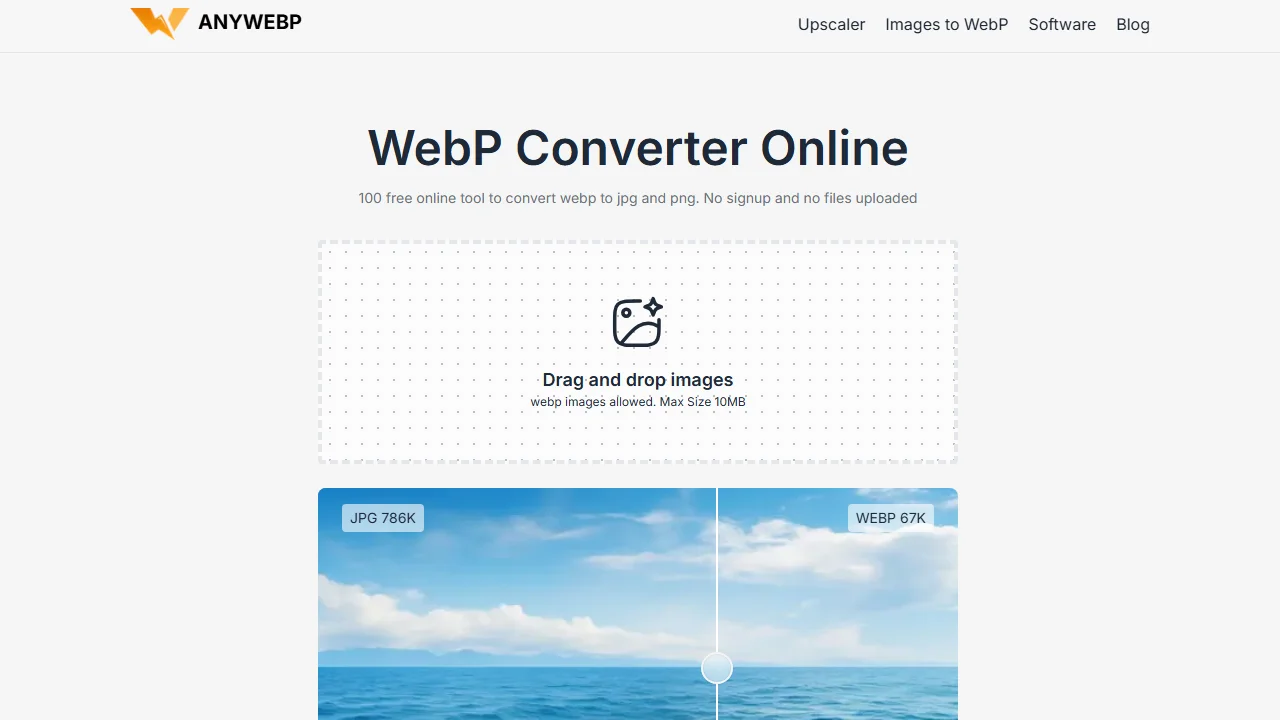
 AnyWebP
 is a powerful image conversion tool for WebP format, supporting online and offline use, and is compatible with multiple platforms including Windows and macOS.
In web design, content creation, or daily image processing, the choice of image format directly affects loading speed, storage costs, and visual effects. An efficient conversion tool can significantly boost work efficiency. As a free, multi-functional image format conversion tool, AnyWebP has become the top choice for many designers, developers, and ordinary users thanks to its flexible online and offline dual-mode design. It not only enables bidirectional conversion between WebP format and common formats like JPEG, PNG, and ICO, but also optimises processing logic for different usage scenarios, solving common pain points in format conversion such as quality loss, privacy leaks, and low batch processing efficiency.
Official website: https://anywebp.com/
For users who need to process large numbers of images, batch processing capability is a key indicator of a conversion tool’s practicality. AnyWebP supports uploading multiple image files at once for batch conversion, eliminating the need for individual operations, which greatly reduces repetitive steps and improves work efficiency. Meanwhile, the tool uses local processing mechanisms—all conversion processes are completed in the browser or local client, with no user files uploaded, fundamentally avoiding data leakage risks, which is crucial for users handling commercial project images or personal privacy photos.
In addition to batch processing and privacy protection, AnyWebP’s conversion quality is also industry-leading. It uses advanced VUE and JS technologies to process images, preserving the original image’s details and colours to the maximum extent during format conversion, with no issues of blurriness, colour distortion, or sudden quality drops. Whether for high-resolution images for printing or compressed images for web use, it meets professional requirements.
The flexibility of AnyWebP lies in its provision of two usage methods: online and offline, adapting to different scenarios and network conditions. The online version requires no download or installation—any browser works, making it suitable for ordinary users who need to convert images temporarily. The offline client is optimised for Windows and macOS systems, supporting batch conversion in offline environments, which is more suitable for designers or developers who frequently process large numbers of images, avoiding issues like network latency or file upload restrictions.
In terms of operational convenience, AnyWebP also features a minimalist design. Users only need to upload images or drag-and-drop them directly into the tool area, select the desired output format, quality parameters, and size, then click “Start Conversion” to complete the operation. The entire process requires no complex settings, so even first-time users can get started quickly. Additionally, the tool’s processing speed is considerable—one file per second, supporting image files up to 10MB, which is sufficient for most daily and professional image processing needs.
AnyWebP is designed to cover multiple user groups with different needs, making it a highly versatile tool. For web designers and front-end developers, the WebP format is currently the mainstream choice for web optimisation—it can significantly reduce file size while maintaining image quality, improving web loading speed. AnyWebP’s bidirectional conversion function helps them quickly convert images from old formats to WebP, or convert WebP images to formats compatible with older systems, adapting to different project requirements.
For ordinary users, when processing images taken by mobile phones or cameras in daily life, they often encounter format incompatibility issues—such as needing to share WebP images with friends who don’t support the format, or converting PNG images to ICO format for making icons. AnyWebP’s free feature and convenient operation can easily solve these small troubles, with no need to pay for one-time use.
In addition, AnyWebP also provides 24/7 technical support. If users encounter problems during use, they can contact customer service via email and usually receive a professional response within 24 hours. Even first-time users can get timely help to solve various questions during use. Whether it’s daily image format conversion or image optimisation in professional projects, AnyWebP can provide stable and efficient solutions to meet the diverse needs of different users.