Real-time Exchange Rate Network
Real-time exchange rate query and real-time exchange rate converter, such as real-time USD to CNY exchange rate
 ExtractPDF
Extract images and text from PDF files
In daily work and study, we often need to extract key content from PDF files, such as images, text, or even specific fonts. A good tool can greatly improve efficiency. ExtractPDF, as a free online PDF extractor, perfectly meets such needs. No software download or account registration is required — just open the webpage and use it directly, making it a practical choice for handling PDF content extraction.
Official website: https://www.extractpdf.com/zh.html
ExtractPDF’s core advantage lies in supporting multiple types of PDF content extraction, covering the most commonly used needs of users. Whether it’s images, text, or special fonts in a PDF, they can all be extracted with this tool. Different extraction types also provide convenient saving methods, adapting to different usage scenarios.
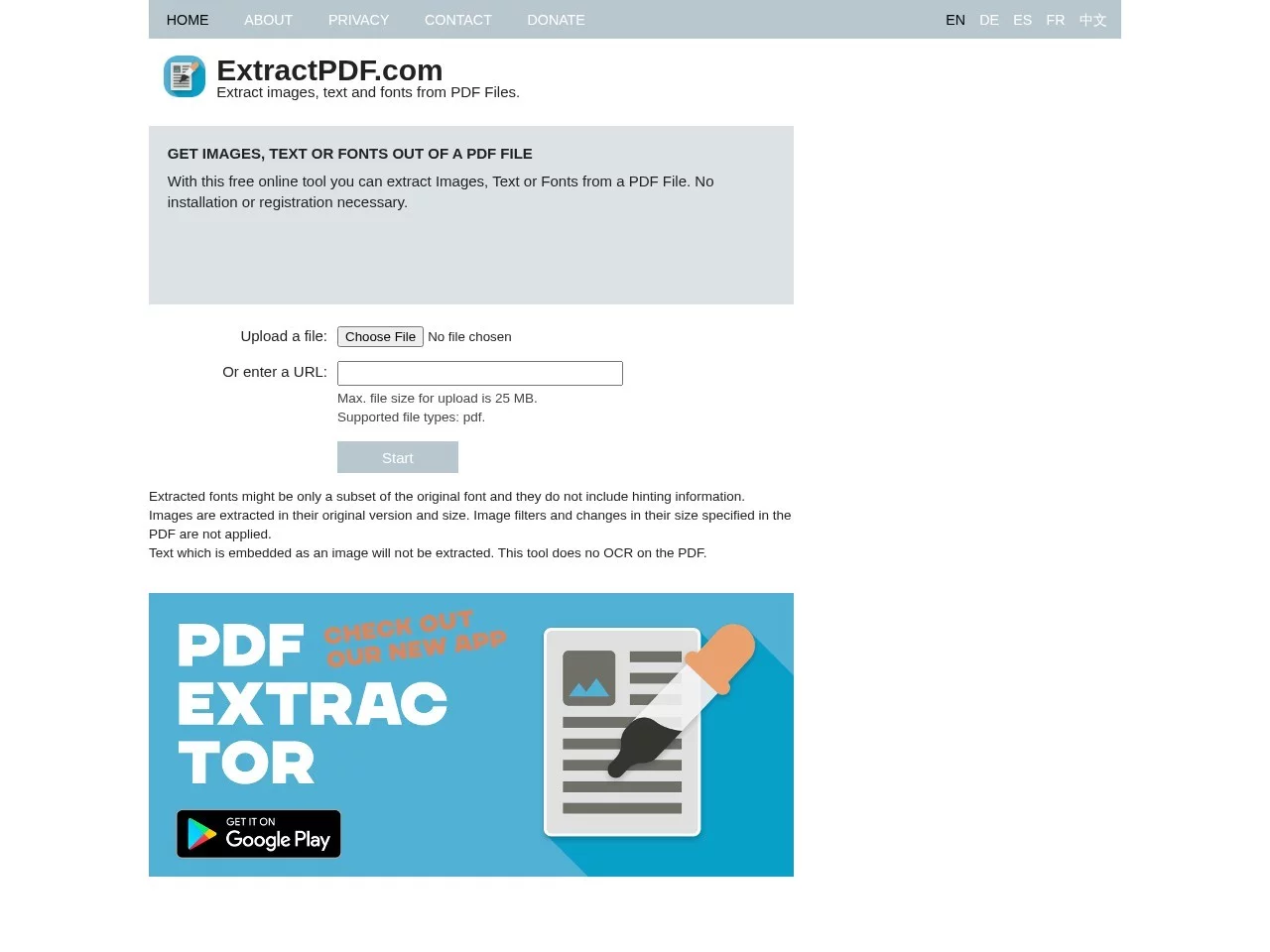
To adapt to different users’ file acquisition habits, ExtractPDF offers two file upload methods, not limited to local files. Users can either upload local PDF files directly or import files by entering the file’s URL link. For publicly accessible PDFs on the internet, they can be processed directly without downloading to the local device first, saving intermediate steps.
At the same time, this tool has clear regulations on the size of files it can process, supporting a maximum PDF file size of 14 MB. This capacity basically meets most daily PDF processing needs, whether it’s ordinary documents or small reports. Moreover, the tool supports multiple languages, and the Chinese interface makes it easier for domestic users to operate without worrying about language barriers affecting usage.
Unlike tools that require payment to unlock features or demand complex software installation, ExtractPDF is completely free, with all core extraction functions requiring no extra payment. In addition, no account registration is required throughout the process, and no client needs to be installed on the computer — just open the browser to access the tool page, upload the file, and wait a few seconds to get the extraction results. For users who only need to process PDFs occasionally, the usage threshold is almost zero.
For groups such as office workers and students who have temporary PDF extraction needs, this tool does not take up device storage space or involve cumbersome registration processes, making it the first choice for emergency PDF content processing. It can complete content extraction in a short time without delaying subsequent document organisation or content reuse.
ExtractPDF is positioned to be simple and easy to use, with no complex setting options. After users upload a file, they only need to select the type of content they want to extract to start the extraction operation. The entire process does not require professional operation skills, and even beginners using such tools for the first time can get started quickly.
It adapts to a wide range of scenarios. For example, students need to extract images and text from textbook PDFs for note organisation; office workers need to extract key content from contract PDFs; designers need to refer to font styles in other PDFs — all can be completed quickly with this tool, without wasting time on complex extraction steps, making PDF content extraction easy and efficient.