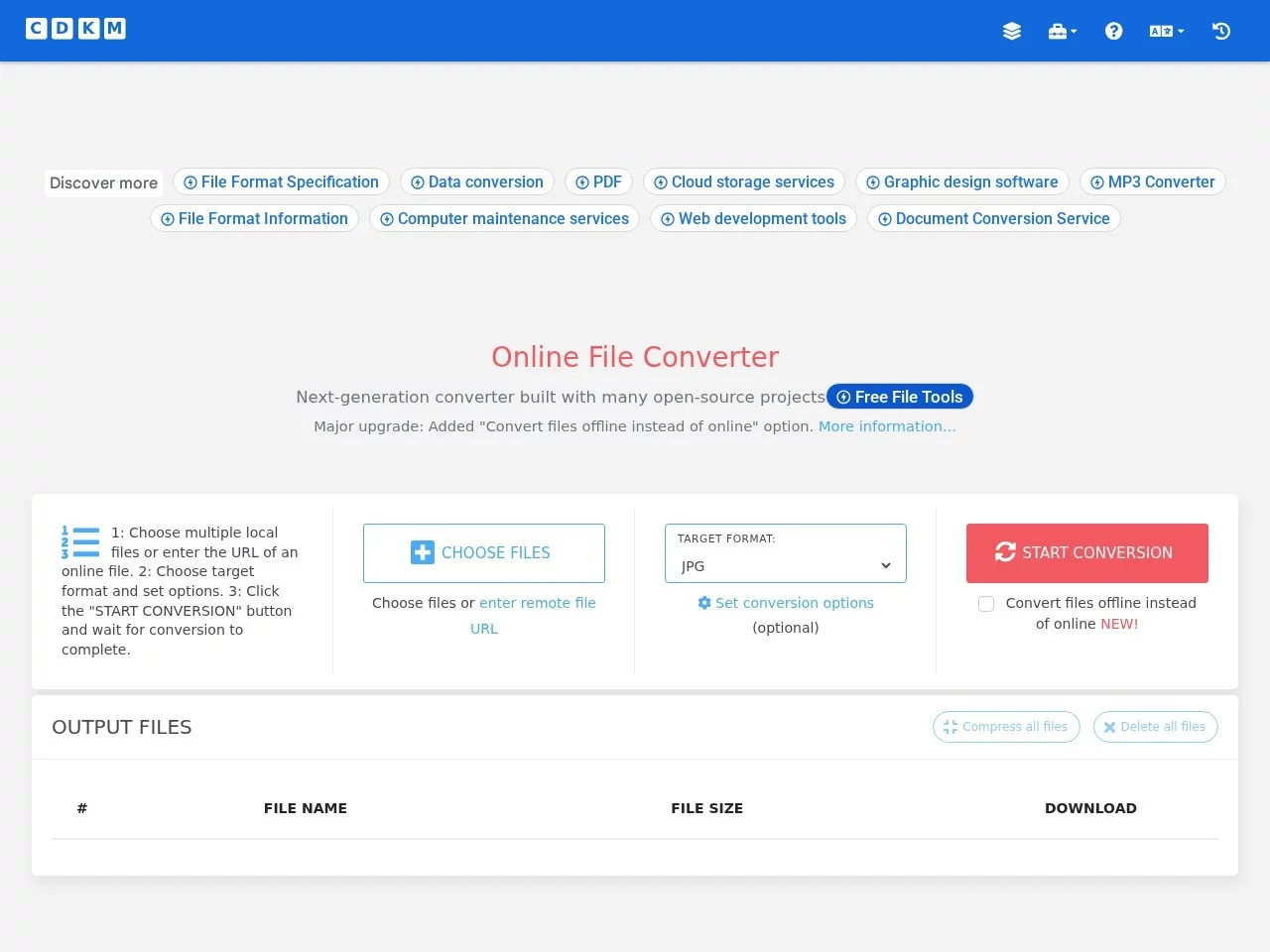
CDKMConvert files from one format to another, such as Word to PDF, PDF to JPG, EPUB to MOBI, WEBP to JPG, SVG to PNG, MOV to MP4, MP4 to MP3, M4A to MP3, etc.
Screenshots

Starting with the pitfalls of file formats I’ve encountered
Recently, I helped my club organise activity materials from previous years, and I ran into trouble with file formats. Some old textbooks were scanned PDFs that couldn’t be edited; design files sent by club members were PNGs that needed to be converted to SVGs for the printing factory; and several MP4 screen recordings of activities kept throwing errors when imported into CapCut. It took me half a day to gather usable formats. Later I realised I didn’t need to fiddle around with a bunch of software on my computer—finding the right tool would help me avoid such pitfalls.
When facing file incompatibility issues, don’t struggle through it. Choosing the right online tool can solve it quickly. Like CDKM which I started using later, it can handle format issues for documents, images, audio and video in daily use. You don’t need to install memory-heavy professional software—just open the web page and use it.
Official website: https://cdkm.com/cn/
Figure out your needs first
Don’t start clicking random functions right away. Sort out what type of file you need to convert first. I didn’t figure this out before—converting documents one moment, images the next, wasting time on repeated attempts. CDKM covers a wide range of formats, including basic ones used daily: PDF, DOC, XLS for documents; EPUB, MOBI for e-books; JPG, PNG, SVG for images; MP4, MOV for videos; MP3, M4A for audio. You don’t need to try other tools one by one.
Besides basic format conversion, some additional features can help too. For example, extract text from a PDF without typing manually; combine several images to make a digital photo album directly using the image merging function; cut video clips or compress large videos—no need to open big software like CapCut, you can do all that on CDKM, saving a lot of time.
Ease of use is key
What I value most about online tools is the low barrier to use—I don’t want to waste time registering or looking for subscriptions. CDKM does this well: no registration required, you can use all functions right after entering, no need to fill in your phone number or go through identity verification, saving a lot of trouble. If you need to convert multiple files at once, it supports batch upload. Although you can upload up to 10 files each time, it’s much more efficient than converting them one by one, no need to click the upload button repeatedly.
Another convenient thing is that you don’t have to worry about the device operating system. Whether you use Windows for work, Mac for design, or even a Linux laptop, you can open and use it as long as you have a browser. No need to download corresponding software specially, and it doesn’t take up computer space. Also, it’s an open-source project with public source code, so you can use it with confidence—no pop-up ads or secret file uploads.
Different uses for different people
Students use it in many scenarios: for example, convert scanned PDFs of textbooks to editable DOCs, so you don’t have to type from images when organising notes. For business professionals, when modifying contracts or spreadsheets, formats can get messy when opened on different devices. Convert them to a uniform format with CDKM, which works whether sending emails or printing. For designers, when converting image or video formats, it can directly meet the upload requirements of different platforms, no need to adjust parameters.
There are also a few small tips to avoid minor issues when using it. When converting files in batches, upload files of the same type together—don’t mix documents and images, which will cause disorder in the conversion order. If the video or audio is too large, compress it before converting to a smaller size, which is faster and saves data. If conversion fails, first check if the file is corrupted, or try adjusting the encoding before uploading again, which usually solves the problem.
Several practical tips
- When converting in batches, upload files grouped by type to avoid disorder in the conversion order of different formats
- When handling large audio and video files, compress them before converting to improve speed and save network bandwidth
- If conversion fails, first check if the file is corrupted, or adjust the encoding before trying to upload again
Relevant Navigation

Sina Short URL
ePub to Kindle
Smallpdf
PDFTool
Video Converter Buddy
Alltoall