AD Recommendation
Join Now
Important: Please do not trust the content and ads of various websites easily! Recommended reading: Safety Tips
Image2Pixel
Scan to visit on your phone
3wks agoupdate 1,385 00
0

Image2PixelImage2Pixel

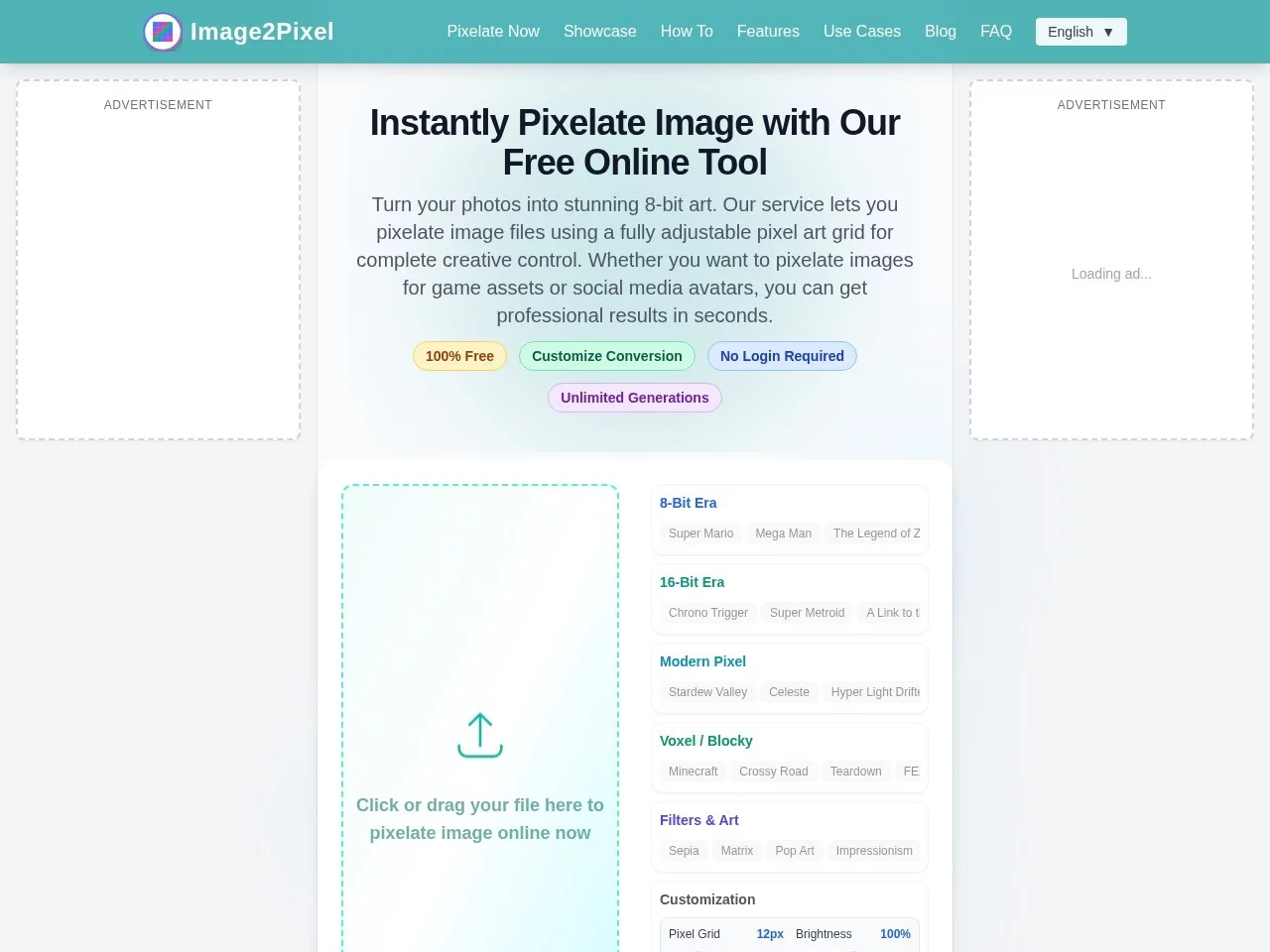
Image2Pixel is a tool for converting ordinary images into pixel art, a free online pixel art conversion tool shared by Qingcheng Navigation.


Screenshots

Image2Pixel

Want to create pixel art quickly but find complex software hard to use? Or need retro materials temporarily and don’t want to install new programs? Image2Pixel can solve these troubles for you — it’s easy to use even without professional skills.

No-download pixel art tool, ready to use anytime

Official website: https://image2pixel.online/cn/

I’ve tried many pixel art tools before — either they require installing software that takes up several GB, or the steps are so complicated it’s a headache, making them a hassle to use when you need them temporarily. Image2Pixel is different: it runs entirely on the web, works as soon as you open your browser, and doesn’t take up device memory — this is really convenient.

Since there’s no need to download, you can open and use it on any device with internet access — whether it’s a work computer, a friend’s laptop, or your own tablet — no prior preparation required.

Adjust parameters yourself, and create dynamic pixel content too

The most practical feature of this tool is that you can customise three core parameters, fully according to your needs. Higher pixel size makes the image more detailed; lower size gives a stronger retro grainy feel. In addition to the system preset palettes, you can also import custom colour files in ACT format, and choose the level of detail — you can decide whether to keep the original image details or enhance the pixel style.

Not only can it convert static images, it also supports converting GIFs into dynamic pixel memes. These retro dynamic images are widely used on social media now, and creating them this way saves far more time than using professional software yourself.

Additionally, it supports uploading files up to 10MB, has no watermark after conversion, and no usage limits — you can create as many as you want, no need to worry about restrictions from frequent use. This is very user-friendly for those who need to batch create materials.

Easy to use for both beginners and experienced users

When I first started using it, my biggest worry was that I didn’t have an art background and couldn’t do it well. But it has a real-time preview function — the image changes as you adjust parameters, so you don’t need to keep uploading and modifying, saving a lot of trial-and-error time.

Beginners new to pixel art can use it to get started without any problem; independent developers creating game characters or scene assets can quickly produce materials with it without hassle; people who love retro styles can convert daily photos or illustrations into pixel art to create a nostalgic feel.

No need to learn complex operations, no need to install software that takes up space — just open it when you want to create pixel art, and it’s enough to meet the needs of daily and small projects.

Relevant Navigation

No comments

You must be logged in to leave a comment!
Login immediately
none
No comments...