MoyuYa
Professional online PDF conversion tool, one-stop PDF solution
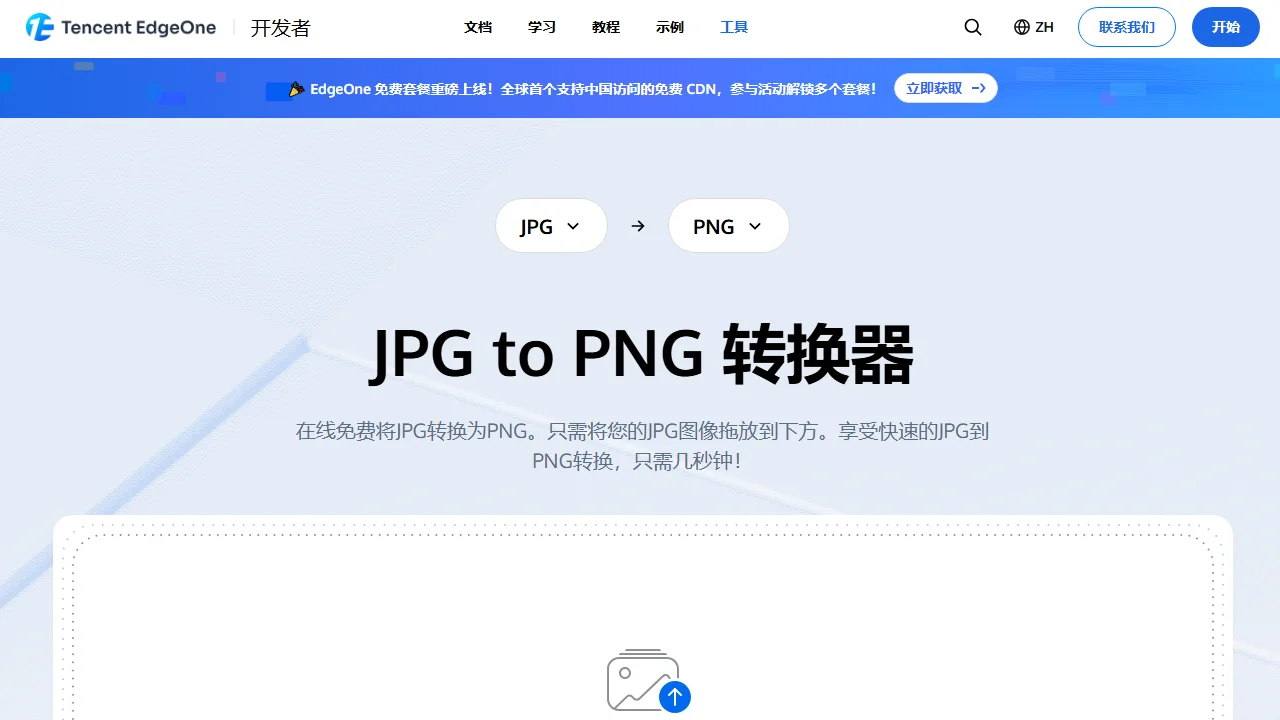
 EdgeOne Image Format Conversion
Free online image format conversion tool that supports mutual conversion between multiple image formats
In daily office work, content creation, or social sharing, the problem of incompatible image formats often troubles everyone — for example, wanting to convert a WEBP image from a web page to a PNG that supports transparent backgrounds, or encountering format chaos when batch-processing work images. The EdgeOne Image Format Conversion Tool is a free online tool designed to solve such pain points. No software needs to be downloaded or installed; you can convert multiple formats in the browser, adapting to various scenario needs from individual users to enterprise users.
Official Website: https://edgeone.ai/zh/tools/image-converter/jpg-to-png
For image format conversion tools, covering mainstream formats is the core foundation. The EdgeOne Image Format Conversion Tool supports a wide range of formats used in daily life, including WEBP, PNG, AVIF, JPG, GIF, BMP, JP2, HEIF, etc. Whether it’s web materials, original design images, or social sharing images, you can find the corresponding conversion solution. Different formats have their own applicable scenarios: for example, JPG is suitable for compressed storage photos, PNG is more suitable for design images with transparent backgrounds, and WEBP can reduce file size while ensuring image quality, allowing users to flexibly choose the target format according to actual needs.
In addition to the convenience of single-image conversion, the batch processing function is key to improving efficiency. If you need to process dozens of images at once, manually converting each one will waste a lot of time. The EdgeOne Image Format Conversion Tool supports batch upload, allowing users to add multiple images at the same time, select the target format uniformly, and click convert to complete batch operations, significantly reducing repetitive steps. It is especially suitable for enterprise users, content creators, or operators who need to process a large number of images.
For non-technical users, the operation threshold of the tool is an important selection criterion. The process design of the EdgeOne Image Format Conversion Tool is very concise, and the entire process is divided into three core steps: first, upload the images to be converted (drag-and-drop upload or click to select files is supported), then select the target format from the drop-down menu, and finally click the convert button to complete the operation. The entire process does not require registering an account, nor will it leave residual files on the local computer, which not only protects users’ image privacy but also avoids security risks brought by software installation.
Different scenarios have different requirements for image formats, and choosing the right format can optimize the user experience: if it is used for web page loading, prioritize WEBP or AVIF, as these two formats have higher compression efficiency and can reduce page loading time; if it is used for printing or design materials requiring transparent backgrounds, choosing PNG or BMP can ensure image quality; if it is used for memes or animated images, the GIF format can meet the demand for dynamic display.
When using the batch function, two points need attention: first, confirm the original format of all images to be converted to avoid incompatibility issues; second, you can check the image quality of a single image before conversion to ensure that the effect after batch conversion meets expectations, and avoid image quality loss caused by format conversion.
Compared with other similar tools, the advantages of EdgeOne Image Format Conversion Tool are mainly reflected in three aspects: first, completely free, no hidden fees or watermarks, suitable for long-term use; second, efficient and stable, even when processing large-sized images or batch images, it can maintain a fast conversion speed; third, safe and reliable, all conversion operations are completed in the cloud, will not occupy local storage, and will not leak users’ image files. Whether it is individual users processing daily images or enterprise users processing batch materials, this tool can provide stable support.