AD Recommendation
Join Now
Important: Please do not trust the content and ads of various websites easily! Recommended reading: Safety Tips
Online Converter
Scan to visit on your phone
4wks agoupdate 866 00
0

Online ConverterOnline Converter

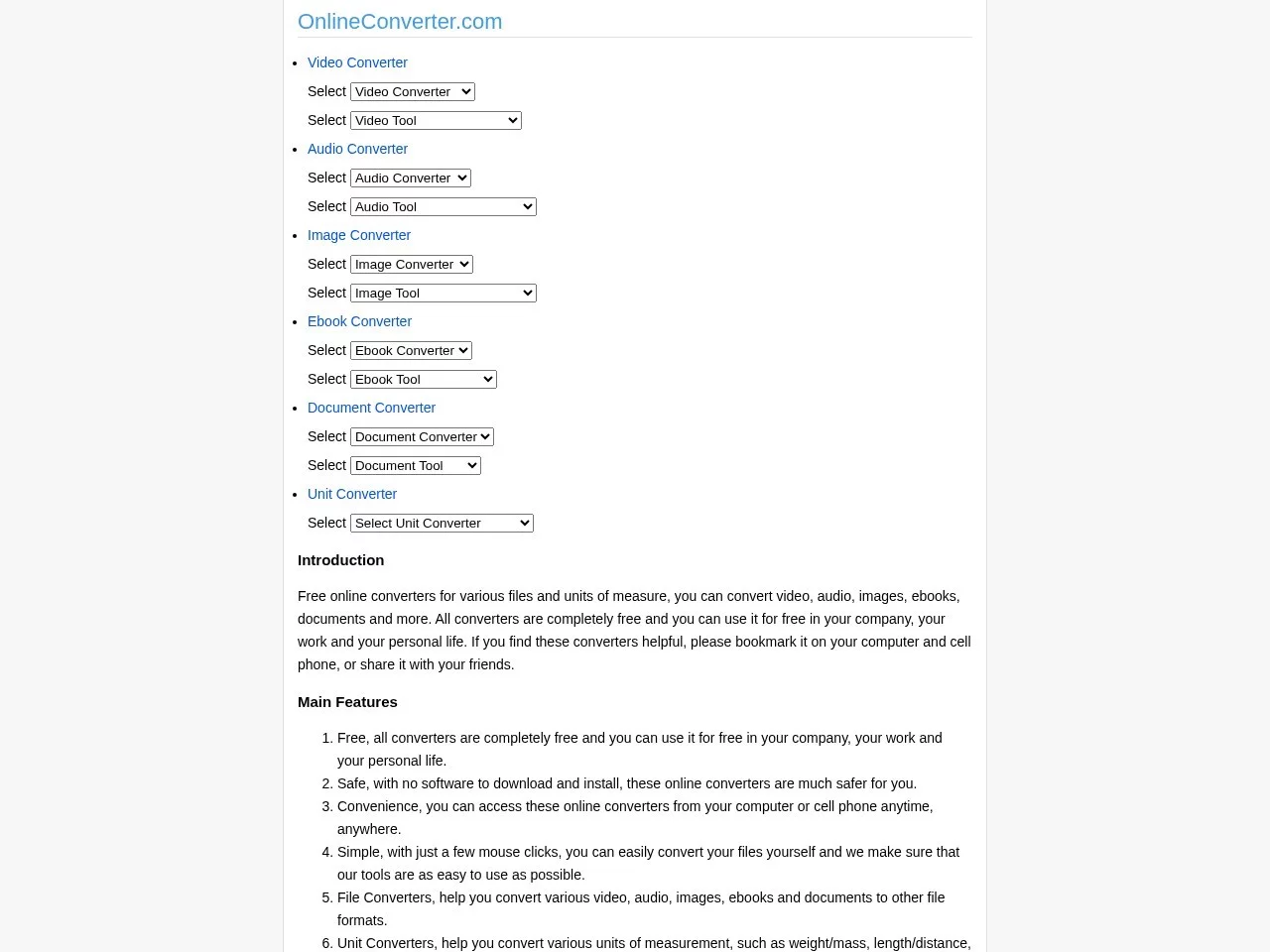
An online platform offering various format conversion services


Screenshots

Online Converter

If you need to convert a project report from Word to PDF to send to a client before finishing work, or want to transfer a MOV video stored on your phone to the conference room for projection, but can’t find a convenient tool and don’t want to install a bunch of memory-heavy software, this content will help you sort out these small issues.

When you hit format conversion snags, use this online tool to save hassle

A few days ago, I helped a colleague with an e-book. I wanted to convert MOBI to EPUB that could be read directly on a tablet, but couldn’t find a suitable conversion software after searching everywhere, and was worried the downloaded installer would have adware. Then I remembered Online Converter a friend had mentioned, tried it and found that you don’t need to install anything, just open the webpage to operate, and you don’t even need to register an account.

Its official website address is: https://www.onlineconverter.com/

That day I uploaded a MOBI file less than 20MB, selected EPUB format, and downloaded it after about 10 seconds. The whole process had no pop-ups, no payment required, and no extra steps. I managed to send the file before finishing work without any delay.

This tool is good for more than just file conversion

No need to open separate conversion websites — it can solve daily small issues

Many people only know that Online Converter can convert formats, but its unit conversion function is a hidden practical feature. Last week when I was on a business trip calculating time differences, flying from Beijing to Frankfurt, I wanted to find the corresponding local time and domestic time, so I directly selected time zone conversion on this site, entered the two city codes, and got the result in 1 second — no need to flip through a calendar and calculate for ages.

It supports a wide range of unit types, from currency and time zones needed for business trips, to weight and volume adjustments for cooking, and even pace and temperature for running. For example, when I was baking before, the recipe said ounces, but my scale only had grams. I clicked in to select weight conversion, entered the value and got the result — no need to use a calculator.

All common formats can be converted — no need to struggle to find the right tool

It can convert almost all file types you usually encounter. The MOV video stored on my phone — I wanted to convert it to MP4 to send to the work group. I clicked in to select video conversion, chose MP4 format, uploaded it and it was done after 15 seconds. The quality didn’t drop much, the size was appropriate, and it wouldn’t be compressed when sent to the group.

And for documents, like DOCX to PDF, JPG to PNG images, EPUB to MOBI e-books, even FLAC to MP3 audio — all can be operated on the same page. No need to switch between multiple tools, saving you from searching for links back and forth, and no need to worry about different conversion results from different tools.

Keep these points in mind when using it to avoid small pitfalls

Although this tool is easy to operate, some details need attention, otherwise small problems may easily occur. For example, when uploading large files, it’s best to connect to WiFi. I once uploaded a 500MB video, but it stopped halfway through using mobile data, so I had to re-upload it. Later I switched to WiFi and it finished in 30 seconds, saving a lot of time.

There’s also a small trick: if uploading multiple files at once, don’t exceed 5. I once uploaded 8 images at once, but the platform processed slowly, and it took almost 1 minute to get the result. Later I split them into two batches, 3 each time, and all were converted in 20 seconds without delay.

Additionally, it automatically deletes files after conversion. However, if it involves private things like payslips or ID card scans, it’s better not to use this. After all, no matter how secure the tool is, it’s not as reliable as processing locally. If you find it useful, add it to your browser bookmarks — next time you use it, just click directly without searching for ages.

Relevant Navigation

No comments

You must be logged in to leave a comment!
Login immediately
none
No comments...