AD Recommendation
Join Now
Important: Please do not trust the content and ads of various websites easily! Recommended reading: Safety Tips
WEBP to PNG
Scan to visit on your phone
3wks agoupdate 738 00
0

WEBP to PNGWEBP to PNG

Completely free online WEBP to PNG converter website


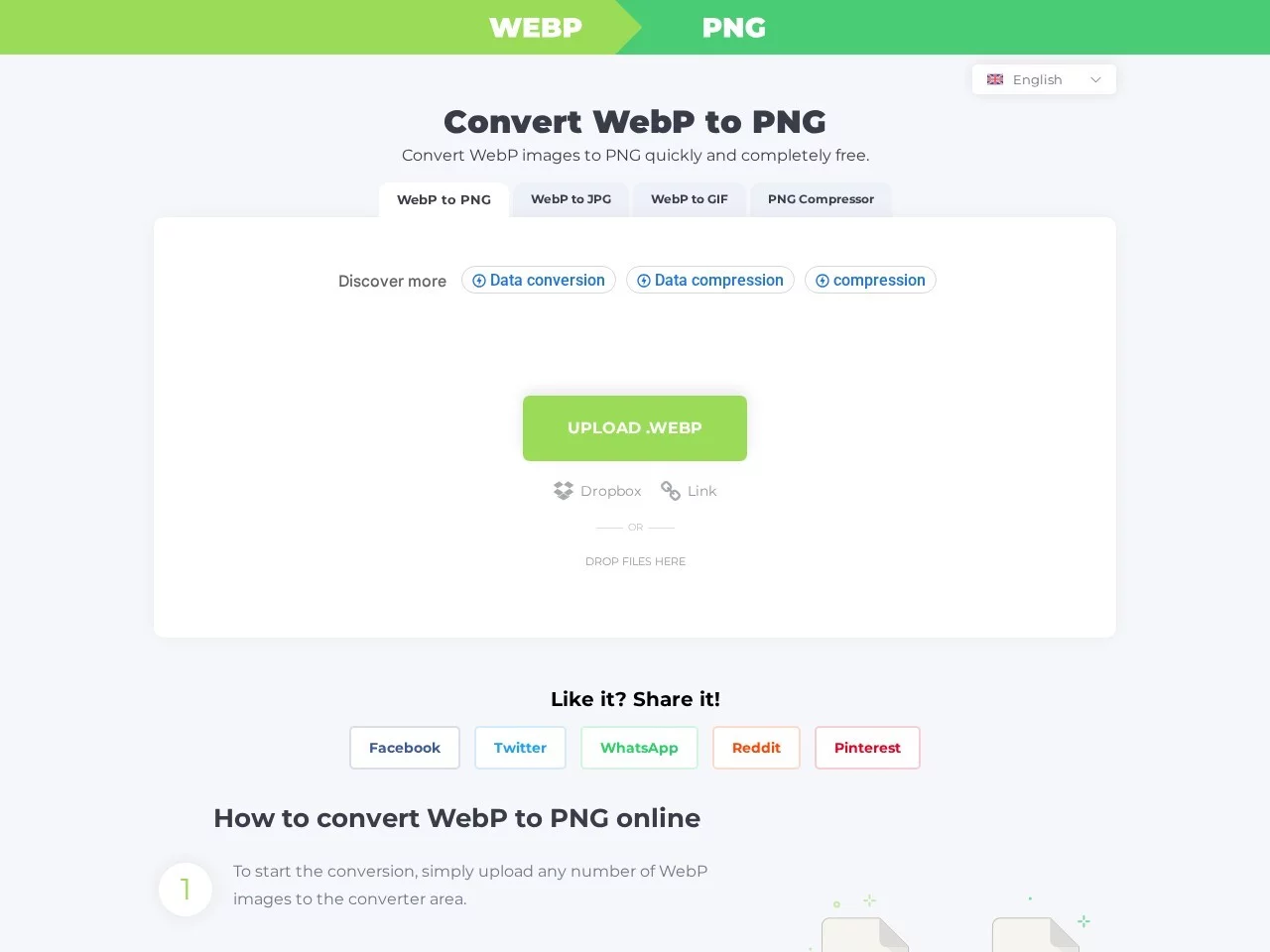
Screenshots

WEBP to PNG

Why Convert WEBP to PNG? Solve Image Format Compatibility Issues

In daily scenarios where web images are used, the WebP format, with its efficient compression features introduced by Google, has become a popular choice for web optimization — it can reduce file size by 25%-35% while maintaining image quality, performing excellently in both optimizing web page loading speed and saving mobile data. However, the limitations of this format are also obvious: many design tools, office software, or older device versions cannot directly recognize WebP files. For example, when you need to use images for printing, making transparent background icons, or modifying images in an editor that does not support WebP, format conversion becomes a necessity.

Most users get stuck in the dilemma of “finding tools is a hassle, using software takes up memory”, and the WEBP to PNG online converter exactly solves this pain point: no need to download any client, just open a browser to complete the format conversion, avoiding the tedious steps of software installation and not taking up storage space on the local device, making it an efficient choice for daily image format processing.

Official website: https://webptopng.com/cn

Core Advantages of the WEBP to PNG Online Converter

The core competitiveness of this online conversion tool lies in its ability to quickly complete WebP to PNG format conversion without reducing image quality, while meeting multi-scenario usage needs. The specific advantages can be divided into several key dimensions:

  • Zero software dependency online service: The entire conversion operation is completed within the browser, no need to install any plugins or applications, supporting all mainstream browsers such as Chrome, Edge, Firefox, with no compatibility issues with device systems or versions. It works smoothly on both Windows PCs, Macs, and Android/iOS devices.
  • Batch processing and convenient operation: Users can upload any number of WebP images at once, no need to wait for individual uploads. After clicking the conversion button, files can be processed in batches. After conversion is complete, all PNG format images can be downloaded simultaneously, greatly improving the efficiency of processing a large number of images.
  • High-quality guarantee with lossless conversion: The conversion process uses professional image encoding technology, strictly preserving the original details of WebP images, with no blurring, distortion, or color deviation. The final generated PNG file can fully restore the visual effect of the original image, meeting the needs of scenarios that require high image quality such as professional design and printing.

Practical Tips and Format Knowledge for WEBP to PNG

Daily Usage Guide

The steps to use the WEBP to PNG online converter are very simple, even new users can get started quickly: First, open the official website of the online tool, find the file upload area, drag the WebP images to be converted to the specified area, or manually click to select local files. After uploading, confirm the files are correct, click the “Convert” button and wait a few seconds, the system will automatically complete the format conversion. After conversion is complete, the page will display all converted PNG images. Users can download single images as needed, or download all in a batch package. The entire process does not require registering an account, is completely anonymous, and will not upload to third-party servers to leak privacy.

In addition to the core WebP to PNG function, this tool also provides two additional practical functions: First, it supports conversion from WebP to JPG and GIF formats, meeting format needs for different scenarios; Second, it has a built-in PNG image compression function. If the converted PNG file is too large, it can be directly compressed losslessly within the tool, further optimizing the file size for easy storage or sharing.

Differences and Applicable Scenarios of WebP and PNG Formats

Many users struggle with the differences between WebP and PNG when choosing image formats. In fact, the positioning and applicable scenarios of the two are different: WebP is a web-specific format developed by Google, focusing on efficient compression, suitable for web loading optimization and mobile image storage, which can greatly reduce page loading time and data consumption; while PNG is a universal bitmap graphic format, supporting lossless compression and transparent background, and is a commonly used format in the design field, suitable for making logos, icons, images that need to retain transparent channels, or using in office software and design tools that do not support WebP.

When you need to use WebP format images in the above scenarios applicable to PNG, you need to complete the format switch through a conversion tool — this is exactly the core value of the WEBP to PNG online converter. It helps users flexibly switch between the two formats, balancing the needs of web optimization and universal compatibility, so that image use is not limited by format.

Relevant Navigation

No comments

You must be logged in to leave a comment!
Login immediately
none
No comments...