AD Recommendation
Join Now
Important: Please do not trust the content and ads of various websites easily! Recommended reading: Safety Tips
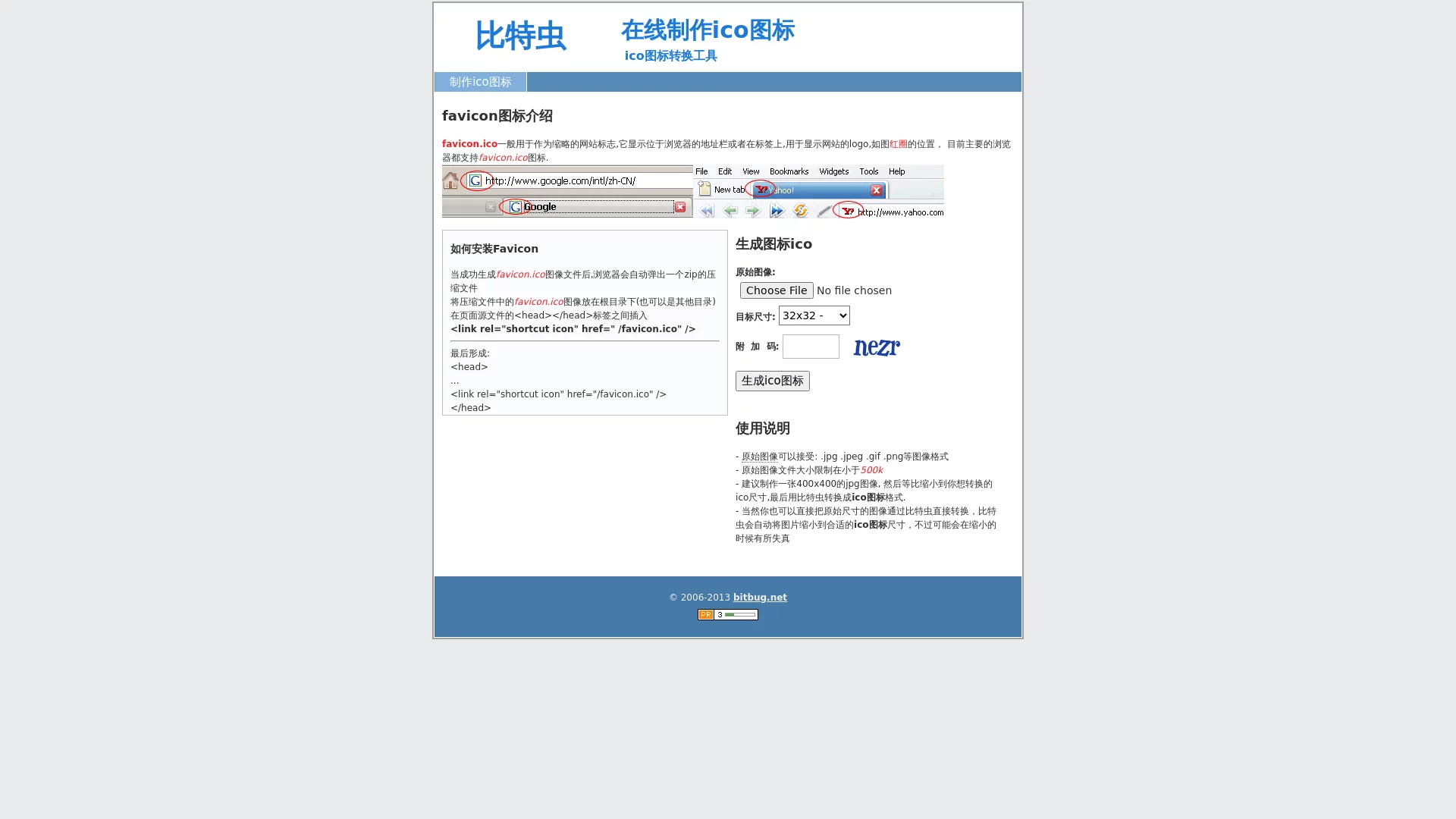
Bitbug Online ICO Icon Maker
Scan to visit on your phone
4wks agoupdate 827 00
0

Screenshots

Bitbug Online ICO Icon Maker

Bitbug is an online tool that most people choose when creating QR codes; no software installation is required — just open the webpage to use it.

First, clarify your needs

Many people don’t think clearly about what they want to use the QR code for before opening the tool — is it to be attached to product packaging, printed on business cards, or used for event promotion?

If you just want to turn your mobile number or email into a QR code, or convert a store website URL into a scannable code, the basic functions are enough. If a company needs to create QR codes for dozens or hundreds of products with corresponding information, or wants the QR codes to match the brand style, you need a tool that can handle batch processing and beautification.

The core functions of Bitbug can cover both types of needs perfectly, suitable for both personal daily use and batch production for enterprises.

Official website: https://www.bitbug.net/

Questions You Most Care About

What types of QR codes can it make?

Almost all content used in daily life can be converted into QR codes, such as plain text descriptions, web links, contact information, and file content. The QR codes it generates have fast recognition speed, are less likely to have errors when scanned, and can be used normally whether attached to physical objects or posted online.

Can the QR code be made more attractive?

Many people find the default black-and-white QR codes too monotonous. Bitbug offers many beautification options, allowing you to change the QR code’s colour, replace the border style, and add your own logo. After adjustment, the QR code retains its scannable practicality while matching your style, and will not look out of place when printed on promotional materials.

What formats can the finished QR code be saved in?

No need to worry about formats — it supports saving to common image formats like PNG, JPG, and SVG. If you just want to post on Moments or print small posters, PNG or JPG is enough; if you need to enlarge it to a large size, such as sticking on store glass, the SVG format will not be blurry and ensures clarity.

Is batch production for enterprises troublesome?

To meet the needs of enterprise users, it has a batch generation function. There is no need to fill in information manually one by one; importing the corresponding data can quickly produce a batch of QR codes, suitable for scenarios that require a large number of repeated productions such as product labels and event check-in codes, saving a lot of time.

Is it easy to use?

Many people worry that online tools are complex to operate and take a long time to learn. Bitbug has a very intuitive interface — follow the prompts, and you can complete the production in just a few steps. Even first-time users don’t need to check tutorials and can figure it out on their own.

The basic functions are completely free, sufficient for personal daily use, and don’t cost a penny. If enterprises have more advanced customization needs, such as more complex batch rules, there are paid value-added options that can be chosen as needed.

In addition, it has been very stable in operation — when generating QR codes, it will not leak the information users fill in, so you don’t have to worry about the content being taken by third parties, making it reliable to use.

Whether it’s an individual creating a contact QR code or an enterprise batch-producing product information codes, Bitbug can provide suitable tool support. With its practical functions and convenient operation, it has become a commonly used QR code processing platform for many people.

Relevant Navigation

No comments

You must be logged in to leave a comment!
Login immediately
none
No comments...