IT168
IT168 is a reliable reference site for PC building parts
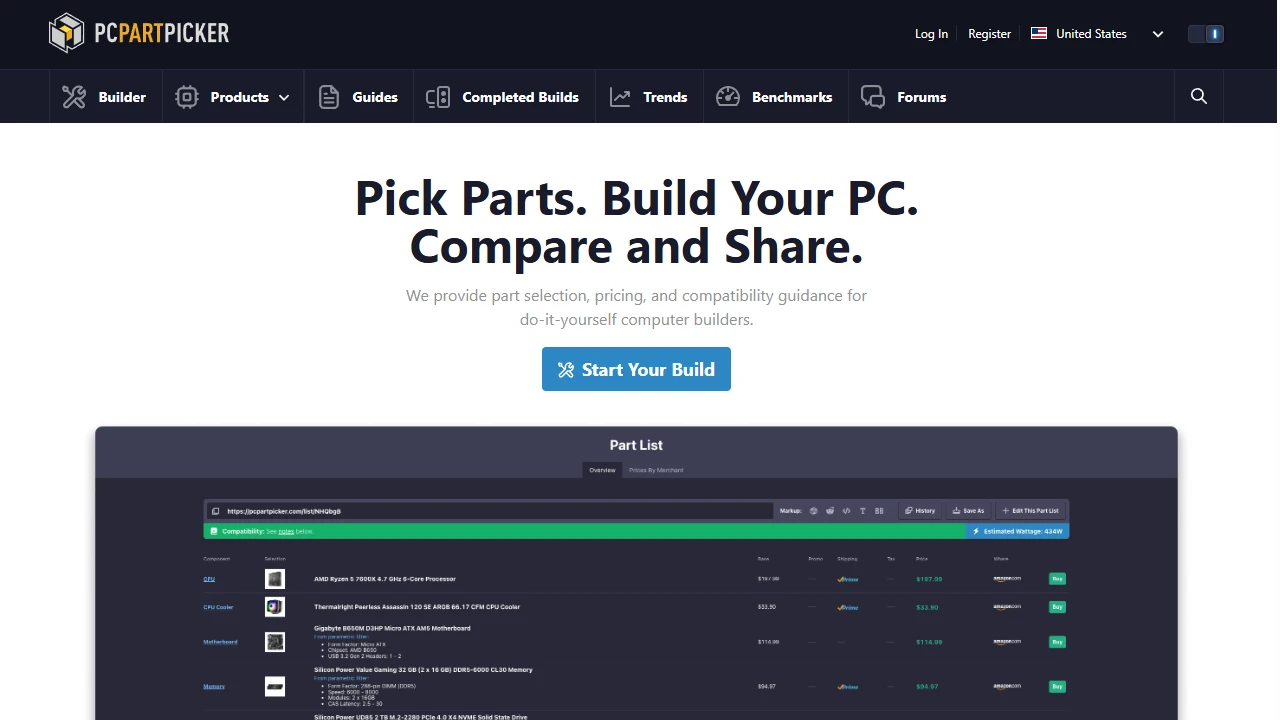
 PCPartPicker
The PC building tool PCPartPicker helps you plan your build
Official Website: https://pcpartpicker.com
When I built my own PC before, just checking part compatibility took me nearly a week. The build list I copied from a forum had a motherboard whose CPU socket didn’t match; after swapping the motherboard, I found the RAM wasn’t supported; and when checking prices, I noticed one power supply was nearly 200 yuan more expensive than elsewhere. I had to click through shopping sites one by one to read reviews, and I nearly gave up from exhaustion. It was only after a friend recommended this tool that I was saved a lot of hassle.
Speaking of pitfalls beginners often fall into, I’ve been caught out several times myself, mostly these:
The most practical thing about this tool is that you no longer have to manually check that pile of specs. **Its compatibility check is granular enough** — beyond CPU and motherboard sockets, it automatically verifies RAM type, drive bay sizes in the case, and cooler height, and even flags whether a power supply has enough connectors, so details aren’t missed the way they are with manual checking. Its power consumption estimate is also calculated across all parts together rather than just throwing out a random number, helping you determine the power supply spec in advance so you never end up with insufficient wattage.
A few features that are especially handy in use are worth mentioning. When picking parts, it automatically filters out incompatible ones instead of piling up useless options; it aggregates prices from multiple retailers, not just one, so you can see current real-time prices, and it even offers price history curves showing how a part’s price has fluctuated before. If you’d rather wait for a price drop, you can set an alert so you don’t have to check shopping sites every day. The community’s build library is full of real configurations uploaded by users themselves, not the official marketing builds, so you can refer to others’ actual experiences — for example, compatibility issues with a certain motherboard are all real pitfalls encountered by actual users.
Compared with similar tools I’ve used before, its advantages are quite obvious:
That said, there are a few things to watch out for, all pitfalls I’ve personally encountered. For example, don’t just use its default parts list — the defaults tend to be geared towards gaming, and if you do video editing and need more RAM and storage, you’ll have to adjust manually, otherwise the build won’t suit your needs. Also, when comparing prices, always check the shipping origin, not just the unit price — overseas warehouse shipping fees and customs duties can cost more than the part itself, making it a bad deal overall. Another thing: if your compatibility check crosses regions — say you pick parts from China — make sure you switch to the Chinese sub-site, otherwise the specs may be wrong, since some parts go by different names in different regions. Finally, the power estimate is a peak value and actual usage will be a bit lower; leave 100–150W of headroom when choosing a power supply, and don’t buy an oversized one — it’s a waste of money.
The people this tool suits roughly fall into a few groups. For example, PC building novices afraid of compatibility pitfalls no longer have to trawl through dozens of pages of spec threads — the tool checks all the details for you; budget-conscious builders can save a fair bit through price comparison without spending time hunting for low prices; those who like referencing real user builds can draw on the community’s actually-used configurations to avoid pitfalls; and those who want to pick their own parts rather than rely on a shop can avoid being ripped off by sellers. It’s less suitable for enthusiasts who like tinkering with niche parts, because niche components may not be in the platform’s database, making compatibility checks impossible — you’d have to verify the specs yourself, which is rather troublesome.