
GIGABYTE
Hands-on experience with the GIGABYTE official website and practical PC-building tips
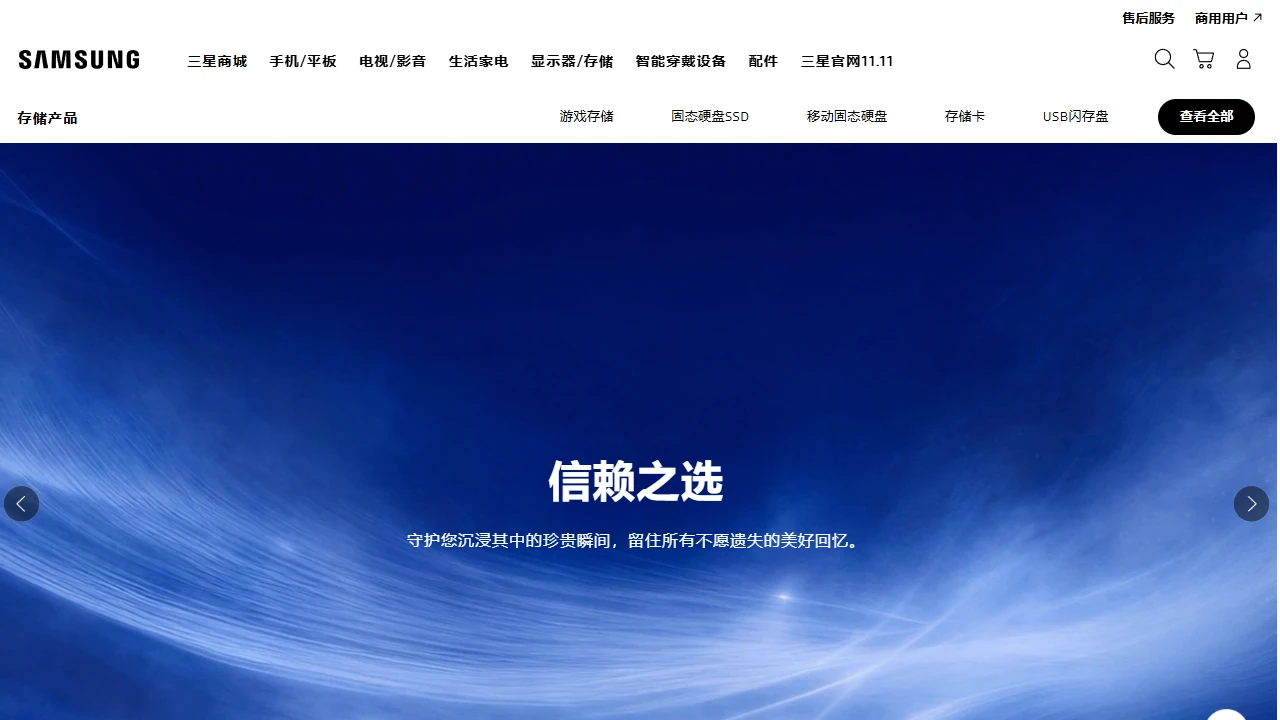
 Samsung Storage
Sharing practical information about Samsung Storage’s official channels
Official website: https://www.samsung.com.cn/memory-storage/
My three storage upgrade experiences all relied on this channel to avoid many pitfalls. For my first PC build, I took a shortcut and downloaded Samsung SSD management tools from a third-party software site — not only did it come with bloatware, but I accidentally deleted half a game folder during data migration. I later found out the problem was that the third-party tool didn’t support the protocol of my genuine SSD. Most friends who are new to PC building have stepped on similar mines: either downloading ad-ridden tools from the wrong source, focusing only on popular products and ignoring compatibility needs for older machines, or messing up firmware and crashing hardware.
Several common mistakes beginners make are all pitfalls from taking shortcuts: first, searching for software randomly without checking if the source is official; second, assuming the official website only has information on popular products, not knowing that technical documents for older SSDs and RAM modules are also complete; third, downloading firmware without checking the serial number, using a generic version randomly, and even after problems occur, after-sales service can’t coordinate.
The core value of this channel is not just simple product display, but accurate information directly from the official. For example, temperature control and write lifespan of popular SSDs — third-party reviews only give approximate values, but here you can see the official-measured extreme environmental parameters, as well as compatibility instructions for different motherboards. Last time I was looking for firmware for a friend with a B550 motherboard, it clearly marked the exclusive patch for the corresponding chipset. After flashing, the SSD’s idle temperature dropped by 5 degrees Celsius, and third-party tools couldn’t detect this exclusive optimization for this batch.
The three most practical functions after using them in detail are: first, SSD data migration — the built-in tool can automatically identify the current motherboard’s NVMe protocol version, and also reminds in advance to back up sectors with bad tracks, which is far more compatible than third-party tools; second, health monitoring — you can see the official estimated lifespan, not the vague percentages from third parties; third, RAM module compatibility — when upgrading older machines, the parameters here are tested for domestic motherboards, unlike other channels that only provide generic specifications.
The advantages over similar platforms are also obvious: parameters on DIY forums are mostly copied or pieced together, while the technical documents here are organized by engineers without exaggeration; small brand official websites take half a year to update firmware, but here firmware for each product is updated with batches, so you don’t have to search everywhere; drivers and tools on third-party software sites come with bloatware, while the software here is clean, with no useless stuff installed after.
This channel is suitable for three types of people: first, DIY enthusiasts who build PCs frequently and need precise firmware and exclusive tools; second, those upgrading RAM or SSD on older machines who want compatible parameters and avoid pitfalls; third, ordinary users who are afraid of viruses or bloatware in third-party software. Don’t underestimate this channel — many exclusive optimizations and parameters from the official are not available on third-party platforms, which can save you a lot of time and avoid many pitfalls like data loss or firmware flashing errors.